If you’ve ever wished your automations could produce studio‑quality videos on demand, this guide is for you. In a few steps, you’ll wire up Scrptly’s AI Video Agent inside n8n so any prompt (plus optional context images) becomes a finished ad, product showcase, explainer, or short film—completely automated.
Scrptly turns a single prompt into a fully edited video with character and environment consistency, narration, scene generation, and final cuts—ideal for long-form content and programmatic workflows. Explore Scrptly at https://scrptly.com/
What you’ll build
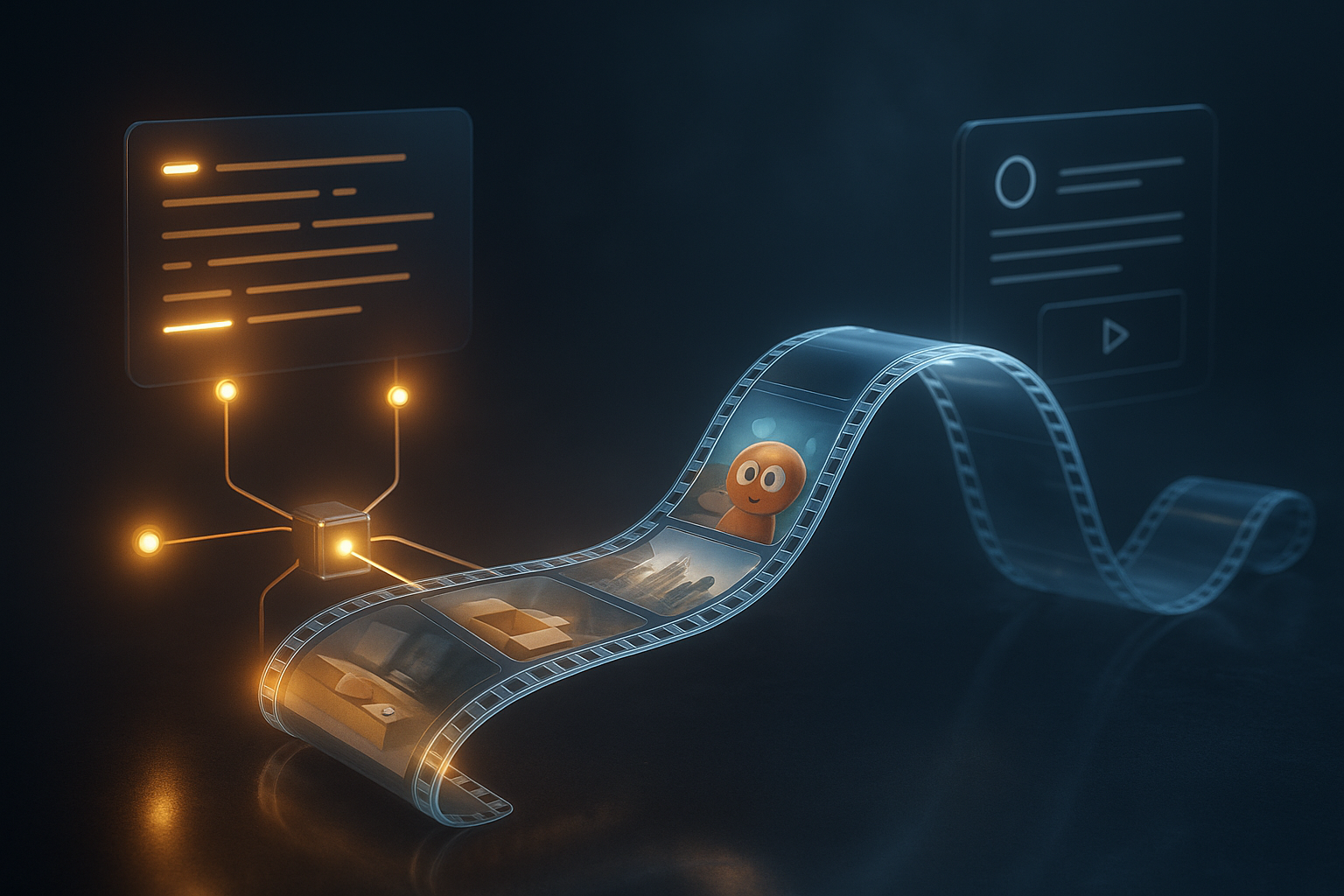
- A reusable n8n workflow that takes a prompt and optional images, calls Scrptly’s AI Video Agent, and returns a final video file.
- Variants for on-demand via Webhook and scheduled batch creation.
- Output routing to cloud storage or social posting.
Why Scrptly for n8n
- Long-form consistency: Characters, products, and environments stay consistent across scenes.
- Zero manual editing: Research, screenplay, scenes, narration, and editing are handled by AI.
- Developer-friendly: API, MCP server, and a dedicated n8n community node. Details at https://scrptly.com/
- Works from just two inputs: a prompt and optional context images.
Prerequisites
- An n8n instance with Community Nodes enabled.
- A Scrptly account and API key: get started at https://scrptly.com/
- Install the Scrptly n8n node: n8n Settings > Community Nodes > Install New > n8n-nodes-scrptly (GitHub: https://github.com/ybouane/n8n-nodes-scrptly)
Step-by-step: Generate AI videos in n8n 1) Create a trigger
- On-demand: Webhook trigger (POST) to accept a payload like:
{
  "prompt": "Create a UGC-style unboxing of our skincare bundle with gentle daylight aesthetics, 30-45s, portrait.",
  "contextImages": [
    "https://example.com/images/skin-bundle-front.jpg",
    "https://example.com/images/skin-bundle-open.jpg"
  ],
  "length": "40s",
  "orientation": "9:16"
}
- Scheduled: Cron trigger (e.g., daily at 9 AM) to generate recurring content.
2) Add the Scrptly node
- Node: Scrptly (AI Video-Agent)
- Credentials: Add your API key under Credentials > New > Scrptly API.
- Parameters:
- Prompt: Map to {{$json.prompt}} or paste a static prompt for your use case.
- Context Images: Map to {{$json.contextImages}} (optional).
- Approve Up To: Set a reasonable budget in tokens (e.g., 10000 default; raise for longer films).
- Wait For Completion: On for simple flows. Off if you prefer async/polling.
Example prompt you can paste into the node:
Generate a cinematic 45-second product reel showcasing a premium leather bag. Start with a soft macro of stitching, then reveal full product shots in natural window light. Include a dynamic lifestyle scene in a city café, and close with a compelling CTA overlay. Keep a warm color grade, subtle jazz soundtrack, and crisp product text callouts. Portrait 9:16 for Reels/TikTok.
Tip: Define style, length, aspect ratio, tone, camera moves, and any voiceover/narration guidance. Scrptly can match your instructions, and will design characters, environments, narration, and editing.
3) Handle outputs
- With Wait For Completion on, the Scrptly node returns the final video URL or binary.
- Common next steps:
- Upload to S3/Cloud Storage using the respective nodes.
- Send to social via API (e.g., a custom HTTP Request to your posting service).
- Notify via Slack/Email with the video link.
Async variant (optional)
- Turn off Wait For Completion to return a task ID immediately.
- Store task ID (in a queue DB or pass to another workflow).
- Create a polling workflow that calls the task status endpoint via the Scrptly node or HTTP Request until status=completed, then proceeds to upload/post.
Best-practice prompt patterns
- E-commerce ad (UGC feel):
Create a 30-second UGC-style vertical ad featuring a genuine first-time unboxing of our eco-friendly sneakers. Include close-ups of texture and sole, a quick on-foot test, and a final overlay with price and discount code. Bright, natural lighting, handheld feel, light background music, captions on.
- Explainer/education:
Make a 60-second animated explainer about how whales communicate with songs. Use clear infographics, layered ocean scenes, gentle narration, and captions. Calm blue palette, friendly yet accurate tone, 16:9.
- Short film/entertainment:
Produce a 2-minute cinematic short about a fox learning to fly. Lush forest environments, whimsical score, character consistency across scenes, subtle humor, and a hopeful ending. 21:9 cinematic.
Keeping characters and products consistent
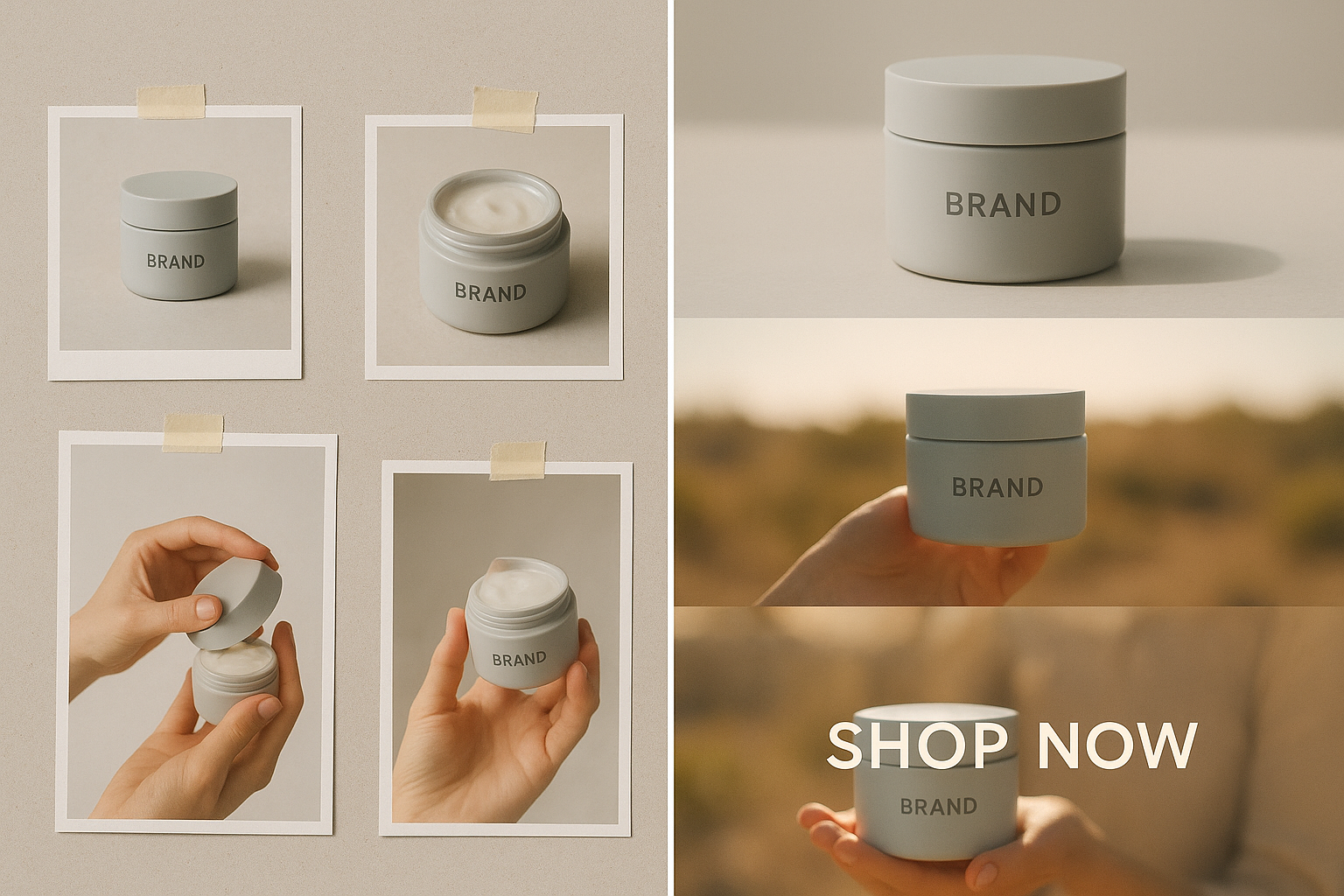
- Provide context images of your product or characters. Scrptly’s AI Agent uses them to maintain continuity across scenes—crucial for long-form videos.
- Reuse the same reference image set for episodic content.
- Be explicit: name characters, specify wardrobe/colors, define recurring environments.
End-to-end example workflow (on-demand via Webhook)
- Webhook (POST): receives prompt, length, orientation, contextImages.
- Scrptly (AI Video-Agent): maps fields and generates the video.
- If completed: Upload to S3 (or Drive) and return the public URL in the Webhook response.
- If error: Route to a fallback branch that sends an alert and a retry instruction.
Field mapping tips in n8n
- Prompt: {{$json.prompt || 'Create a 30s product reel highlighting key benefits and close-ups.'}}
- Context Images: Ensure an array. Use IF node to handle missing images.
- Orientation/length: You can append to the prompt string for clarity, e.g.,
- {{$json.prompt}} +
Portrait ${$json.orientation || '9:16'}, about ${$json.length || '30s'}.
Quality and speed tips
- Be specific but concise; define 5–8 key beats for the video.
- Set token budget (Approve Up To) higher for multi-scene or narrative pieces.
- For social, specify portrait 9:16 and durations under 60 seconds.
- For documentaries/long-form, include chapter beats and interview/narration cues.
Developer extras
- Prefer code? Use the Scrptly API or Video Development Kit to script video generation beyond n8n.
- Quick start (Node.js):
import Scrptly from 'scrptly';

Scrptly.setApiSettings({
  apiKey: process.env.SCRPTLY_API_KEY,
});

const task = await Scrptly.videoAgent.create({
  prompt: 'Create a 60-second documentary-style clip on glacier melt with data overlays, calm narration, and cinematic b-roll. 16:9.',
  contextImages: ['https://example.com/glacier1.jpg']
});

// Optionally poll until completed, then retrieve URL or binary and distribute.
- Learn more and explore integrations (MCP server, n8n node, API): https://scrptly.com/
Common troubleshooting
- No output video? Increase token budget or simplify prompt; ensure images are reachable via public URLs.
- Inconsistent look? Provide clearer context images and name your characters/locations in the prompt.
- Timeout in n8n? Switch to async mode: disable Wait For Completion and poll for status.
Use-case templates you can copy
- Product launch reel: "Generate a 35-second vertical reel announcing our new smartwatch. Start with macro shots underwater, then daily-use scenes, overlay features and price, end with CTA. Crisp, modern, high-contrast lighting, electronic score."
- Lifestyle montage: "Create a 45-second cozy fall coffee montage with macro pours, latte art, window rain, warm tones, soft piano, captioned tips for better brews at home."
- Research snippet: "Produce a 60-second explainer on how the Silk Road shaped trade, with animated maps, archival-style textures, and calm narration."
Next steps
- Install the Scrptly node and run your first automated video in minutes: https://scrptly.com/
- Browse the open-source n8n node: https://github.com/ybouane/n8n-nodes-scrptly
- Scale with prompts, context images, and schedules to build a fully automated content engine.
Final thought When your workflow can turn a single sentence into a finished, consistent video—ads, explainers, shorts, even documentaries—you unlock an always-on creative pipeline. Scrptly’s AI Video Agent inside n8n makes that pipeline reliable, flexible, and fast. Build it once; generate on demand forever.
Comments
Post a Comment