If your Shopify blog goes quiet, it usually is not because blogging stopped mattering. It is because every post asks for the same pile of work: a topic, a search angle, product context, visuals, links, and a publishing step. That is exactly the kind of repetitive work Supra Blog Automation is meant to handle inside Shopify.
The app is built for merchants who want SEO-focused blog posts without manually starting from zero every time. You can generate a single post, set a recurring automation, choose product-aware content, use AI-generated or product-based visuals, and either publish immediately or save a draft for review.
Here is the simplest way to make that workflow useful instead of generic.
What A Good Automated Shopify Blog Workflow Needs
A useful workflow starts with a real business goal, not a blank prompt. Are you trying to support a new collection, explain a product category, answer common buyer questions, or keep your blog active for SEO? If you do not decide that up front, the result usually sounds like generic AI copy with no reason to exist.
That is why product context matters. A post about a real product or collection gives the article something concrete to say: who it is for, what problem it solves, how it compares, and what to link to next. Supra Blog Automation is designed around that idea. It supports product-aware content, built-in SEO structure, internal links, and flexible publishing control.

Step 1: Start With The Product Or Collection
The strongest ecommerce blog posts usually begin with something already in the store. A new launch. A seasonal collection. A best-seller. A category that needs explanation. That keeps the article grounded in what the merchant already sells instead of drifting into broad advice that never helps a buyer move closer to a product page.
A good prompt should include the product, the goal, the tone, and the kind of reader problem you want to solve. For example, a store selling candles does not need a giant theory essay on fragrance trends. It needs a post that helps someone choose the right scent, understand the materials, or compare use cases.
That is also where automated publishing helps. If the content plan is recurring, you can keep the blog active on a weekly or monthly cadence instead of waiting for a perfect moment that never comes.
Step 2: Turn Search Intent Into A Useful Outline
Once the product is clear, the next job is search intent. What does someone actually want when they land on this post? A comparison? A checklist? A how-to guide? A buying guide? A problem/solution article?
Supra Blog Automation is set up to generate SEO-focused structure, metadata, clean headings, and topic focus. That matters because the outline shapes the entire post. A searcher who wants "best" is not looking for the same thing as a searcher who wants "how to".
The workflow should make that difference visible in the structure, not just the title.
Step 3: Use Visuals That Support The Story
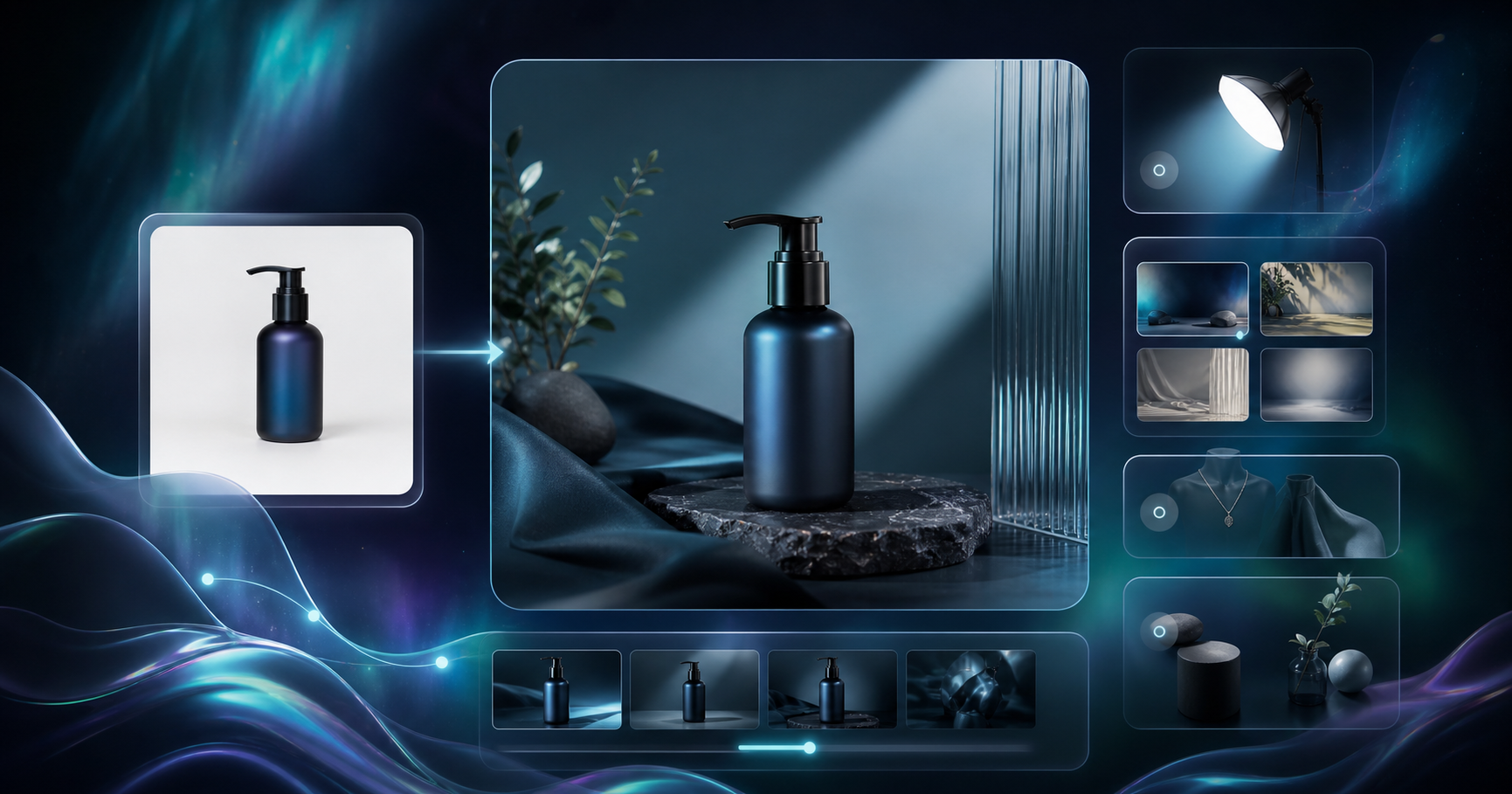
Ecommerce readers respond better when the article looks like it belongs to the store. That does not mean stuffing in random stock photos. It means choosing visuals that explain the process: product photos, generated images, stock images when they fit, and AI visuals based on the actual product context.
The blog automation workflow gets stronger when the image choices are deliberate. A banner image sets the mood. Inline images should help the reader move through the article. If you are showing a content workflow, the images should feel like the workflow. If you are writing a buying guide, the visuals should make the product easier to understand.

If your raw assets need work before the blog can use them well, these related guides help a lot:
- How to Create Studio-Quality Shopify Product Photos From Plain Shots
- How to Turn One Shopify Product Into Five UGC Video Ads
- How to Add Color Swatches to Shopify Collection Pages Without Code
- How to Bulk Edit Shopify Products and Variants Safely
Those posts are not about blog automation itself, but they solve the upstream asset problem. Better product photos, cleaner merchandising, and more organized catalog data make it much easier to write a post that feels specific and useful.
Step 4: Set Up A Recurring Publishing Cadence
The biggest advantage of automation is not speed on a single article. It is consistency over time. If you can schedule daily, weekly, or monthly publishing, the blog keeps doing the boring work of staying alive for SEO.
That consistency matters because a quiet blog often signals a weak content strategy, even when the store has plenty to say. A recurring workflow lets you plan content around launches, seasonality, collections, and customer questions without rebuilding the process every time.
This is the point where the automation should feel like a system, not a one-off draft generator.
Step 5: Keep Human Review Where It Matters
Automation should reduce manual effort, not remove judgment. I would still review product claims, pricing-sensitive statements, compliance-sensitive topics, and anything that depends on current inventory or policy details.
That is why the "publish immediately or save as draft" choice matters. Some posts are fine to auto-publish after reviewable inputs are set. Others should be drafted first so a human can check accuracy, tone, and any links that point to live products or collections.
If you want a preview of what a product-aware article can look like, this kind of composition works well:

The Simple Rule To Follow
A good Shopify blog workflow should do three things at once:
- Turn a real product or collection into a useful topic.
- Shape the article around search intent and internal links.
- Publish on a schedule without forcing you to start from zero.
If you keep those three pieces together, the blog stops feeling like an extra chore and starts acting like a system that supports product discovery.
Final Take
If you are running a store with limited time, the goal is not to write more for the sake of it. The goal is to publish useful posts that tie back to the products you actually sell.
Supra Blog Automation is built for that exact job: on-demand post generation, recurring automations, SEO structure, product-aware content, and flexible publishing control. If you want to test it with low risk, the free plan includes 3 AI blog posts per month, built-in SEO and internal linking, and advanced image generation.
Start with the app listing, generate one draft around a real product, and see whether the workflow saves time without making the blog sound generic.
Learn more on the Supra Blog Automation landing page or install it from the Shopify App Store.
Comments
Post a Comment