If you’ve ever wished you could trigger a complete, long-form video production from a single workflow, this guide is for you. With Scrptly’s AI Video-Agent and an official community node for n8n, you can turn prompts and context images into polished ads, product showcases, explainers, or short films—automatically.
Scrptly handles the heavy lifting behind the scenes using a swarm of specialized AI sub-agents (screenplay, narration, character design, editing, and more). You bring the prompt, n8n brings the orchestration, and Scrptly delivers a finished video ready to publish.
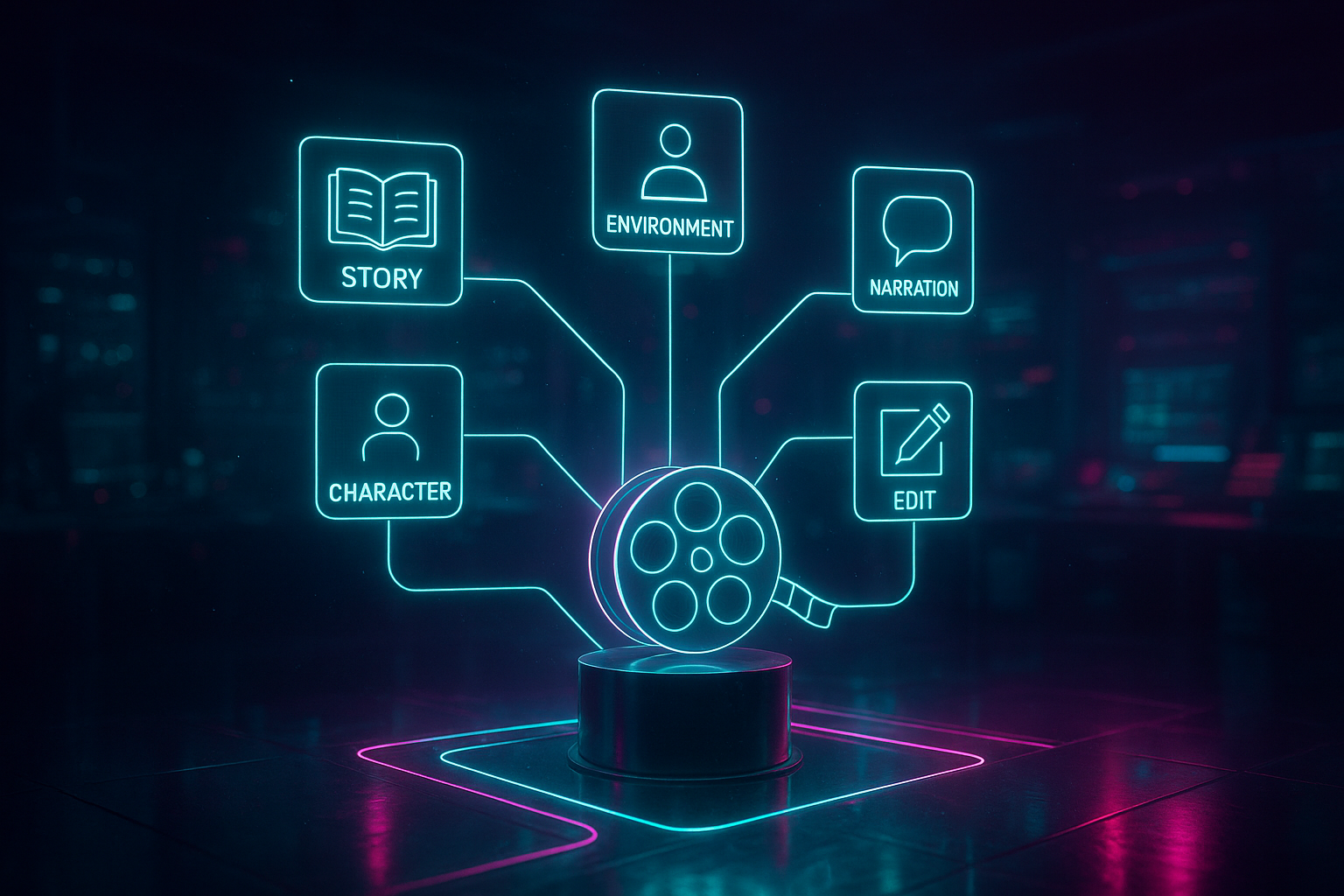
Why n8n + Scrptly for long-form videos?
- Long-form consistency: Scrptly excels at coherent character and environment continuity across many scenes.
- No manual editing: Provide a prompt (and optionally context images). Scrptly outputs a completed video.
- Automation-native: Use the Scrptly node in any n8n workflow for on-demand, scheduled, or event-driven video generation.
- Scales with your stack: Push outputs to Drive, S3, YouTube, Slack, CMSs, and more.
Quick links:
- Try Scrptly: https://scrptly.com/
- Developer platform overview: https://scrptly.com/
- n8n community node (source + docs): https://github.com/ybouane/n8n-nodes-scrptly
What you’ll build
- A reliable n8n workflow that generates long-form AI videos from a structured prompt.
- Optional inputs for context images (e.g., product shots for ecommerce), format, and budget.
- Automatic publishing steps (e.g., upload to Drive/YouTube and notify your team).
Who this helps
- Ecommerce and agencies: Generate consistent UGC-style product videos, seasonal ads, and multi-variant creatives.
- Creators and educators: Produce explainer series, tutorials, or narrative shorts at scale.
- AI builders and dev teams: Integrate programmatic video creation into data pipelines and apps.
Step-by-step: Generate long-form AI videos in n8n 1) Prerequisites
- An n8n instance (self-hosted or cloud)
- A Scrptly account + API key: https://scrptly.com/
- Optional: A folder of context images (product shots, logos, reference scenes)
2) Install the Scrptly node
- In n8n, go to Settings > Community Nodes > Install New.
- Search for n8n-nodes-scrptly and click Install.
- Confirm and restart n8n if prompted.
3) Create the workflow
- Add a trigger:
- Schedule: Run daily/weekly to batch-generate content.
- Webhook: Accept prompt payloads from your app or CMS.
- Airtable/Google Sheets: Pull prompts from a content calendar.
4) Add and configure the Scrptly node
- Credentials: Create a new credential and paste your Scrptly API key (from your Scrptly account page).
- Parameters:
- Prompt: Provide a detailed brief that includes story beats, duration, aspect ratio, style, and voice/tone.
- Context images (optional): Use files from previous nodes or URLs; Scrptly will preserve character and object consistency throughout the video.
- Approve Up To (budget): Set an upper bound for generation (default is 10,000 tokens). Increase for longer/more complex stories.
- Wait For Completion: On by default. Keep it on to receive the final video immediately; turn off to return a task ID and handle completion later (useful for very long jobs or high throughput).
5) Post-process the result
- If Wait For Completion is ON, the node returns the final video and metadata, which you can:
- Upload to Google Drive, Dropbox, or S3.
- Publish to YouTube, TikTok, or a headless CMS.
- Send to Slack/Email for approvals.
- If Wait For Completion is OFF, capture the task ID, store it, and run a follow-up workflow to poll for status and fetch the final video when ready.
6) Add distribution + notifications
- Branch to multiple destinations: e.g., upload to S3 and YouTube in parallel, then post links to Slack.
- Include error handling with n8n’s Error Trigger and retry logic for robust automation.
A proven prompt framework for long-form consistency Use this template as a starting point in your Scrptly node’s Prompt field:
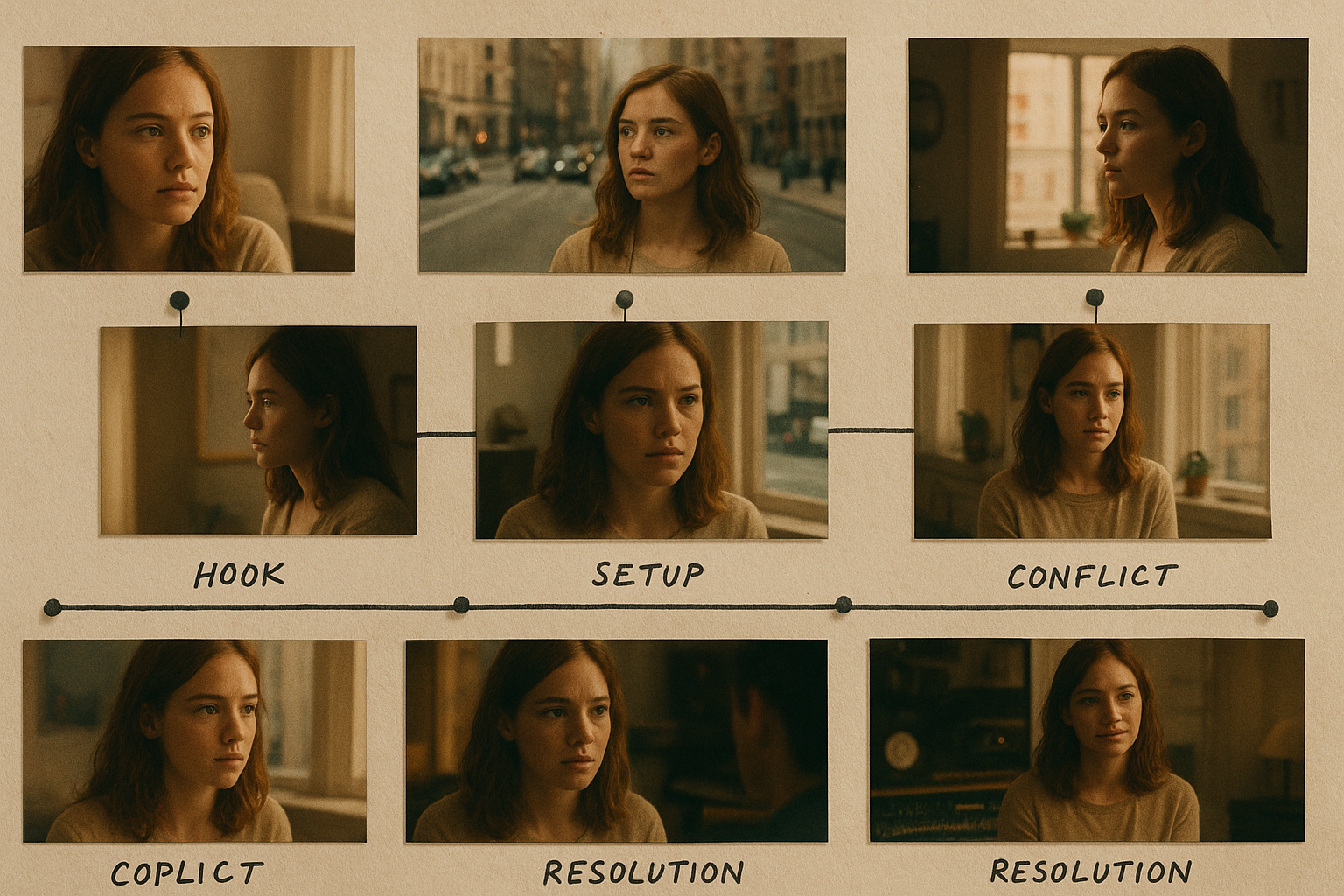
Story: A 6–8 minute video about [topic]. Focus on [key themes] with a clear beginning, middle, and end. Characters: Name and describe [1–3 characters], including visual traits and roles. Keep character designs consistent throughout. Style: [cinematic / documentary / anime / UGC / educational]. Aspect ratio: [16:9 or 9:16]. Color palette: [describe]. Pacing: [steady / fast / contemplative]. Structure:
- Hook (0:00–0:20): [what grabs attention]
- Act I (0:20–2:00): [problem or premise]
- Act II (2:00–5:00): [exploration, obstacles, demonstration]
- Act III (5:00–7:30): [resolution, takeaway]
- CTA (last 15s): [what the viewer should do next] Narration: [voice characteristics]. On-screen captions enabled. Include natural pauses. Visual direction: Cinematic camera moves (wide, close-up, tracking). Insert b-roll of [topics]. Use transitions [type]. Consistency: Use any provided context images for [product/brand/environment] in every relevant scene. Music/SFX: [mood]. Avoid overpowering dialogue. Output: Single final edit with smooth pacing and coherent story.
Examples by use case
- Ecommerce launch (UGC-style, 60–120s): “Produce a product unboxing, quick benefits rundown, social proof quotes, and a final CTA to shop now.”
- Educational mini-doc (6–10 min): “Explain [science topic] with analogies, chapter cards, and animated sequences to visualize complex ideas.”
- Faceless YouTube channel (8–12 min): “Narration-driven storytelling with consistent b-roll, on-screen captions, and looping background scenes.”
Asynchronous vs. synchronous generation
- Synchronous (Wait For Completion ON): Best for shorter content or when a downstream node needs the final video immediately.
- Asynchronous (Wait For Completion OFF): Ideal for long-form videos or batch workloads. The Scrptly node returns a task ID instantly; you can:
- Store the task ID in a database.
- Use a scheduled workflow to poll status via the Scrptly API and, when complete, retrieve the final video.
- Continue with publishing/QA once the asset is ready.
Pro tips for scalable n8n video automation
- Budget wisely: Increase Approve Up To for longer or more cinematic pieces; keep it lower for shorts.
- Version and A/B test: Branch your workflow to run two variant prompts (A/B) and measure watch time or conversion by channel.
- Context images are gold: Supply product shots, logos, or environment references to lock in consistency across scenes.
- Error handling: Add a Failure branch to alert your team and log parameters whenever a job fails.
- Rate limiting and queues: Use n8n’s built-in controls when triggering high volumes.
- Secrets management: Store the Scrptly API key in n8n credentials; do not hardcode keys in fields or expressions.
Developers: go beyond n8n with Scrptly’s API and tools Scrptly also provides a full developer platform—ideal if you want to complement your n8n workflows with custom logic or build apps around automated video creation.
- Programmatic video creation via JavaScript
- Visual editor for fine control when needed
- MCP server to connect with your preferred LLM stack
- NPM package for direct integration in services
Install the SDK:
npm install scrptly
# or
yarn add scrptly
Initialize once:
import Scrptly from 'scrptly';

Scrptly.setApiSettings({
  apiKey: process.env.SCRPTLY_API_KEY,
});
Learn more and explore the platform: https://scrptly.com/
Sample n8n workflow blueprint 1) Trigger: Webhook receives JSON with { prompt, images[], aspect, length }. 2) Scrptly node: Map incoming fields into Prompt and Context Images; set Approve Up To based on length. 3) Storage: Upload output video to S3/Drive with a timestamped path. 4) Publish: If aspect is 9:16, post to Shorts/Reels; if 16:9, push to YouTube. 5) Notify: Slack message with thumbnail and link; on error, alert with payload for debugging.
FAQ Q: How long can a Scrptly video be? A: Scrptly is built for long-form content. Actual limits depend on complexity and budget (Approve Up To). For longer stories, use a richer prompt and increase the budget.
Q: Can I ensure character/product consistency across scenes? A: Yes. Provide context images. Scrptly’s agent uses them to maintain consistent character and environment elements throughout the video.
Q: What if I don’t want to wait for the video to finish in one run? A: Turn off Wait For Completion. The node returns a task ID you can poll later. This is perfect for large batches and background processing.
Q: Can developers integrate this into custom apps? A: Absolutely. Scrptly offers an API, an MCP server, and an SDK for programmatic video creation. Start here: https://scrptly.com/
Q: How does this compare to template editors? A: Template tools are great for quick static layouts. Scrptly uses a swarm of AI sub-agents to research, write, design, narrate, and edit—unlocking long-form, story-driven videos with far more consistency and flexibility.
Ready to automate long-form video creation? Spin up your first workflow in minutes. Install the Scrptly n8n node, connect your API key, drop in a robust prompt, and let the AI Video-Agent do the rest. Start here: https://scrptly.com/
Comments
Post a Comment