If you run a faceless YouTube channel, you know the grind: ideation, scripting, voiceover, editing, thumbnails, publishing, repeat. Good news: you can automate a huge chunk of that pipeline with N8N workflows and Scrptly — an AI Video Agent that turns prompts into consistent, long-form videos.
In this guide, you’ll learn how to set up a fully automated faceless video workflow with N8N and Scrptly, from prompt to finished video, ready to upload.
Why Scrptly for YouTube Automation
Scrptly is purpose-built for consistent, longer-form AI video generation. Describe what you need — ad, explainer, narrative short, documentary-style piece — and Scrptly’s swarm of sub-agents handles research, screenplay, character and environment design, narration, scene generation, and final editing. Highlights:
- Character and scene consistency: Supply optional context images (e.g., product shots, avatars, style boards) to keep visuals consistent across scenes and episodes.
- Long-form reliability: Great for 6–15 minute videos, episodic series, and recurring formats.
- Developer-ready: Use the Scrptly API and N8N node to automate production at scale.
- Integrations: MCP server support for agentic stacks and an N8N community node for no-code automation.
What We’ll Build
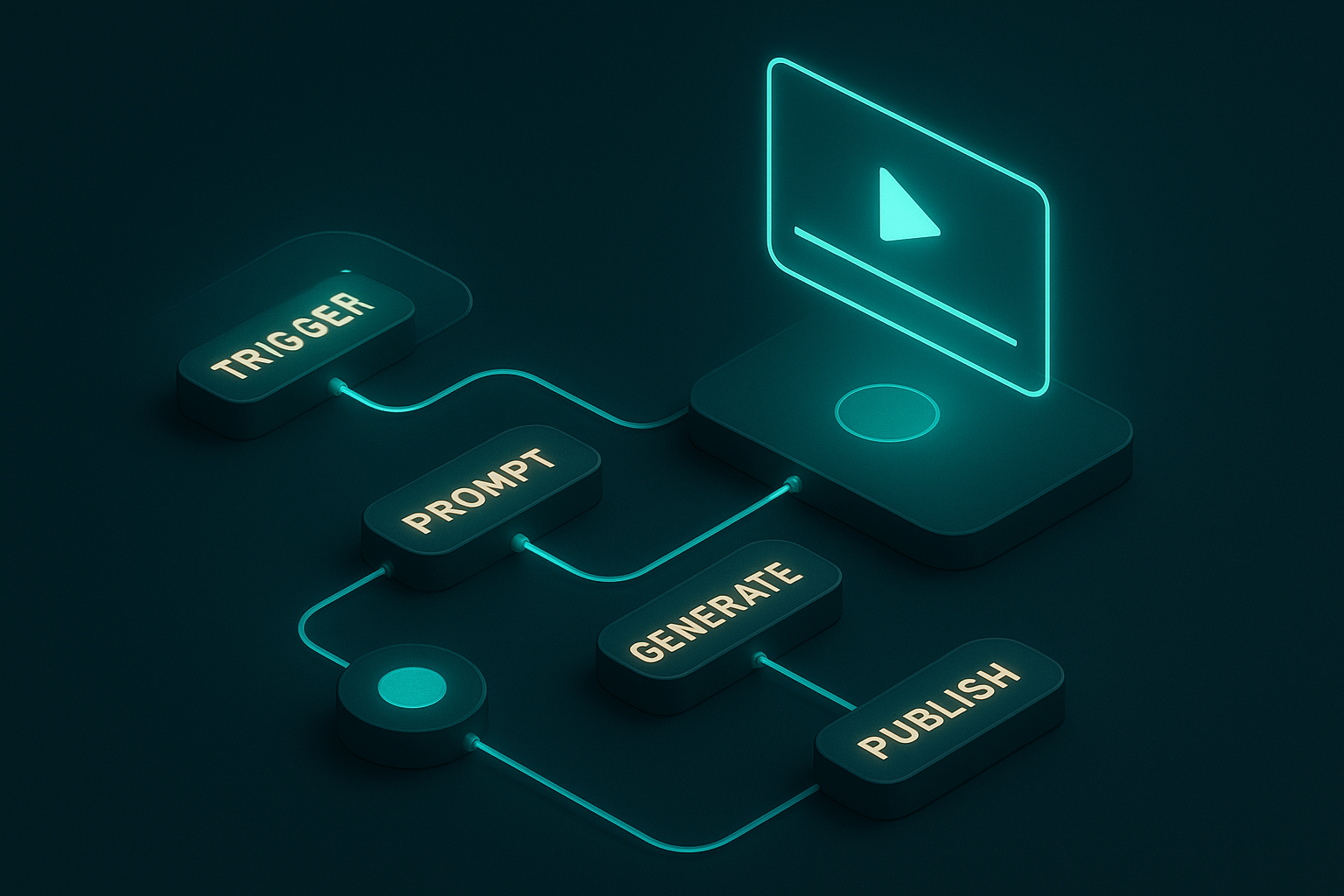
A repeatable N8N workflow that:
- Triggers on a schedule or via webhook
- Generates a faceless video with Scrptly from a structured prompt (with optional reference images)
- Saves the finished video to storage
- Prepares metadata (title, description, tags) for upload
- Optionally posts to your channel automatically
Prerequisites
- A free N8N instance (self-hosted or cloud)
- A Scrptly account and API key
- Optional: cloud storage (S3, GCS, or Drive), captioning or transcription steps, and your upload integration
Step-by-Step: Build the N8N Workflow
1) Install the Scrptly Node
- In N8N: Settings > Community Nodes > Install New
- Search and install:
n8n-nodes-scrptly - More details: GitHub repository
2) Add Credentials
- In Credentials, create “Scrptly API”
- Paste your API key from your Scrptly account
3) Choose a Trigger
- Schedule Trigger: run daily/weekly for evergreen uploads
- Webhook Trigger: accept topics from your CMS, form, or another automation
4) Configure the Scrptly Node
In the Scrptly node, set:
- Prompt: a detailed brief describing the video’s objective, tone, length, and style
- Context images (optional): URLs to brand/product shots or visual references
- Budget tokens: set your maximum budget (e.g., 10,000–15,000 for longer videos)
- Wait for completion: on (the node returns when the final video is ready) or off (async with a task ID)
Example prompt for a faceless documentary-style video:
Create a 6–8 minute faceless video with engaging narration and a calm, confident tone. Topic: {{$json.topic}}.
Structure: hook (20–30 seconds), 4–6 key sections with smooth transitions, closing takeaway, and a call-to-action to subscribe.
Visuals: cinematic B-roll, simple motion graphics, and clean lower-thirds. Avoid showing a human host. Keep visuals cohesive.
Sound: subtle ambient music, clear voiceover, consistent pacing.
Output: 16:9 landscape, 4K if possible. Include a concise title suggestion and a 150–200 word description.
Pass context images via the node field (e.g., https://yourcdn.com/brand-pack.jpg) to keep style or product visuals consistent across episodes.
5) Post-Processing Steps
- Storage: Save the video to your bucket (S3/GCS) or Drive
- Metadata: Use an LLM or a simple template to finalize title, description, and tags
- Thumbnail: You can request Scrptly to output a keyframe thumbnail style in your prompt, or generate externally
- Upload: Connect your channel’s upload node to publish immediately or schedule
6) Optional: Async Pattern
If you disable “wait for completion,” you’ll receive a task ID. Store it, poll completion with a separate workflow, then continue with upload and distribution.
Prompt Templates for Faceless Channels
Steal these and parameterize them with variables from your trigger payload.
1) Educational explainer (8–10 min)
Create a voiceover-only educational video on {{$json.topic}}. Style: clear, friendly, authoritative.
Sections: hook, overview, 3–5 subtopics with examples, myth-busting, and a summary with key takeaways.
Visuals: animated diagrams and cinematic B-roll; consistent iconography; minimal lower-thirds.
Format: 16:9, 8–10 minutes, steady pacing, captions embedded if available.
2) Product roundup / review (5–7 min)
Produce a faceless product roundup featuring {{$json.niche}}. Tone: practical, impartial, value-driven.
Structure: opener with criteria, 5 products with pros/cons, buying guide, conclusion with best-for recommendations.
Visuals: macro product shots, spec overlays, and clean transitions. Avoid showing a human host.
3) Motivational narrative (3–5 min)
Narrate an inspiring story about {{$json.theme}} with cinematic visuals and a resonant, steady voiceover.
Structure: hook, rising action, turning point, reflective outro with a single actionable takeaway.
Music: gentle, uplifting. Visuals: moody cityscapes and nature cutaways, shallow depth of field.
4) Viral facts / top 10 (4–6 min)
Compile a fast-paced, faceless top-10 list about {{$json.nicheTopic}}.
Use punchy one-liners, quick transitions, and dynamic captions. Maintain consistency in color grading.
Example: Programmatic Generation with the Scrptly API
If you prefer code or want to pair N8N with custom scripts, you can also call Scrptly directly:
import Scrptly from 'scrptly'

Scrptly.setApiSettings({ apiKey: process.env.SCRPTLY_API_KEY })

const prompt = `Create a 6–8 minute faceless explainer about regenerative agriculture...`;

const task = await Scrptly.videoAgent.create({
  prompt,
  contextImages: [ 'https://cdn.example.com/brand/guide-style.jpg' ],
  budgetTokens: 12000,
  wait: true
})

console.log('Video URL:', task.videoUrl)
- Explore the platform: Scrptly.com
- Developer docs and tooling: Scrptly API
Best Practices for Consistency and Quality
- Use context images: Provide your logo set, product pack shots, or style frames so Scrptly’s agents keep visuals consistent across scenes.
- Lock a format: Keep structure (hook → sections → recap) and pacing similar across episodes for audience retention.
- Add a “series bible”: In your prompt, include tone, persona, and do/don’t rules.
- Budget wisely: Longer videos or heavier VFX may require a higher token budget.
- Reuse variables: Titles, topics, and calls-to-action can be supplied by your trigger payload.
Scaling Your Faceless Channel with N8N
- Batch production: Feed a list of topics into the workflow and iterate to create a week’s worth of uploads in one run.
- Branching: Route different topics to different prompt templates or styles.
- Captions and multilingual: Add downstream nodes for subtitles or language variants.
- Distribution: Auto-post short cutdowns to other platforms with alternate aspect ratios (ask Scrptly via prompt for square/vertical outputs).
- Monitoring: Add error handling and alerts when generation or uploads fail.
Troubleshooting
- Output feels inconsistent: Strengthen your prompt’s visual/style constraints and include more context images.
- Timing off (too short/long): Specify a target duration range in the prompt and adjust budget.
- Voiceover tone mismatch: Explicitly define tone, pacing, and energy (e.g., “calm, confident, 170–185 wpm”).
- Workflow timeouts: Use the async pattern (disable wait) and poll for completion.
Why This Beats Manual Editing (and Other Tools)
- End-to-end: Scrptly’s sub-agents handle research, screenplay, narration, scene generation, and editing.
- Long-form strength: Consistency across minutes and episodes.
- Dev + no-code: Works great via API, MCP, and a dedicated N8N node.
If you’ve tried basic editors that stall on longer content, Scrptly’s pipeline is built to go the distance.
Launch Your Automated Faceless Workflow Today
- Start here: Scrptly — AI Video Agent
- Add to your automations: Scrptly N8N Node (GitHub)
- Programmatic control: Explore the API
Set it up once, feed it topics, and let your channel publish like clockwork — consistently, on-brand, and at scale.
Comments
Post a Comment