If you’re stitching clips by hand, waiting on freelancers, or struggling to keep characters and visuals consistent across a 10–20 minute video, there’s a better way. In this guide, you’ll learn how to automate long-form AI video creation end-to-end inside n8n using Scrptly—an AI Video Agent that turns a single prompt (plus optional reference images) into a finished, ready-to-publish video.
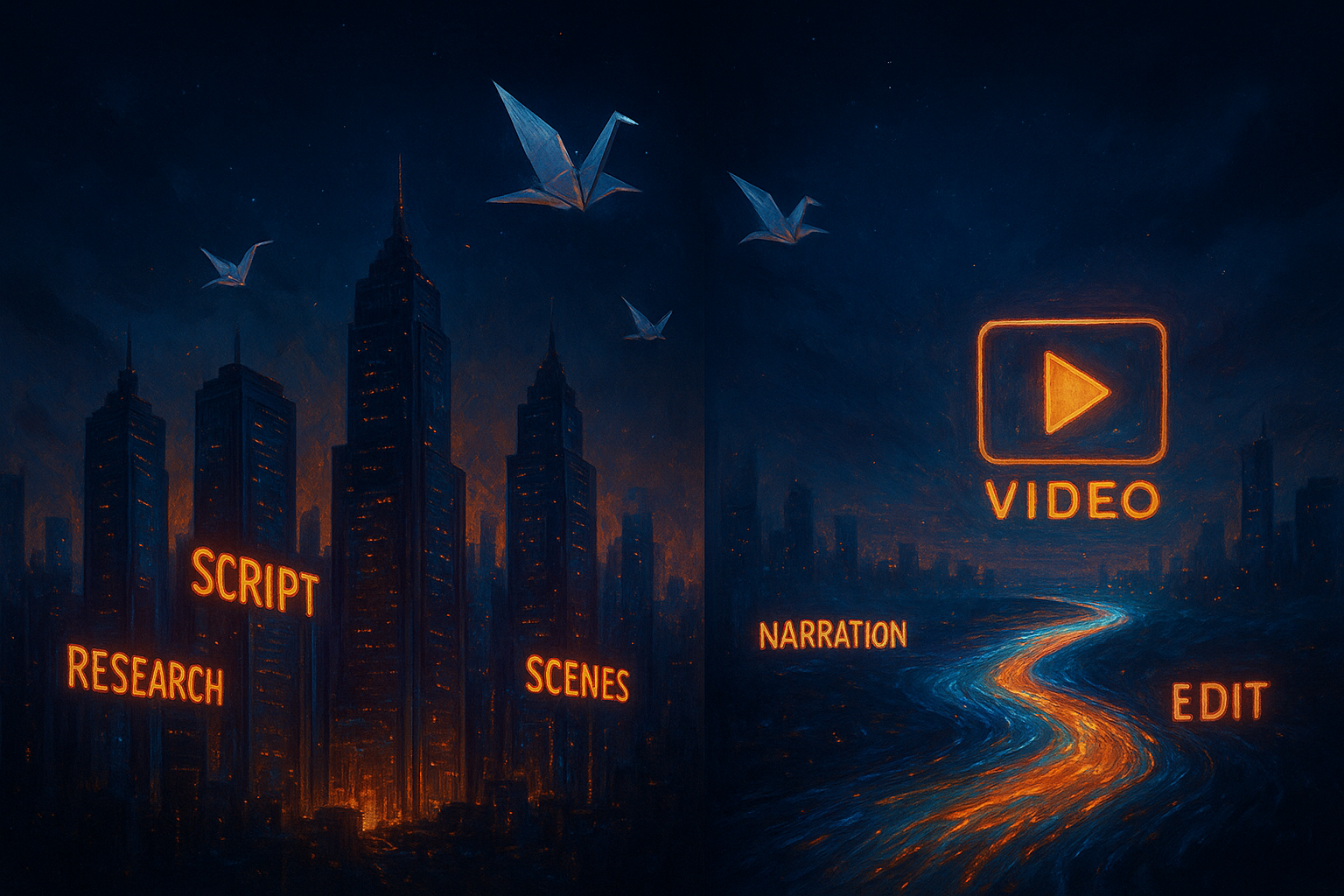
Scrptly’s strength is long-form consistency. Its swarm of specialized sub-agents handles research, screenplay, character design, scene generation, narration, and editing, so your output feels coherent from the opening shot to the end card. With the official n8n community node, you can trigger production on a schedule, from forms or CRMs, or programmatically via an API.
- Explore Scrptly: https://scrptly.com/
- Scrptly n8n Node (Community): https://github.com/ybouane/n8n-nodes-scrptly
Why n8n + Scrptly is perfect for long-form automation
- Long-form consistency: Scrptly maintains characters, environments, and pacing across extended runtimes.
- Single input, full output: Provide a detailed prompt (and optional context images), and Scrptly delivers a complete edit with narration and cuts.
- Flexible automation: Use n8n triggers (Webhook, Google Sheets, Airtable, Schedule) and connect storage, CMS, and social platforms.
- Developer-friendly: Scrptly offers a JavaScript SDK and API, MCP server compatibility, and a native n8n node.

What you’ll build in this tutorial
We’ll create a reusable n8n workflow that:
- Accepts a brief via Webhook or reads new rows from a Google Sheet.
- Builds a long-form prompt dynamically (title, topic, audience, style, length).
- Optionally attaches context images for consistent characters/products.
- Calls Scrptly’s AI Video-Agent and waits for the final video.
- Uploads the video to cloud storage (S3/Drive) and posts to a destination (YouTube/TikTok/Slack/Email).
Prerequisites
- An n8n instance (self-hosted or cloud)
- A Scrptly account and API key: https://scrptly.com/
- Install the Scrptly n8n node (community): Settings > Community Nodes > Install New >
n8n-nodes-scrptly
Step 1 — Install the Scrptly n8n node
- In n8n, go to Settings > Community Nodes > Install New.
- Search
n8n-nodes-scrptlyand click Install.
Step 2 — Add credentials
- In the Editor UI, open Credentials > New.
- Choose “Scrptly API” and paste your API key from your Scrptly account page.
- Save and select this credential in the Scrptly node configuration.
Step 3 — Build your long-form prompt
Scrptly’s results are only as good as your prompt. Include:
- Objective: ad, explainer, doc-style, short film, tutorial.
- Audience and tone: professional, playful, cinematic, educational.
- Length and format: 9:16 vertical for Reels/TikTok, 16:9 for YouTube; target duration.
- Structure: intro hook, chapters/sections, CTA.
- Consistency cues: names of characters, recurring settings, and any context images.
Example prompt template (use a Set or Function node to populate variables):
Create a {length}-minute {format} {style} video about "{topic}" for {audience}.
- Structure: Cold open hook (10–15s), chaptered body with 3–5 sections, recap, CTA.
- Maintain visual consistency for {characterNames} across all scenes.
- Use narration and engaging pacing; keep cuts dynamic but coherent.
- Include subtle motion graphics for section titles.
- Visual style: {visualStyle}. Avoid text overlays that block the subject.
- Aspect ratio: {aspectRatio}. Target runtime: {targetMinutes} minutes.
- End with a strong CTA: {cta}.
Step 4 — Add optional context images for consistency
If you’re showcasing a product or a recurring character/avatar, add URLs to reference images. Scrptly will use these to keep faces, objects, and settings consistent across scenes.
- Examples:
- Ecommerce: hero product, packaging, lifestyle shots
- Education: instructor avatar, campus/lab setting
- Documentary: subject portraits, locations, archival visuals
Step 5 — Configure the Scrptly node
- Operation: “Create Video”
- Credentials: your Scrptly API key
- Prompt: the dynamic text built in Step 3
- Context images: a list of URLs (optional)
- Approve Up To: your budget cap in tokens (default: 10,000)
- Wait For Completion: on if you want the node to block until the video is ready; off if you prefer to handle async polling via task ID
Tip: For long-form content, leave “Wait For Completion” on to simplify subsequent steps.
Step 6 — Post-processing and distribution
- Upload the finished video to S3/Cloud Storage/Drive (n8n has native nodes)
- Generate captions/transcripts for accessibility
- Auto-publish or schedule on YouTube/Shorts, TikTok, Instagram, X, or your CMS
- Notify teams on Slack/Email with links and thumbnails
Example n8n workflow layout
- Trigger: Webhook (or Google Sheets trigger)
- Function: Build prompt string and gather context image URLs
- Scrptly: Create Video (Wait For Completion = true)
- If: Check status/result URL
- Upload: S3 or Google Drive
- Publish: YouTube (or social platform node)
- Notify: Slack or Email
Function node snippet to generate a precise prompt from inputs:
const topic = $json.topic || 'sustainable packaging for DTC skincare';
const audience = $json.audience || 'ecommerce founders';
const aspectRatio = $json.aspectRatio || '16:9';
const targetMinutes = $json.targetMinutes || 12;
const visualStyle = $json.visualStyle || 'cinematic, natural light, soft gradients, crisp macro B-roll';
const style = $json.style || 'documentary-style explainer with cinematic transitions';
const cta = $json.cta || 'Visit the product page for a free sample request.';

return [{
  prompt: `Create a ${targetMinutes}-minute ${style} video about "${topic}" for ${audience}.
- Structure: Hook, 4 chapters with on-screen chapter cards, recap, CTA.
- Maintain visual consistency for a recurring host named "Avery" in a minimalist studio.
- Include narration, tasteful background score, and macro B-roll cutaways.
- Visual style: ${visualStyle}.
- Aspect ratio: ${aspectRatio}. Target runtime: ${targetMinutes} minutes.
- End with a strong CTA: ${cta}`,
  contextImages: [$json.heroImage, $json.lifestyleImage].filter(Boolean)
}];
Advanced: Async handling and retries
Prefer non-blocking runs? In the Scrptly node, turn off “Wait For Completion.”
- The node returns a task ID immediately
- Use a Wait node and HTTP node (or the Scrptly node’s status check if available) to poll until finished
- Add an error branch to retry on transient failures and send alerts if generation exceeds your SLA
Power tips for long-form quality
- Chapter scaffolding: Explicitly list section titles to guide pacing.
- Consistency first: Always include the same context images for recurring characters/products.
- Style locks: Declare aspect ratio, color mood, and camera language.
- Budget wisely: Increase “Approve Up To” for complex, research-heavy scripts.
- Versioning: Track prompt versions in your Sheet/DB for A/B tests.
- Metadata: Store output URLs, thumbnails, and captions for search and reuse.
Ready-made automation patterns
- Ecommerce merchants/Agencies
- Trigger: New product in CMS
- Output: 60–180s product film + 3 short social cutdowns
- Prompt: Focus on benefits, proof, social validation, and CTA
- Faceless YouTube channels
- Trigger: Weekly schedule
- Output: 12–18 minute narratively consistent videos with AI voiceover
- Prompt: Topic research + chapters + recurring narrator persona
- Educators and research communicators
- Trigger: New lesson/module
- Output: 8–12 minute explainer with diagrams and chapter cards
- Documentary/Journalism
- Trigger: Approved pitch or source doc uploaded
- Output: 10–20 minute mini-doc with archival references and lower-thirds
Developers: Programmatic creation with Scrptly’s SDK
Prefer to generate payloads in code and feed n8n via webhooks? Use Scrptly’s SDK and API.
Install:
npm install scrptly
Authenticate and create a video task:
import Scrptly from 'scrptly';

Scrptly.setApiSettings({
  apiKey: process.env.SCRPTLY_API_KEY,
});

const res = await Scrptly.video.create({
  prompt: 'Create a 15-minute documentary-style video about urban biodiversity...\n- Chapters: history, threats, community action, future.',
  contextImages: [
    'https://example.com/park-portrait.jpg',
    'https://example.com/birds-closeup.jpg'
  ],
  approveUpTo: 15000,
});

console.log(res);
Then, push the resulting task ID or final file URL into n8n via a webhook to continue your distribution pipeline.
Why choose Scrptly over generic editors
While popular video editors and web tools are great for manual cuts or short clips, Scrptly excels at:
- Long-form narrative consistency via context images and character continuity
- Autonomous research, scripting, narration, and editing—less hand-holding
- Seamless automation via n8n, API, and MCP-compatible agent setups
If you’re serious about scaling content—ads, explainers, short films, or doc-style stories—this stack lets you go from idea to published video in minutes, reliably.
Launch your automated workflow today
- Start with Scrptly: https://scrptly.com/
- Install the n8n community node: https://github.com/ybouane/n8n-nodes-scrptly
- Build your first prompt template and attach context images
- Connect upload + publish steps
In a couple of hours, you can have a hands-off pipeline that turns briefs into polished, long-form videos—on schedule, on brand, and at scale.
Comments
Post a Comment