If you’ve ever wished you could turn prompts and product images into fully edited videos—ads, explainers, UGC, even long‑form content—without opening a timeline, this guide is for you. Using N8N plus the Scrptly AI Video Agent, you can build a hands-off pipeline that generates, reviews, and distributes videos on a schedule or in response to events.
Scrptly is an AI Video Agent that turns your prompts into ads, product showcases, anime, or short films—no editing required. It excels at long‑form consistency, character continuity, narration, and end‑to‑end editing. In this tutorial, you’ll learn how to automate video creation in N8N with Scrptly, then route the finished video anywhere you want.
Key outcomes:
- Generate consistent, on-brand videos from text prompts and context images
- Automate social-ready videos for ads, product launches, and faceless channels
- Scale with an API and community node—no manual editing
Helpful links:
- Try Scrptly: https://scrptly.com/
- Scrptly N8N community node (open source): https://github.com/ybouane/n8n-nodes-scrptly
Why automate video creation in N8N?
- Speed and scale: Turn product updates, blog posts, or inventory changes into fresh videos on autopilot.
- Consistency: Scrptly uses context images and character continuity to keep scenes visually coherent across longer narratives.
- Cost-efficiency: Replace manual editing hours with an AI video pipeline that’s repeatable and measurable.
- Flexibility: Mix Scrptly with your existing stack—storage, CMS, CRM, and social endpoints—using N8N.
Who benefits most
- Ecommerce marketers and agencies: Auto-generate UGC ads, product reveals, and seasonal promos.
- Creators and faceless channels: Maintain a reliable publishing cadence with batch video generation.
- Educators and researchers: Produce documentary-style explainers and mini-docs without editing overhead.
- Developers and automators: Programmatically trigger long-form videos through the Scrptly API and N8N node.
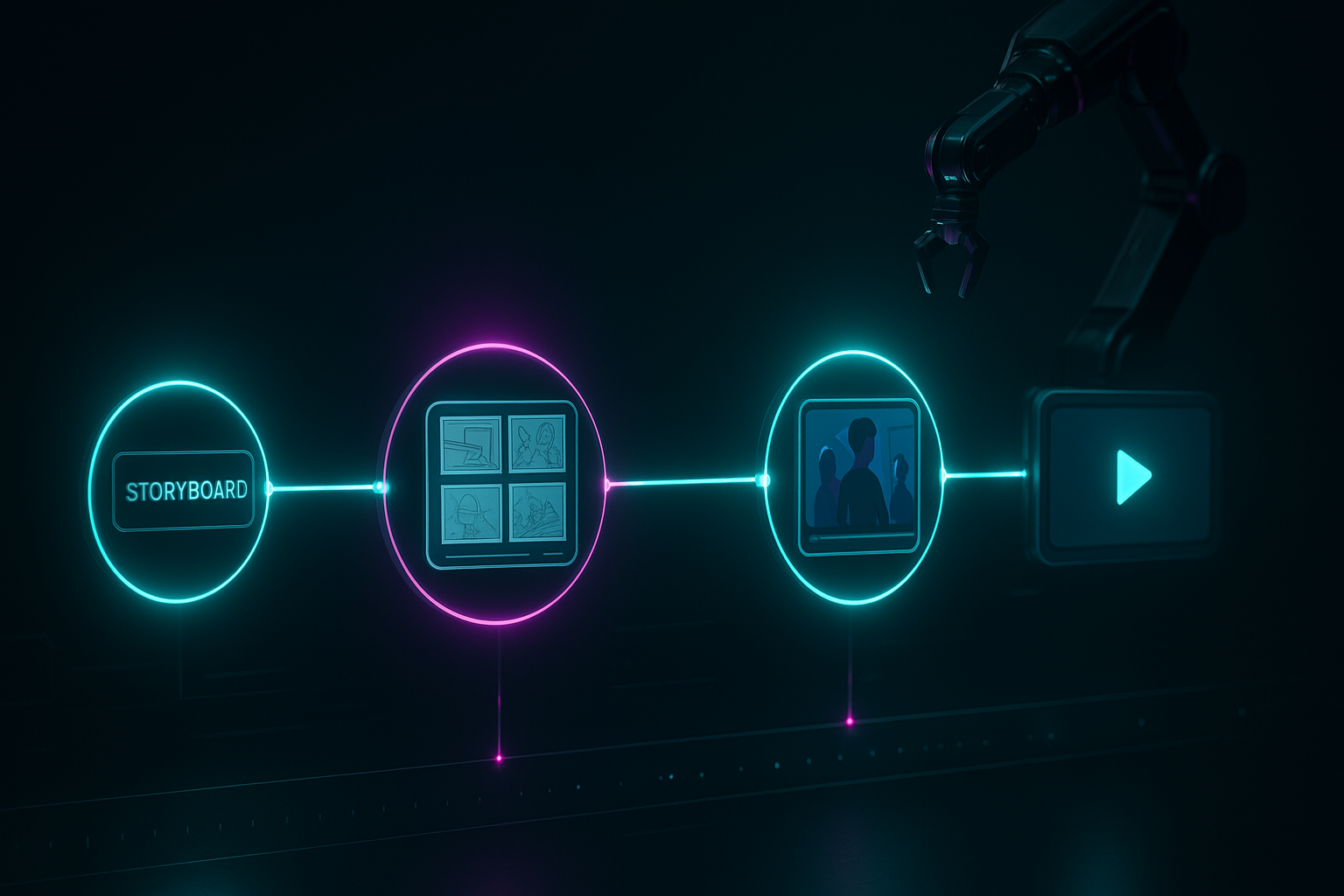
What you’ll build A no-touch workflow that: 1) Triggers from a webhook, schedule, or CMS update 2) Gathers product data and optional reference images 3) Calls the Scrptly AI Video-Agent to generate the video 4) Waits for completion and collects the file URL 5) Distributes the result—uploads to storage and posts to social, or sends for review
Prerequisites
- An N8N instance (self-hosted or cloud)
- A Scrptly account and API key: https://scrptly.com/
- Optional: product or brand images to use as context images for visual consistency
Step-by-step: Set up Scrptly in N8N 1) Install the Scrptly node (Community Nodes)
- In N8N: Settings > Community Nodes > Install New
- Search: n8n-nodes-scrptly
- Click Install
2) Add Scrptly credentials
- Go to Credentials > New Credential > Scrptly API
- Paste your Scrptly API key from your Scrptly account page
- Save and select these credentials in the node
3) Configure the Scrptly node
- Prompt: Describe your video (style, subject, aspect ratio, tone, length, voice, pacing)
- Context Images: Add URLs to product or character images to enforce consistency
- Approve Up To: Set a token budget (default 10,000). Increase for complex, long-form videos
- Wait For Completion: On to block until the final video is ready; Off to return a task ID and continue asynchronously
4) Add supporting nodes
- Trigger: Webhook or Schedule
- Data prep: HTTP Request (fetch product data), Set or Code (format prompt), IF (branch logic)
- Distribution: S3/Cloud storage, Drive, YouTube/Shorts, social schedulers, Email/Slack for review
A practical workflow blueprint
- Trigger: Schedule (daily at 9am) or Webhook (on new product)
- HTTP Request: Pull product data (title, features, price, image URLs)
- Set: Build a dynamic prompt, referencing incoming fields
- Scrptly: Generate the video with context images
- IF: Check for success; fallback to notify on failure
- Upload: Send video to S3/Drive
- Notify: Email/Slack message with the video link
Prompt templates you can paste into the Scrptly node Use N8N expressions to personalize each video from your data.
1) High-converting product ad (portrait for Reels/TikTok) """ Create a 25–35 second UGC-style ad in portrait (1080x1920). Tone: authentic, friendly, confident. Include on-screen captions, upbeat music, and warm lighting.
Script beats: 1) Hook (0–3s): A quick, relatable pain point about {{$json.productCategory}}. 2) Product reveal (3–7s): Show {{$json.productName}} with a close-up. 3) Benefits (7–18s): Highlight 3 benefits: {{$json.benefit1}}, {{$json.benefit2}}, {{$json.benefit3}}. 4) Social proof (18–25s): A brief testimonial vibe. 5) CTA (last 5s): “Try it today” + on-screen URL.
Style: natural handheld framing, soft depth of field, skin-safe color grading, subtle swoosh transitions. Voiceover: concise, warm, inclusive. Add subtitles and a clean end card. Keep character and product consistent across scenes. """
2) Faceless YouTube explainer (landscape, long-form) """ Create a 4–6 minute faceless explainer in landscape (1920x1080) on the topic: {{$json.topic}}. Keep a cohesive visual style and consistent iconography.
Structure: hook, context, 3–5 key points with examples, recap, CTA. Use a calm, knowledgeable narrator. Mix B-roll, animated infographics, and tasteful kinetic text. Maintain consistent color palette and lower-third style. Include chapter markers. """
3) Minimalist product showcase (square) """ Create a 15–20 second square (1080x1080) product reel featuring {{$json.productName}} in a clean studio. Use crisp lighting, macro detail, and rhythmic cuts synced to music. End with price {{$json.price}} and a simple CTA. """
Adding context images for consistency Provide URLs to product shots, textures, or character references in the Scrptly node. Scrptly’s AI will keep characters, logos, and environments coherent across shots—even for longer videos.

Handling long tasks and reliability
- Wait vs. async: Leave “Wait For Completion” on for linear workflows; switch it off and store the task ID if you want to poll later.
- Timeouts and retries: Use N8N’s Error Trigger or built-in retry options. Add a Wait node between polls if you go async.
- Budgeting: Complex, cinematic, or long-form briefs may require increasing “Approve Up To.”
Post-processing and distribution ideas
- Upload to S3/Drive and return a signed URL for your CMS
- Auto-publish to social endpoints or queue via your scheduler
- Send an approval message in Slack/Email with a preview link
- Log metadata (title, tags, prompt, file URL) to a database or Notion for auditability
Developer tips (API, MCP, VDK)
- API and SDK: Install with npm install scrptly or yarn add scrptly, then configure your API key:
import Scrptly from 'scrptly';

Scrptly.setApiSettings({
  apiKey: process.env.SCRPTLY_API_KEY,
});
- MCP server: Connect Scrptly with your preferred LLM agent via the MCP interface to orchestrate more complex agentic pipelines.
- Video Development Kit (VDK): Design custom programmatic workflows; pair with N8N for queueing, storage, and distribution.
SEO-friendly best practices for prompts
- Be explicit with aspect ratio, length, tone, voiceover style, pacing, and deliverables (captions, end card)
- Provide a story beat list and CTA; specify transitions and color palette
- Include product benefits, target audience, and usage scenarios
- Add context images to enforce brand and character consistency
Troubleshooting
- Visual drift across scenes: Add more context images or specify “keep character and environment consistent.”
- Too slow or timeouts: Use shorter prompts, reduce length, or run async with polling.
- Off-tone narration: Clarify voice persona and reading speed; include example phrases.
Quick checklist
- [ ] Install the Scrptly node and add credentials
- [ ] Create a trigger and fetch or receive your data
- [ ] Write a detailed prompt with explicit style instructions
- [ ] Attach context images for consistency
- [ ] Set budget and completion behavior
- [ ] Upload, publish, and notify automatically
Why choose Scrptly for N8N automation
- Long-form consistency: Cohesive characters, environments, and pacing across multi-minute videos
- End-to-end agent: Research, screenplay, narration, scene generation, and editing—all done for you
- Integrations for builders: API, MCP server, and an N8N node for automation at scale
Get started Ready to automate your video pipeline? Create your free account and start generating today: https://scrptly.com/
Pro tip: Start with one reusable prompt template per use case (UGC ad, explainer, product reel). As results roll in, iterate on tone, pacing, and visuals—then scale out by scheduling or triggering your N8N workflow for every new product or content idea.

Comments
Post a Comment