If you’ve been stitching clips together by hand or juggling tools to produce longer videos, there’s a faster way. With Scrptly’s AI Video Agent directly inside n8n, you can generate consistent, long-form videos—from documentary explainers to faceless YouTube episodes—on a schedule or via API triggers.
Scrptly turns a single prompt (plus optional reference images) into a fully produced video: research, screenplay, voiceover, scene generation, editing, and final cut. Pair that with n8n’s automation power and you can go from idea to publish without opening a timeline.
Try Scrptly and follow this guide to build a reliable long-form video workflow in minutes.
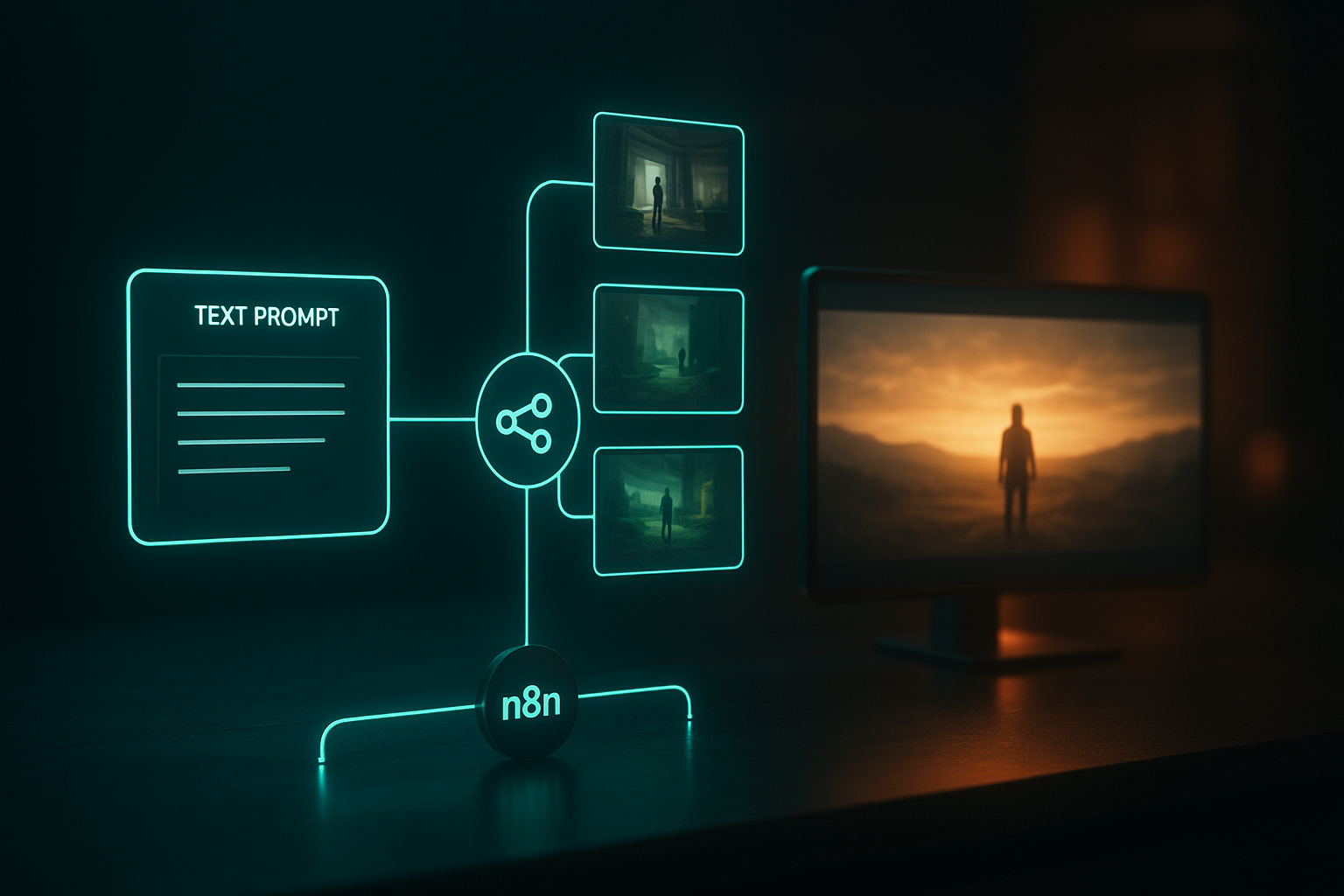
Why n8n + Scrptly for long-form AI video
- Character and environment consistency: Feed context images and Scrptly keeps identities, props, and spaces consistent across longer runtimes.
- True automation: Use n8n triggers (Webhook/Schedule) to batch-generate episodes, ads, and product reels.
- Developer-friendly: Scrptly offers an API, MCP server, and an official n8n community node for seamless integration.
- Built for length: The AI Video Agent handles research, scripting, narration, and editing—ideal for multi-minute videos where consistency usually fails.
What you’ll need 1) A Scrptly account and API key: Sign up at scrptly.com and grab your key from your account page. 2) An n8n instance: Self-host or use n8n cloud. 3) Scrptly n8n Node installed:
- In n8n go to Settings > Community Nodes > Install New and search for n8n-nodes-scrptly.
- Click Install.
- Repo: https://github.com/ybouane/n8n-nodes-scrptly
Step-by-step: Build your first long-form workflow 1) Create credentials
- In n8n, open Credentials > New > Scrptly API.
- Paste your Scrptly API key and save.
2) Add a trigger
- Use Schedule to generate a weekly episode, or Webhook to generate on demand from your app.
3) Configure the Scrptly node
- Add the Scrptly node to the canvas and select your credentials.
- Prompt: Describe the video, tone, target runtime, aspect ratio, and any must-have beats.
- Context images (optional): URLs of product shots, character references, brand palettes, locations—anything you want kept consistent.
- Approve Up To: Set the max budget (tokens) the agent can use for deeper research and longer content.
- Wait For Completion: ON to block until the final video is ready; OFF to return a task ID for later polling.
Example long-form prompt (copy/paste)
Create a 6–8 minute documentary-style video titled “Why Glaciers Are Melting Faster.”
Tone: Educational, empathetic, visually cinematic. Narration with calm authority.
Structure: 5 chapters — 1) opening hook with a striking fact, 2) simple explanation of heat imbalance, 3) human stories near glaciers, 4) what can change the trajectory, 5) hopeful conclusion.
Visual style: Naturalistic, slow camera moves, subtle text overlays for key stats, 16:9, 4K, landscape.
Add well-paced transitions and underscore music that swells in chapters 1 and 5.
Include on-screen lower thirds for expert names (fictional but realistic).
Optional context images
- Add 2–5 URLs (e.g., your logo, a color card, product stills, or a specific glacier reference). These guide consistent visuals across scenes.
Typical Scrptly node fields in n8n
- Prompt: Your detailed description
- Context Images: ["https://…/logo.png", "https://…/reference1.jpg"]
- Approve Up To: 20000
- Wait For Completion: true
4) Post-process the output
- Once the node returns the final video URL (or task ID), chain nodes to:
- Upload to cloud storage (S3/Drive)
- Auto-publish to YouTube or schedule via your CMS
- Notify your team via Slack/Email
- Archive metadata (title, runtime, thumbnail) in Notion/Sheets
Power prompts for long-form results
Ecommerce/product showcase (3–5 minutes): “Create a cinematic product story about our eco-friendly sneakers. Chapters: origin of materials, design philosophy, comfort testing, day-in-the-life usage, social proof montage. Keep the hero sneakers consistent from context images. Warm, aspirational tone. 9:16 for Reels/TikTok, include captions and punchy CTA at the end.”
Faceless YouTube channel (8–10 minutes): “Produce a voiceover-led episode on ‘5 Timeless Productivity Principles.’ Include a cold open, animated typography for each principle, subtle ambient backgrounds, and a consistent minimalist character silhouette. Mid-episode recap. Outro with soft call-to-action to subscribe.”
Educational explainer (6–8 minutes): “Explain ‘Why Whales Communicate With Songs’ with friendly narration, oceanic palette, infographics-style overlays, and a memorable closing analogy. Include short quiz-style lower thirds at minutes 2, 4, and 6.”
Mini-doc travel (5–7 minutes): “Make a fast-paced reel of 10 hidden gems in Barcelona with a geographic arc. Chapters per location, quick title cards, consistent map animation, and a closing montage.”
Best practices for reliable long-form generation
- Outline first: Include a 4–6 part structure in your prompt so pacing stays tight.
- Specify consistency: Mention the exact objects/characters you want to persist; add 2–5 context images.
- Define format: Note duration, aspect ratio (16:9 or 9:16), resolution, and tone.
- Budget smartly: Longer, research-heavy videos benefit from a higher Approve Up To value.
- Wait or queue: Use Wait For Completion = true for single-run workflows; set it false to fan out multiple tasks and poll later.
- Log everything: Persist task IDs, prompt, and returned URLs to a DB or Google Sheet for auditability.
- Secure your key: Store Scrptly API keys in n8n credentials; rotate if exposed.
Troubleshooting tips
- Long generation times: Turn off Wait For Completion and poll the task ID later; notify via Slack when done.
- Inconsistent characters: Provide clearer descriptions and 2–3 stronger context images (front and side angles).
- Exceeded budget: Increase Approve Up To or simplify the brief (fewer chapters, shorter runtime).
- Webhook timeouts: Use an asynchronous pattern—return immediately, then post results to a callback URL when ready.
- Missing assets: Verify context image URLs are public and stable; include file type extensions.
Going further with n8n + Scrptly
- A/B test hooks: Generate two versions with different cold opens and compare retention.
- Multilingual at scale: Loop through locales and generate translated variants; post per regional channel.
- Data-driven scripting: Pull topics from Notion/Sheets and feed them to Scrptly on a schedule.
- Developer workflows: Use Scrptly’s API, MCP server, or VDK to integrate with other agents and code-driven pipelines.
Why Scrptly for long-form?
- Swarm of sub-agents: Research, screenplay, character design, narration, and editing handled end-to-end.
- Consistency engine: Great at maintaining identity and environment continuity.
- Built for automation: Native n8n node, API access, and MCP support mean you can scale beyond one-off videos.
Resources
- Get started: https://scrptly.com/
- n8n Community Node (Scrptly): https://github.com/ybouane/n8n-nodes-scrptly
When you’re ready to stop tinkering and start shipping, wire up your first workflow and let Scrptly’s AI Video Agent handle the heavy lifting. Your next long-form series can run on schedule—no late-night edits required.
Comments
Post a Comment