If you are looking to automate video creation at scale, this step by step guide shows exactly how to generate AI videos in N8N using the Scrptly AI Video Agent. You will learn how to set up the Scrptly node, craft effective prompts, pass dynamic data, and deliver finished videos to your social channels or storage buckets with zero manual editing.
Scrptly turns plain language prompts into complete ads, product showcases, anime, explainers, or short films. It shines at long form content with consistent characters and environments. Best of all, it plugs directly into N8N for hands off automation. Start here: https://scrptly.com/
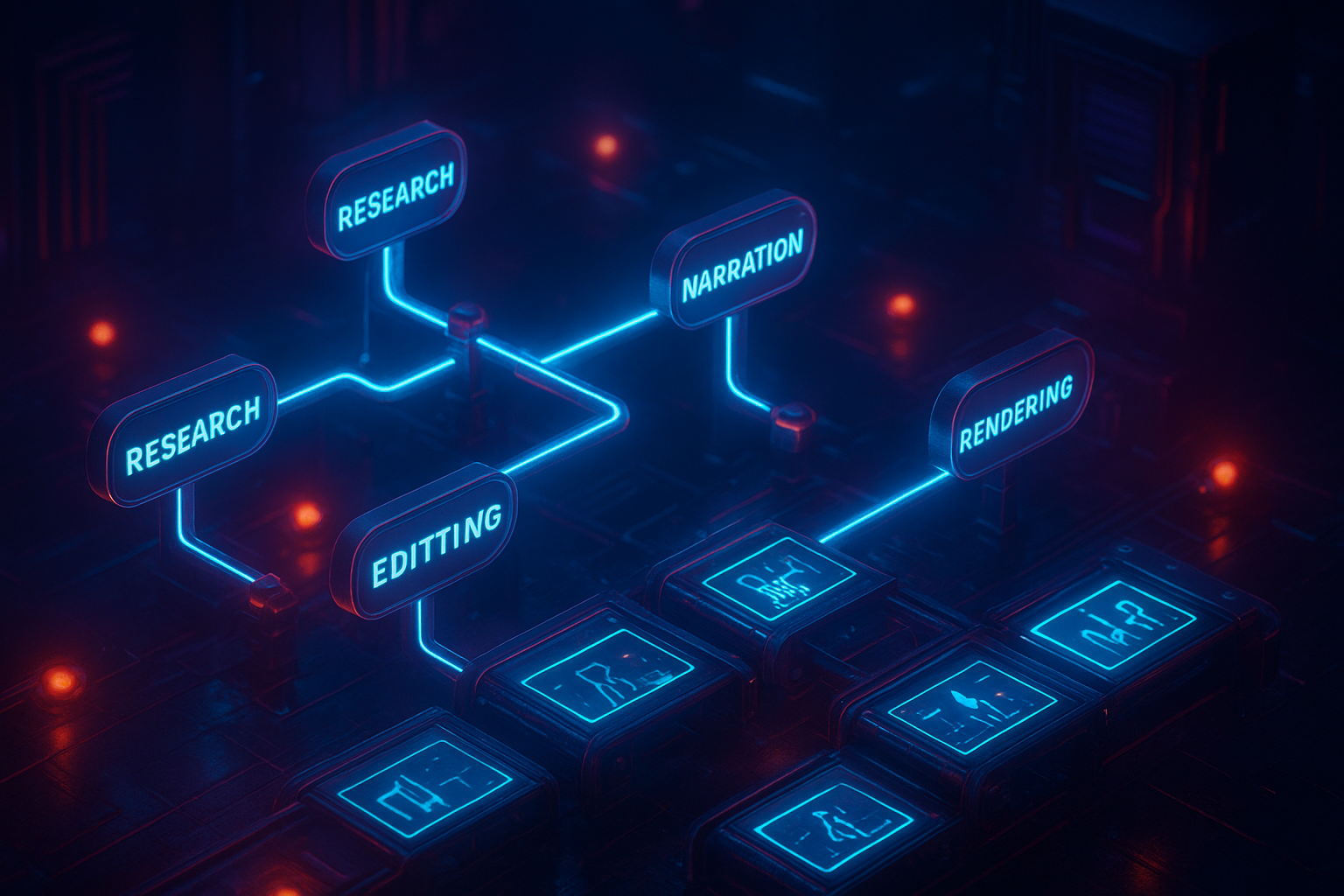
What you will build
- A reusable N8N workflow that takes a prompt and optional context images and returns a finished video
- Optional approval and distribution steps to upload the video to cloud storage or social platforms
- A scalable template that can generate daily UGC ads, reels, tutorials, or documentary snippets
Why Scrptly for N8N
- End to end pipeline: screenplay, scenes, narration, and final edit from a single prompt
- Consistency: context images keep characters and products on model across longer videos
- Flexible: control story, style, aspect ratio, tone, and length via prompt text
- Built for automation: official N8N node plus an API and VDK for developers
Explore the product: https://scrptly.com/ Community node: https://github.com/ybouane/n8n-nodes-scrptly
Prerequisites
- N8N instance (self hosted or cloud)
- A Scrptly account and API key from your account page at https://scrptly.com/
- Optional: a few product or character reference images if you want model level consistency
Step 1: Install the Scrptly community node in N8N
1) In N8N, go to Settings > Community Nodes > Install New 2) Search for n8n-nodes-scrptly and click Install 3) Restart N8N if prompted
Tip: Keep N8N updated so you benefit from the latest node improvements.
Step 2: Add Scrptly credentials
1) Open the Credentials tab in N8N 2) Create new credentials and select Scrptly API 3) Paste your API key from https://scrptly.com/ and Save 4) Guard the key in your environment and rotate it if it is ever exposed
Step 3: Build your first workflow
We will create a simple flow that runs on a schedule and publishes a finished video link.
1) Add a Trigger node (Schedule or Webhook). For testing, use Schedule daily at a chosen time. 2) Add the Scrptly node
- Credentials: choose your Scrptly API key
- Prompt: detailed description of the video
- Context images: optional, add URLs of reference images hosted on a CDN or storage bucket
- Approve up to: token budget for generation; default is 10,000
- Wait for completion: on by default; N8N will pause until the final video is ready 3) Add a subsequent node to handle the result, such as HTTP Request to upload to storage or a Twitter or YouTube node to post.
Example prompt you can copy
Use this as a starting point, then tune length, tone, and style.
Create a 45 to 60 second vertical UGC style ad for a new botanical skincare bundle.
Tone: warm, authentic, friendly. Natural daylight, subtle ambient music.
Structure:
- Hook: quick close ups of textures and packaging on a clean vanity.
- Problem: dry, dull skin in winter.
- Discovery: daily ritual with three simple steps.
- Proof: before and after, dewy glow, soft focus macro shots.
- CTA: Try the bundle and feel the difference.
Visual guidance:
- Keep the same model and product packaging consistent across all shots.
- Use these context images as references for the product: {{ $json.bundleImages }}
- Use light handheld camera movement and gentle b roll transitions.
Audio:
- Conversational female voiceover.
- Soft click sound on scene cuts; subtle chime on CTA.
Delivery:
- 1080x1920 vertical, 24 fps, srt captions embedded, final output under 60 seconds.
Note: if you pass dynamic values from earlier nodes, use N8N expressions like {{ $json.fieldName }} inside your prompt.
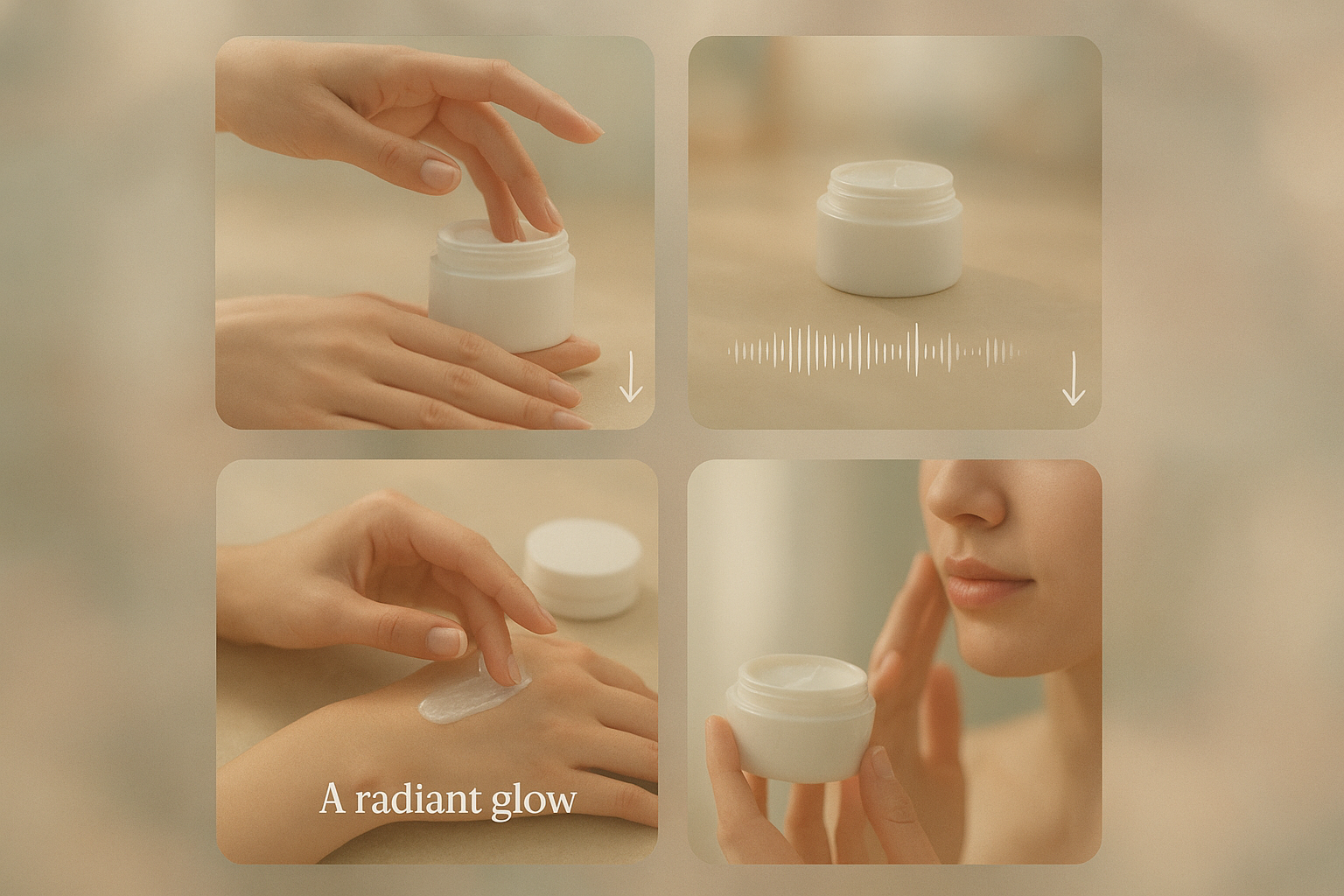
Step 4: Feed context images for perfect consistency
Scrptly excels at keeping characters and objects consistent over long segments. Upload your product photos or character sheets to a public bucket and pass the URLs in the Scrptly node under Context images. The agent will lock styling, color, and geometry across all scenes.
Best practices
- Use 2 to 6 high quality images covering different angles and lighting
- Keep backgrounds uncluttered so the subject reads clearly
- Reuse the same context set across campaigns to reinforce branding
Step 5: Handle sync vs async generation
- Synchronous mode: leave
Wait for completionenabled. The node returns when the final video is ready; downstream nodes receive the file URL and metadata. - Asynchronous mode: disable
Wait for completion. The node returns a task id immediately. Store it, then poll with a later workflow or a cron using the same node configured to check status until the final URL is available.
Step 6: Distribute the finished video automatically
You can fan out to multiple channels from the same workflow:
- Upload to S3, GCS, or Azure Blob via HTTP or native nodes
- Post to YouTube Shorts, Instagram Reels, TikTok, or Twitter using platform nodes
- Send a Slack message to your team with the video link for quick review
- Archive metadata in Airtable or a database for audit and analytics
Advanced automation ideas
- Batch generation from spreadsheets: Use a Google Sheets node to read rows of products and feed each into the Scrptly node with a loop
- A or B creative testing: Branch the flow with two prompt variations, post both, and log performance
- Multi platform aspect ratios: Instruct Scrptly to produce both 9:16 and 16:9 variants from the same script by running two Scrptly nodes with slight prompt differences
- Human in the loop: Add a Manual Approval node after generation for sign off before publishing
Prompt tips for higher quality
- Be specific about length, aspect ratio, pacing, and camera moves
- Provide a scene by scene structure and sample lines for voiceover
- Define tone and music mood; list key b roll moments
- If you need consistent characters, supply context images and name the character in the prompt
- For explainers, include bullet points and on screen text timing
Troubleshooting
- Video takes long: simplify the request or raise the
Approve up tobudget within your limits - Inconsistent subject: add better context images or specify the exact styling in the prompt
- Orientation wrong: clearly state vertical 1080x1920 or horizontal 1920x1080 in Delivery
- Timeouts in N8N: increase node timeout or switch to async mode and poll by task id
For developers: generate programmatically
Prefer code based workflows alongside N8N Automations Use the Scrptly VDK.
import Scrptly from 'scrptly'

Scrptly.setApiSettings({
  apiKey: process.env.SCRPTLY_API_KEY,
})

const result = await Scrptly.videoAgent.create({
  prompt: 'Create a 60 second horizontal product showcase for a minimalist smartwatch with underwater shots and macro close ups. Calm, modern score. 1920x1080, 24 fps.',
  contextImages: [
    'https://cdn.example.com/refs/watch-front.jpg',
    'https://cdn.example.com/refs/watch-underwater.jpg',
  ],
  approveUpTo: 12000,
})

console.log(result.videoUrl)
Explore Scrptly and get your key: https://scrptly.com/
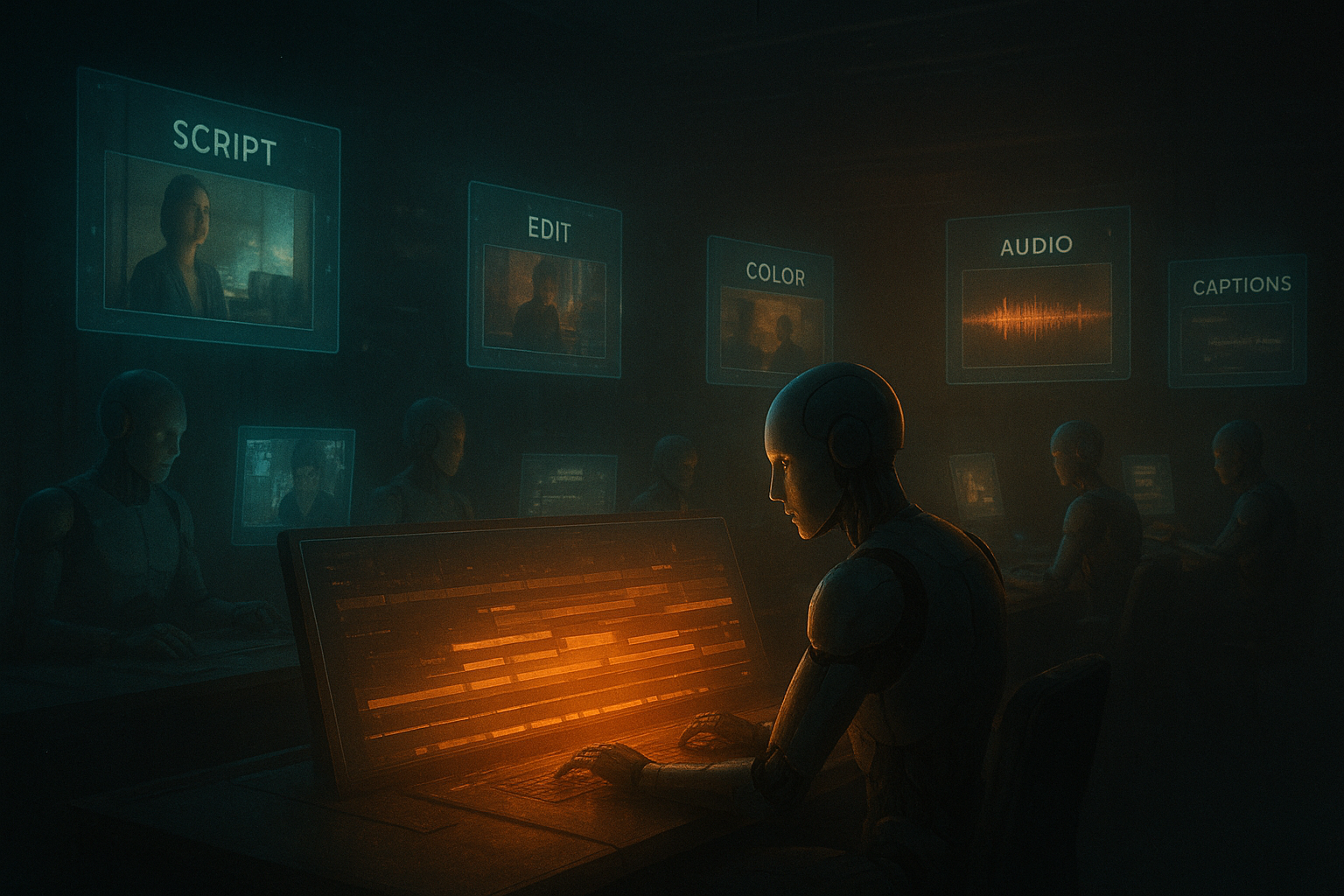
Copy ready N8N template outline
- Trigger: Schedule daily at 9am
- Function: Build a JSON payload with product name, benefits, and image URLs
- Scrptly: Use the payload in a detailed UGC ad prompt, set context images, keep
Wait for completionon - If: Check success flag
- Upload: Send file to S3 or GCS
- Notify: Post Slack message with the video link and thumbnail
Next steps
- Create your API key and try the example prompt today: https://scrptly.com/
- Install the community node in minutes: https://github.com/ybouane/n8n-nodes-scrptly
- Iterate on prompts and context images to dial in brand consistent, high converting videos at scale
With Scrptly inside N8N, you can move from idea to publish ready video in one automated pass, whether you are an ecommerce marketer, entertainment creator, or research communicator.
Comments
Post a Comment