If you’ve been stitching together clips, voiceover, and captions by hand, it’s time to automate the heavy lifting. In this guide, you’ll learn exactly how to generate long-form AI videos inside N8N using the Scrptly AI Video Agent. You’ll go from prompt to polished video—consistently—without a manual edit.
Scrptly turns text prompts (and optional reference images) into complete videos: characters, environments, voiceover, editing, and final render. It also ships an N8N node so you can orchestrate end-to-end video pipelines with triggers, approvals, and distribution.
Why N8N + an AI Video Agent for long-form content
- Scale: Automate recurring formats—weekly explainers, documentary chapters, tutorial series, UGC ads—without rebuilding timelines.
- Consistency: Feed reference images for characters and products to maintain continuity across scenes and episodes.
- Reliability: The Scrptly node handles long renders and can either wait for completion or return a task ID for async orchestration.
- Flexibility: Trigger from webhooks, CMS updates, Airtable rows, or schedules; then post to storage and social automatically.
What you’ll build A reusable N8N workflow that: 1) Captures a brief (prompt + optional context images) 2) Sends it to Scrptly’s AI Video Agent for a long-form render 3) Waits for completion (or polls asynchronously) 4) Stores the final video and posts it to your distribution channels
Prerequisites
- An N8N instance (self-hosted or cloud)
- A Scrptly account and API key: https://scrptly.com/
- Optional: Cloud storage (S3/GCS/Drive), social posting integrations, Airtable or CMS
Install and configure the Scrptly node in N8N 1) Install the community node
- In N8N: Settings > Community Nodes > Install New
- Search: n8n-nodes-scrptly
- Click Install 2) Add Scrptly credentials
- In the N8N editor: Credentials > New > Scrptly API
- Paste your API key (get it from your Scrptly account page)
- Save and select these credentials in the node
Design your long-form prompt (and keep it consistent) Great long-form output starts with a structured prompt. Consider including:
- Format and length: “Documentary-style, 6–8 minutes, 16:9 landscape, cinematic pacing”
- Narrative structure: “Intro hook, three-act story (setup, conflict, resolution), closing CTA”
- Visual style: “Natural light, handheld feel, soft film grain, muted color palette, occasional macro B-roll”
- Audio direction: “Warm, empathic voiceover; light piano and strings; dynamic mix across chapters”
- On-screen text: “Lower-thirds for speaker names; chapter cards; end slate with URL and CTA”
- Consistency rules: “Keep the main expert in a blue shirt; same modern studio backdrop; recurring mug on desk”
- Output requirements: “Include captions, export as MP4, 1080p, target 7 minutes”
Example prompt blueprint you can adapt
Create a 6–8 minute documentary-style explainer about how urban gardens transform neighborhoods.
- Structure: Hook (15s), Act I (context/history), Act II (case studies), Act III (impact and how-to), Outro CTA.
- Visuals: Cinematic handheld shots, macro details of leaves and soil, time-lapse of seedlings, community interviews.
- Consistency: Reuse the same community garden leader across scenes; same wooden bench and trellis; late-afternoon golden light.
- Voiceover: Calm, warm narrator; ambient city sounds; soft piano.
- On-screen: Lower-thirds for names, chapter title cards, readable captions.
- Format: 16:9 landscape, 1080p, MP4. Target 7 minutes.
- Ending: CTA to visit our site for a seed-starter guide.
Use context images for character and product continuity Upload brand/product references or recurring characters as Context Images in the Scrptly node. This ensures the AI reuses the same faces, objects, and scenes throughout longer pieces.
- Product shots (front/side/close-up)
- Team headshots for interviews
- Location references (office, studio, storefront)
- Style packs (color palettes, lighting mood)
Building the N8N workflow (step by step) 1) Trigger
- Webhook (accept JSON with prompt, image URLs, and metadata), or
- Schedule (e.g., every Monday for a weekly series), or
- App event (Airtable row added, form submission) 2) Prepare data
- Merge prompt copy, attach context image URLs or binary files, set “Approve Up To” token budget based on complexity 3) Scrptly AI Video-Agent node
- Prompt: Your structured script directive
- Context Images: Attach URLs or binary from prior nodes
- Approve Up To: e.g., 10,000 tokens (default) — raise this for longer features
- Wait For Completion: On to block until the video is ready, Off to get a task ID and continue asynchronously 4) Async strategy (recommended for very long renders)
- If Wait For Completion is Off: Use a Wait/Delay node + periodic status check (HTTP Request to Scrptly status endpoint or the node’s built-in check) until the video is marked complete 5) Post-processing
- Store file (S3/Drive/Cloudinary)
- Generate thumbnails and captions if desired (Scrptly can handle captions; you can still add downstream QC)
- Distribute (YouTube/TikTok/Instagram/LinkedIn) using official nodes 6) Notifications & logging
- Send Slack or email with links
- Log metadata (duration, style, budget used) in Airtable or a database
Tip: For complex pipelines, wrap the Scrptly step in an Error Trigger + IF branch to retry or escalate if generation fails, then continue to the next item in a batch.
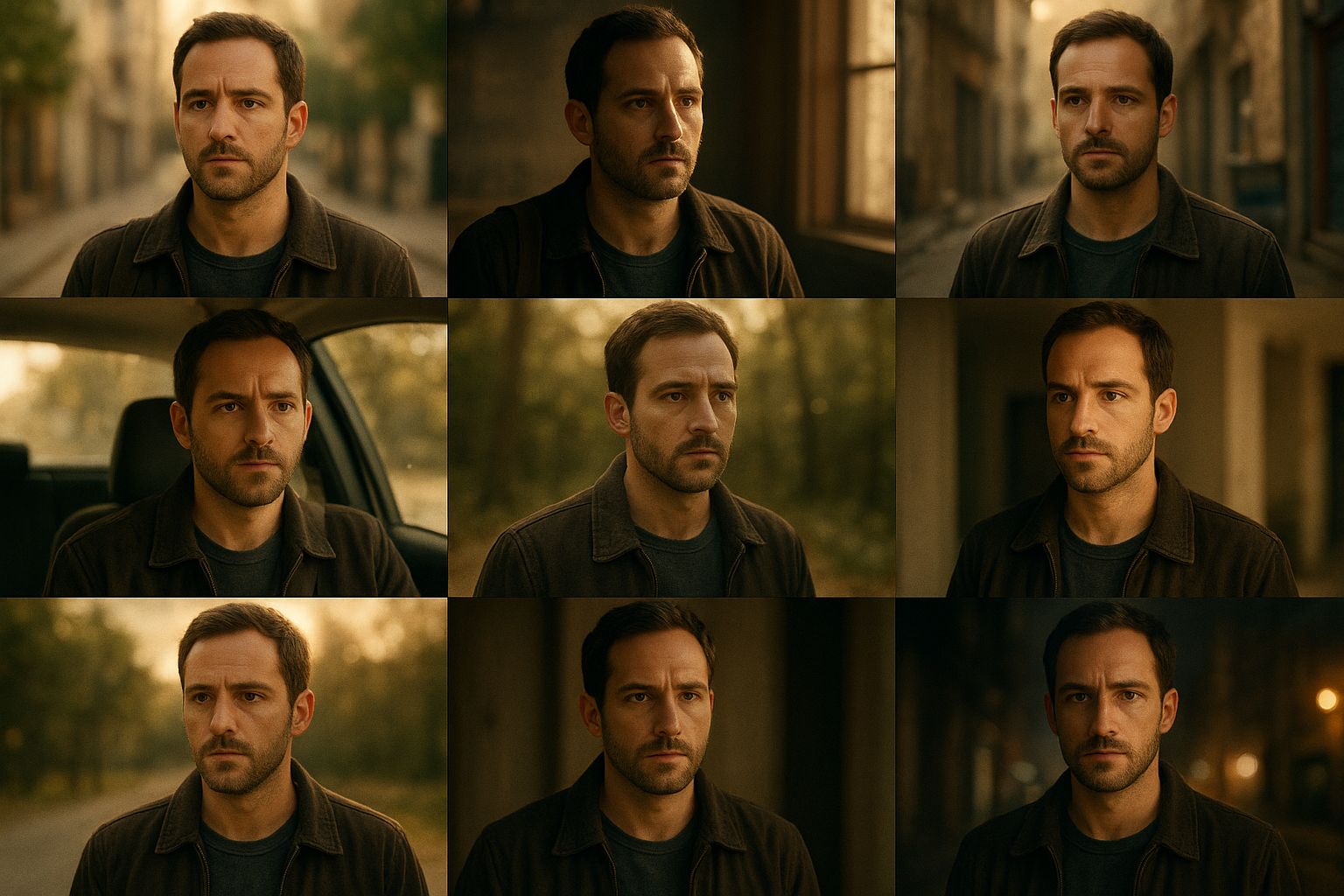
Handling long renders like a pro
- Synchronous (Wait For Completion = On): Simpler logic; N8N pauses until the video is done. Best for moderate-length pieces.
- Asynchronous (Wait For Completion = Off): Node returns a task ID immediately. Use a polling loop or event-driven callback to resume on completion. Best for episodic or batch work.
- Budgeting: Start with the default token budget. Increase for long-form narratives with multiple scenes, rich B-roll, and detailed voiceover.
Automation templates you can copy 1) Weekly expert explainer
- Trigger: Schedule weekly
- Data: Pull topic from CMS/Airtable
- Scrptly: Long-form prompt + studio reference images
- Output: Upload to YouTube; clip highlights to Shorts/Reels 2) Ecommerce product deep-dive
- Trigger: New product in store
- Data: Product photos as context images
- Scrptly: 3–5 minute lifestyle/product demo script
- Output: S3 + social syndication, email embed 3) Research mini-doc series
- Trigger: New paper added to database
- Data: Abstract + figures as references
- Scrptly: Documentary style with narration and chapter cards
- Output: Website post, newsletter, and LinkedIn
Best practices for consistent long-form results
- Provide at least 2–4 high-quality context images per recurring character/object
- Be explicit about structure, tone, and pacing in your prompt
- Reuse the same prompt template across episodes; only swap variables
- Keep orientation/ratio fixed for a series (e.g., 16:9 landscape)
- Add a short style bible to your prompt (lighting, camera movement, color palette)
Developer note and resources
- Scrptly overview and signup: https://scrptly.com/
- Scrptly N8N community node: https://github.com/ybouane/n8n-nodes-scrptly
- Prefer programmatic control? Scrptly also offers an API and a Video Development Kit for code-first workflows. Learn more on the site above.
FAQ
- How long can my video be? Scrptly shines with longer-form pieces; use a higher token budget and detailed prompts for multi-minute videos.
- Can I guarantee the same character throughout? Yes—attach consistent context images and specify continuity rules in your prompt.
- What if my workflow times out? Switch to async mode (Wait For Completion Off), then poll or handle via a callback.
- Can I post the video automatically? Yes—chain storage and social nodes after the Scrptly step.

Next steps
- Try the Scrptly AI Video Agent now: https://scrptly.com/
- Install the N8N node and wire your first long-form workflow
- Standardize your prompt template and context image pack for episode-to-episode consistency
By combining N8N’s orchestration power with Scrptly’s AI Video Agent, you can produce long-form, consistent, and on-brand videos on a reliable schedule—without manual editing marathons. Launch your first workflow today and scale your content pipeline with confidence.
Comments
Post a Comment