If you’ve ever wished your video production could run on autopilot, this guide is for you. We’ll set up a complete n8n workflow that turns plain text prompts (and optional reference images) into finished videos—ads, explainer clips, UGC-style content, even longer-form pieces—using the Scrptly AI Video Agent.
Why Scrptly for n8n video automation?
- Long-form strength: Generate consistent characters, environments, and story arcs across many scenes.
- Context-aware: Supply reference images for products or people to keep visuals consistent.
- Fully automated: From research and screenplay to narration, editing, and final render—no human-in-the-loop required.
- Developer-friendly: API, MCP support, and an n8n node you can drop into any workflow.
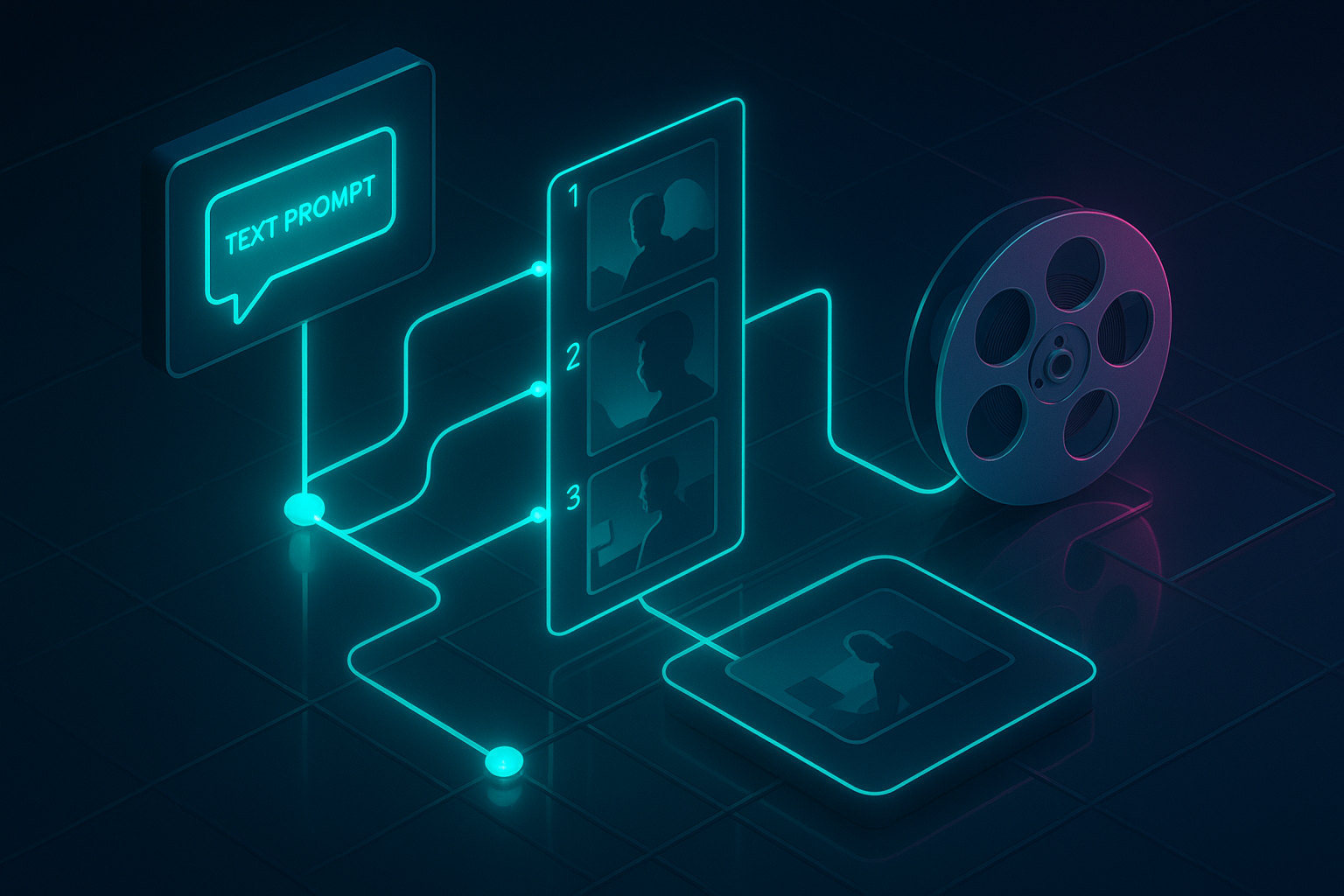
What you’ll build We’ll create a repeatable n8n flow that: 1) Receives a brief (via Webhook or Schedule) 2) Calls Scrptly with a detailed prompt and optional context images 3) Waits for video generation (or runs async) 4) Delivers the final video link to your next action (cloud upload, email, Slack, or social publishing)
Prerequisites
- An n8n instance (cloud or self-hosted)
- A Scrptly account and API key
- Optional: a folder or storage of product images to send as context
Step 1 — Install the Scrptly community node
- In n8n, go to Settings > Community Nodes > Install New
- Search and install: n8n-nodes-scrptly
- Confirm installation and restart if needed
- Source and docs: https://github.com/ybouane/n8n-nodes-scrptly
Step 2 — Add your Scrptly credentials
- In n8n, open the Credentials tab
- New Credential > Scrptly API
- Paste your API key (from your Scrptly account page)
- Save
Step 3 — Create your workflow scaffold
- Trigger: Choose Webhook (to accept dynamic payloads) or Schedule (e.g., daily at 9am)
- Add node: Scrptly (requires your credentials)
- Operation: Generate Video (AI Video-Agent)
Recommended Scrptly settings for first run
- Prompt: A clear, structured brief (see below)
- Context Images: Optional array of URLs
- Approve Up To: Keep default or raise for longer videos (e.g., 15,000–30,000 tokens)
- Wait For Completion: On (synchronous) for simplicity; toggle off if you want async flows
A reusable prompt template Paste this into the Scrptly node Prompt field. Use n8n variables to personalize on the fly (e.g., from Webhook/Spreadsheet).
Create a 45–60s vertical UGC-style product video.
Goal: Increase awareness and clicks for {{ $json.product_name }}.
Target audience: {{ $json.audience }}.
Tone: Friendly, credible, lightly enthusiastic.
Structure:
1) Cold-open hook in 2–3 seconds
2) Problem statement
3) Product reveal
4) 2–3 benefits with quick cutaways
5) Social proof (implied or narrated)
6) Clear CTA on screen and voiceover
Style: Natural handheld feel, soft daylight, minimal background music.
Brand visuals: Reference product from supplied images; keep color palette coherent with the imagery.
On-screen text: Short, legible captions.
Format: Vertical 1080x1920, 24fps, safe text margins.
Narration: Clear, warm voice.
End card: Product name and short URL.
Context images You can pass one or more URLs (e.g., from your CMS or a prior n8n step). Example:
- https://example.com/images/product-front.jpg
- https://example.com/images/product-lifestyle.jpg
Pro tip: Context images dramatically boost visual consistency—perfect for ecommerce and brand videos.
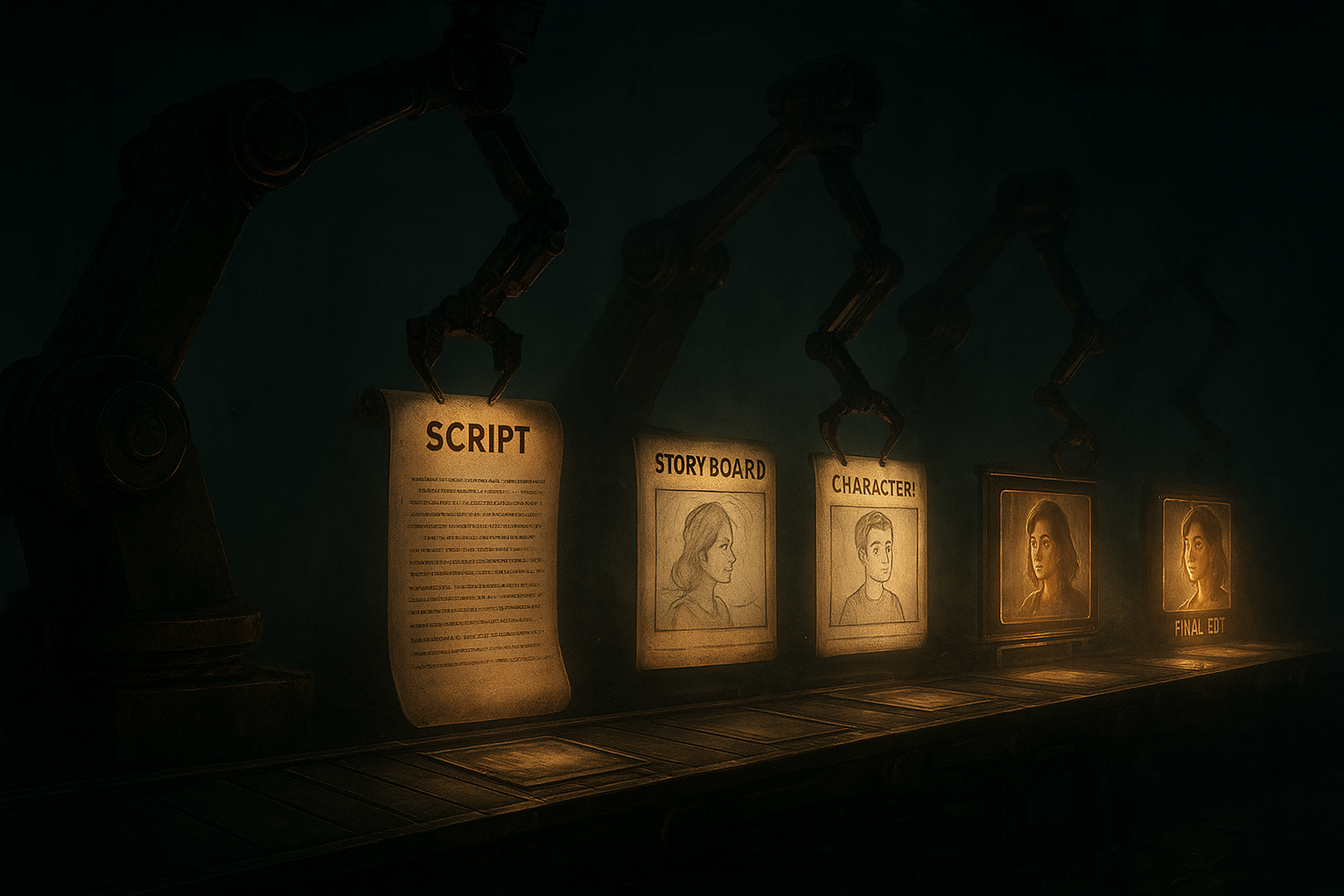
Step 4 — Build a minimal end-to-end flow 1) Webhook (POST)
- Expect JSON payload like:
{
  "product_name": "Eco Glass Bottle",
  "audience": "urban professionals who prioritize sustainable choices",
  "context": [
    "https://assets.example.com/bottle-front.jpg",
    "https://assets.example.com/bottle-lifestyle.jpg"
  ]
}
2) Scrptly Node (Generate Video)
- Credentials: Your Scrptly API key
- Prompt: Use the template above with variables
- Context images: map from Webhook: {{$json.context}}
- Approve Up To: 20000 (example for ~1 min video)
- Wait For Completion: On (first run)
The node returns metadata and a video URL when complete.
3) Next: Choose a delivery step
- Upload to storage (S3/Spaces/Drive)
- Notify via Slack/Email with the final URL
- Hand off to a social scheduler
Step 5 — Run, test, iterate
- Send a test POST to your Webhook URL with sample payload
- Confirm the Scrptly node completes and returns a video URL
- Inspect pacing, captions, and visuals; tweak prompt length, tone, or structure as needed
Asynchronous mode (for scale) If your workflows should not wait on rendering, turn off “Wait For Completion.” You’ll receive a task ID immediately. Then:
- Add a Delayed Check (or a separate scheduled workflow)
- Poll Scrptly with the task ID until status is complete
- Proceed with delivery steps
Advanced tips for consistent, high-performance outputs
- Be explicit about duration, aspect ratio, and pacing
- For long-form videos (2–10+ minutes), outline scene beats and transitions
- Always provide context images for products and recurring characters
- Include desired narration voice qualities (tone, pace, gender-neutral or specific)
- Use descriptive visual language: lighting, lens feel, color palette, environment
- Increment the “Approve Up To” budget for longer or more complex requests
Common pitfalls and fixes
- Inconsistent visuals across scenes: Provide multiple high-res context images; restate key visual traits in your prompt
- Exceeded budget or timeouts: Shorten duration, simplify shot list, or increase “Approve Up To”
- Cropped captions in vertical: Ask for safe margins and specify 1080x1920
- Robotic narration: Describe vocal warmth, cadence, and pauses in your prompt
Workflow recipes you can ship today
- Automated product drops: Trigger on new SKU in your database, attach 2–3 product shots, and publish a quick launch reel
- Faceless channel automation: Weekly educational shorts with a repeatable structure; keep character/environment consistent with context images
- Research explainer: Provide bullet-point sources; Scrptly’s sub-agents handle structure, narration, and editing for longer explainers
Developer options and integrations
- Programmatic control: Use Scrptly’s API or JavaScript Video Development Kit to generate videos in batch processes
- MCP compatibility: Connect with your preferred LLM tools via MCP
- n8n node: Orchestrate end-to-end automation without writing code
Explore Scrptly’s platform
- Product page: Scrptly AI Video Agent
- n8n community node and docs: https://github.com/ybouane/n8n-nodes-scrptly
FAQs
- How long do videos take to generate? Depends on length and complexity; simple 30–60s spots are often ready within minutes.
- Can I enforce a brand look? Yes—provide reference images and describe palette, composition, and on-screen text guidelines.
- Can developers run this at scale? Yes—use the API and asynchronous n8n patterns for high-throughput queues.
Your next step Spin up your first automated video in under an hour. Install the node, paste the prompt template, and feed your product images—then let Scrptly handle the rest. From ads and UGC to explainers and mini-docs, you’ll have a repeatable n8n workflow that produces on-brand videos—on schedule, on autopilot.
Comments
Post a Comment