I keep seeing the same failure mode in ecommerce teams: ideas for launches, FAQs, and seasonal promos are everywhere, but the blog still goes quiet because nobody wants to hand-write one more generic post. The fix is to stop thinking about the blog as a blank page and start treating it like a queue.
That is the workflow I use with Supra Blog Automation. It can generate single posts or recurring automations, keep the structure SEO-friendly, and let me decide whether a draft ships immediately or waits for review. That matters because the store still needs judgment, but it does not need a fresh brainstorming session every week.
If you want the short version, this is the system: gather real store inputs, map each one to a repeatable post shape, generate the draft with product context, review the result, then schedule it on a cadence that matches inventory and seasonality.
Start With Inputs You Already Have
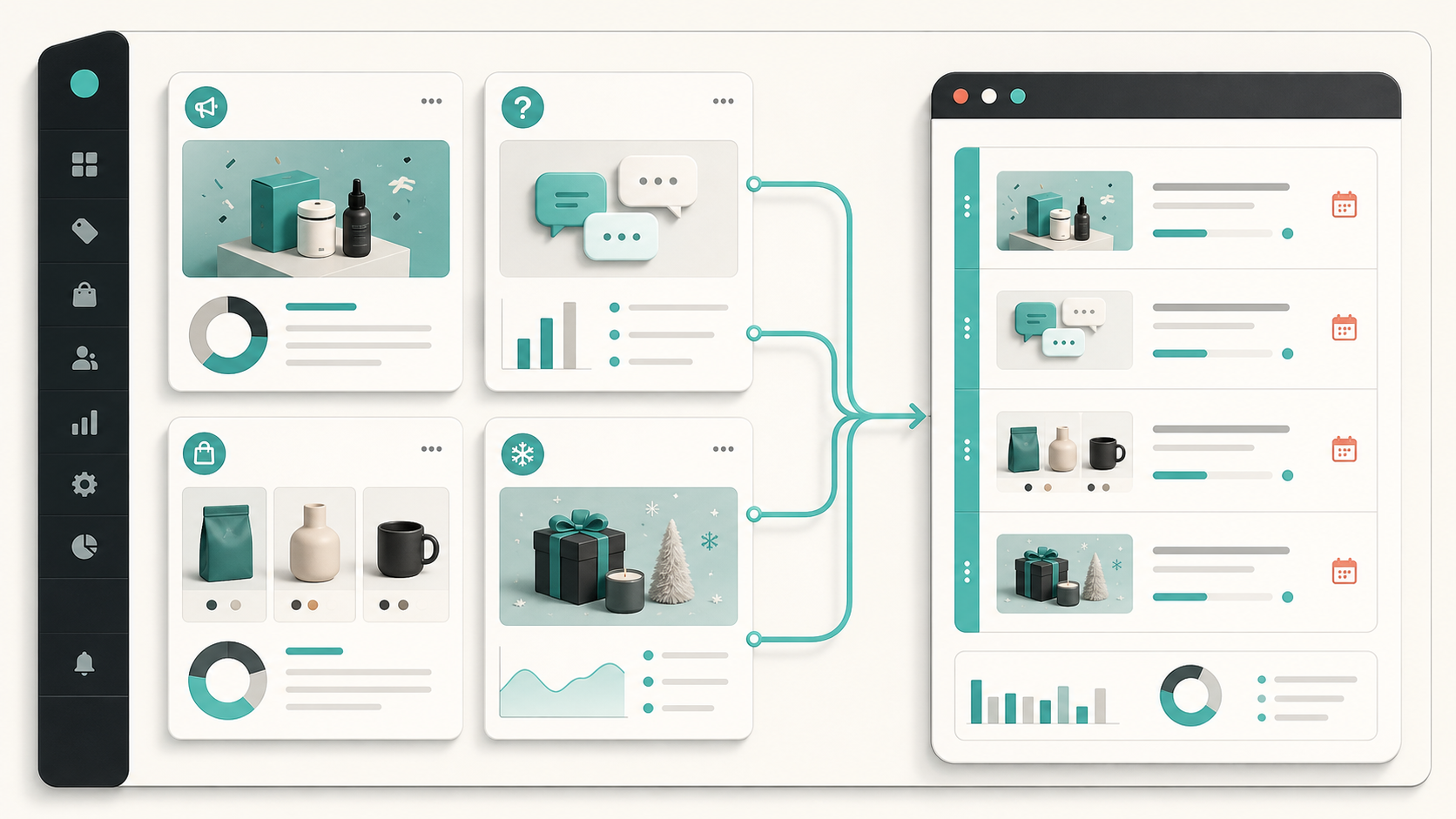
The best blog queues are built from things the store is already producing. I usually start with four buckets:
- Launch posts for new products, bundles, or collection drops.
- FAQ posts for repeated support questions that should be answered once and linked often.
- Collection posts for category pages, merchandising changes, and buying guides.
- Seasonal posts for sales, gift guides, and time-sensitive campaigns.
Once those inputs are defined, the blog stops depending on inspiration. It becomes a routing problem: which input becomes which post, and how often should it ship?
This is also where I keep the brief narrow. I wrote more about that in How I Write Shopify Blog Briefs That Survive Automation. The more structured the input, the less the draft has to guess.
Map Each Input to One Repeatable Post Shape
I do not try to make every article do everything. A launch post should explain what changed, who it is for, and why it matters. An FAQ post should answer the question directly and then provide one useful next step. A collection post should help a shopper compare options or understand the category. A seasonal post should frame urgency without sounding desperate.
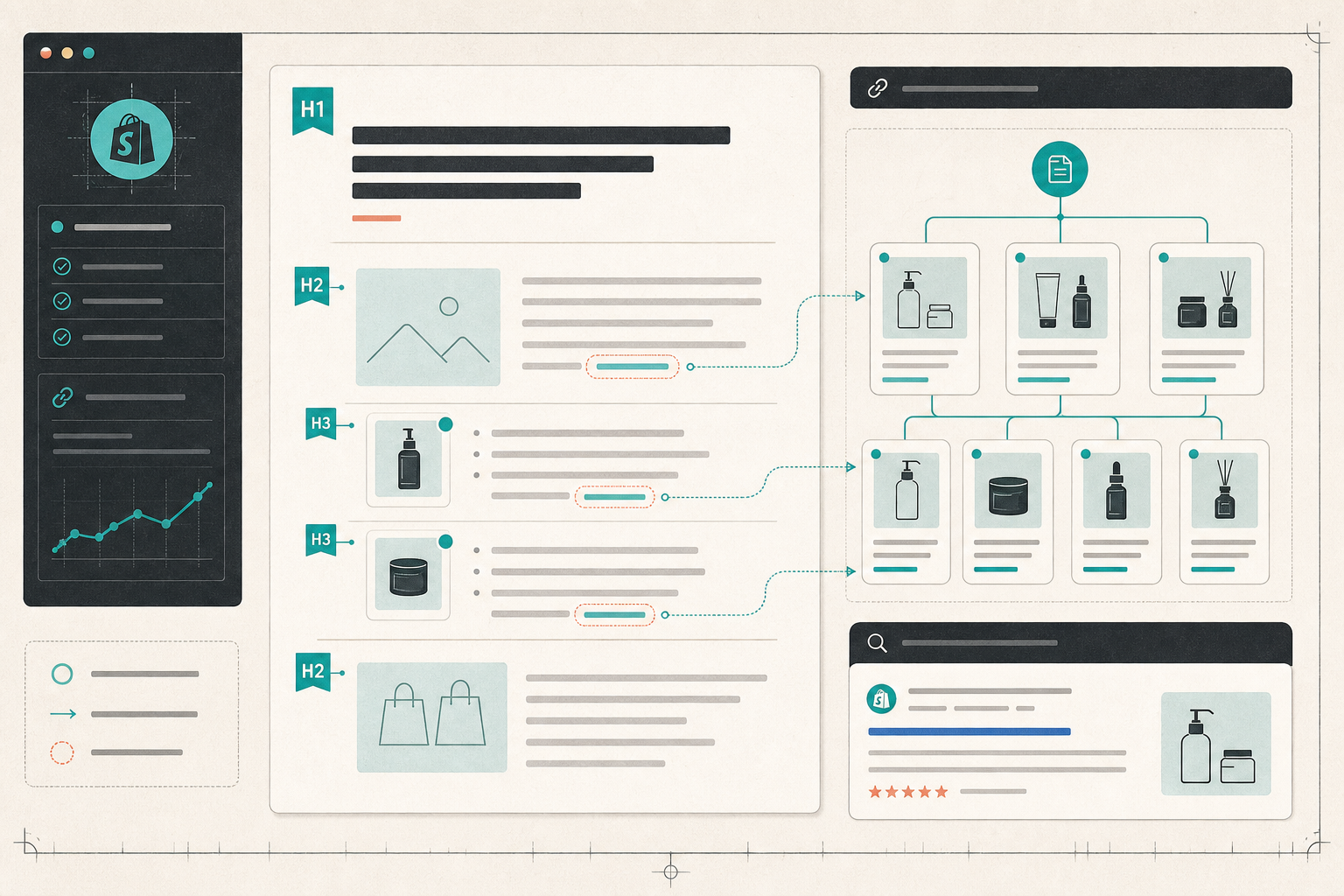
That is where product-aware content matters. Supra Blog Automation is built to create blog posts with product context, SEO structure, internal links, and images. In practice, that means I can point it at a product or collection and get something that references the actual store instead of drifting into generic advice.
If the article is launch-driven, I keep the tone practical and link to the relevant product page. If it is FAQ-driven, I lean on clarity and brevity. If it is a collection guide, I use comparison language and internal links. The point is not to make the model invent a new format every time. The point is to reduce the number of choices I have to make.
I also lean on the publishing workflow itself. The app supports drafting and publishing, so I can keep sensitive topics in review instead of forcing a fully automated publish. That is the difference between a useful automation and a brittle one. I covered that pattern in How I Keep Shopify Blog Automation From Sounding Generic.
Keep a Draft Review Loop
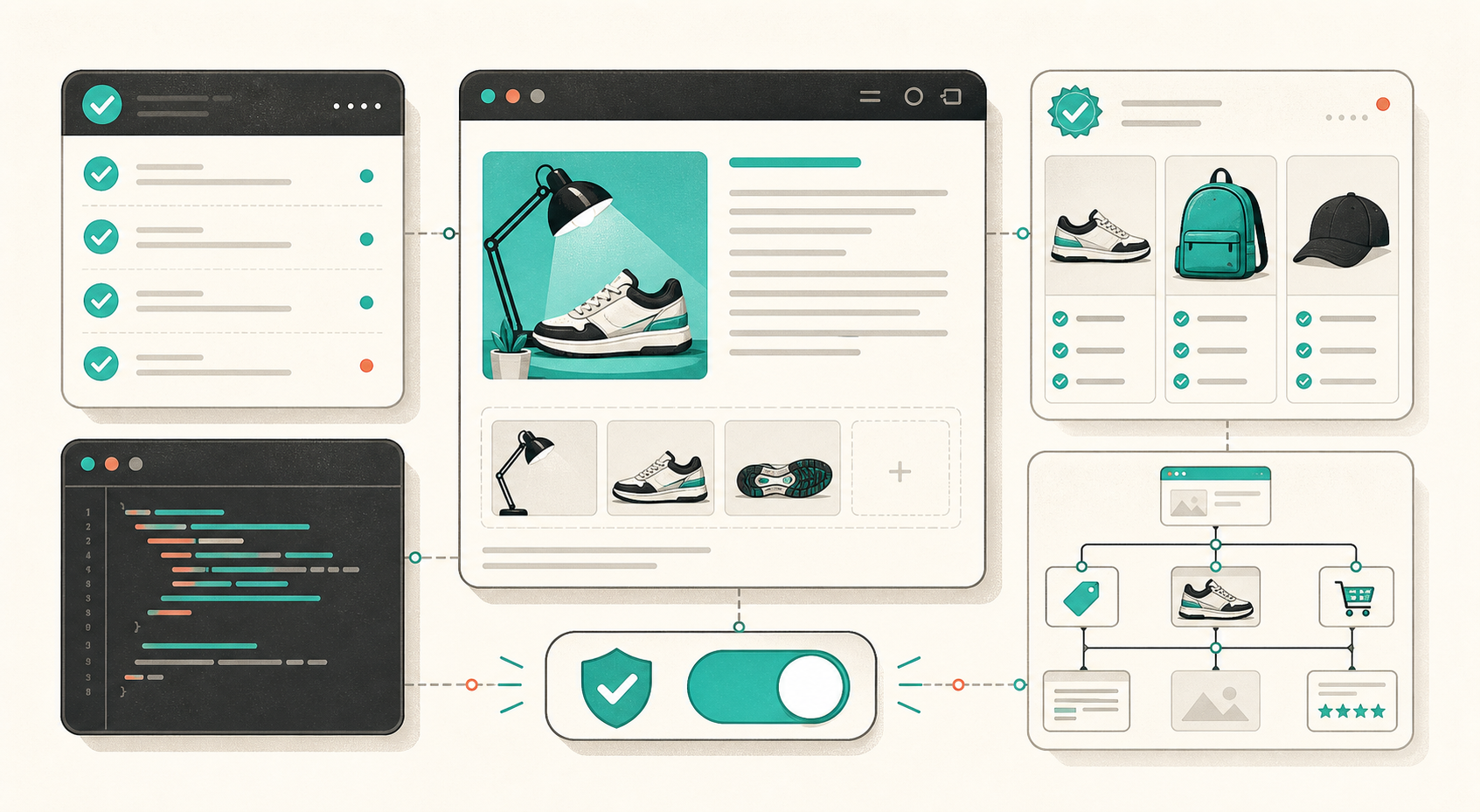
I do not trust any content system that skips review for every article. Product claims change, promotions need approval, and some topics simply deserve a human pass. The workflow I want is: generate the post, check the claims, fix the voice, and then decide whether to publish now or save as draft.
That review step is deliberately small. I am not rewriting the whole article. I am checking whether the post matches the product, whether the internal links make sense, and whether the CTA feels like part of the story instead of an ad pasted on top.
I documented that draft-first approach in How to Set Up Shopify Blog Automation With a Draft Review Loop. The practical lesson is simple: automation should remove the blank page, not remove editorial judgment.
For launch-heavy stores, this is also the place where I check whether the post is tied back to the original product story. If you want that angle in more detail, How I Turn Product Launches Into Shopify Blog Posts With Automation shows the same logic applied to release-driven content.
Schedule Around Real Store Events
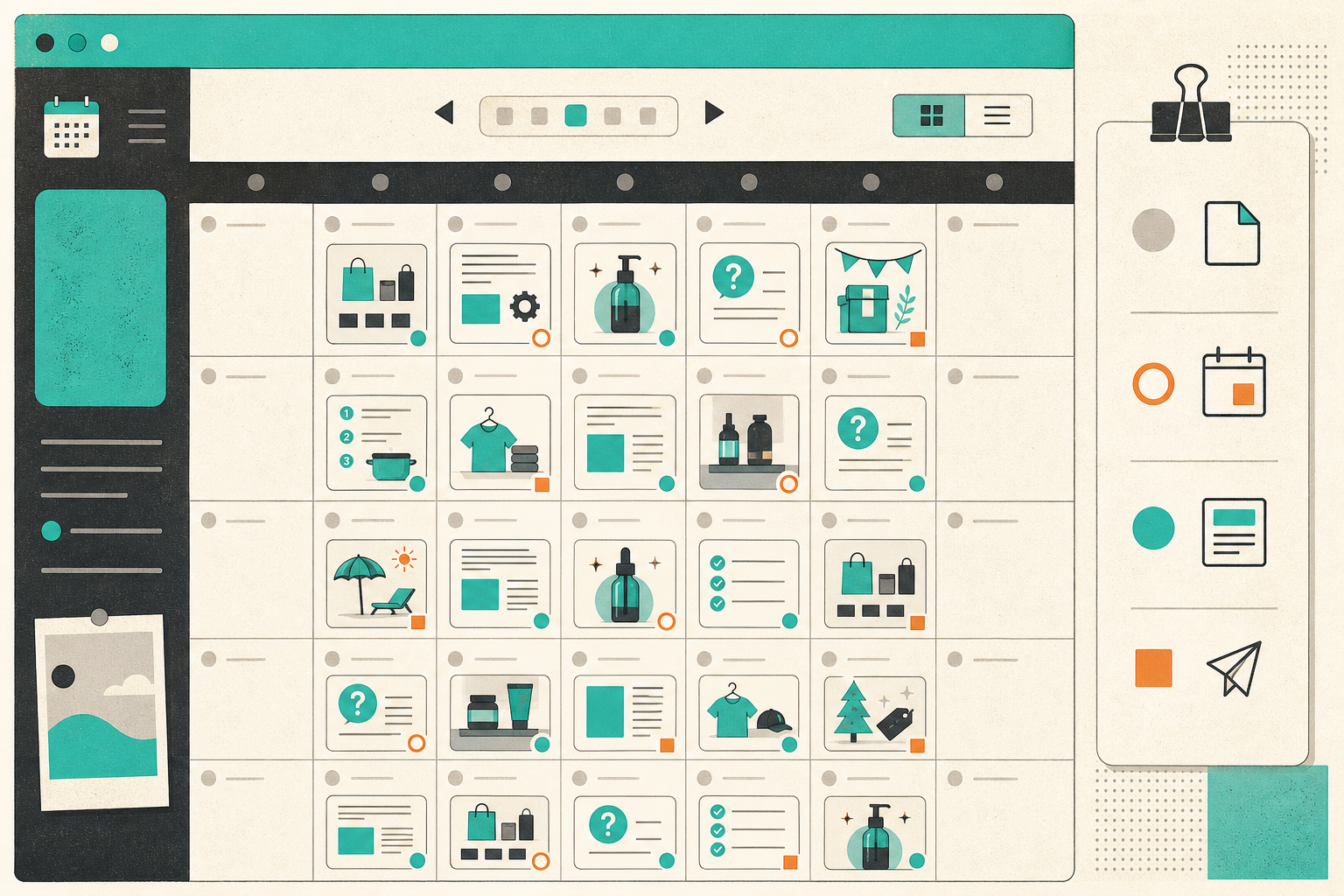
The queue works best when it is not random. I usually set cadence based on how often the store ships products, refreshes collections, or runs seasonal campaigns. A busy catalog may justify weekly posts. A smaller catalog may only need a few high-quality posts per month. The goal is consistency that matches the business, not content for its own sake.
Recurring automations are the part that makes this sustainable. Instead of opening a blank editor every time, the store can run a predictable schedule and keep the editorial pipeline full. If a post needs a quick human pass, it can wait in draft. If the topic is low-risk and already well defined, it can publish immediately.
I used that thinking in a more calendar-first setup in How to Build a Seasonal Shopify Blog Calendar That Writes Itself. The same logic applies here: the calendar should reflect inventory and demand, not an arbitrary publishing streak.
Use the Queue to Make SEO Boring Again
Once the queue is in place, SEO gets less dramatic. Every post already has a role, so I can keep the structure consistent: clear headings, one topic, one primary intent, and internal links that point to useful pages on the store.
That is why the article shape matters. A launch post can point to the product page. A collection post can link to the collection and a few supporting products. An FAQ post can link back into the right category or support page. In other words, the post is not just trying to rank. It is trying to move the reader toward the next useful page.
The cleaner the queue, the easier it is to keep the blog aligned with the store. Supra Blog Automation is not doing magic here. It is just removing the friction that usually causes stores to stop publishing after the first few posts.

What I Would Automate First
- One launch post tied to a product or collection that is already shipping.
- One FAQ post that answers a support question the store keeps repeating.
- One collection post that helps shoppers compare options.
- One seasonal post that can be scheduled ahead of a campaign.
If those four posts work, the queue is doing its job. You have a repeatable source of drafts, a review loop that prevents bad publishes, and a calendar that keeps the blog active without hand-writing every article.
If you want to try it, start with the free plan on Supra Blog Automation or check the Shopify App Store listing. The first useful automation is usually the one that turns your next product launch into a draft before anyone starts staring at a blank page.
Comments
Post a Comment