
I used to think a video template problem was a rendering problem. It usually is not. The real failure mode is a template that knows too much: it contains the scene data, the preview logic, the editor assumptions, and the export rules all in one place. Once that happens, every new variation turns into a fork.
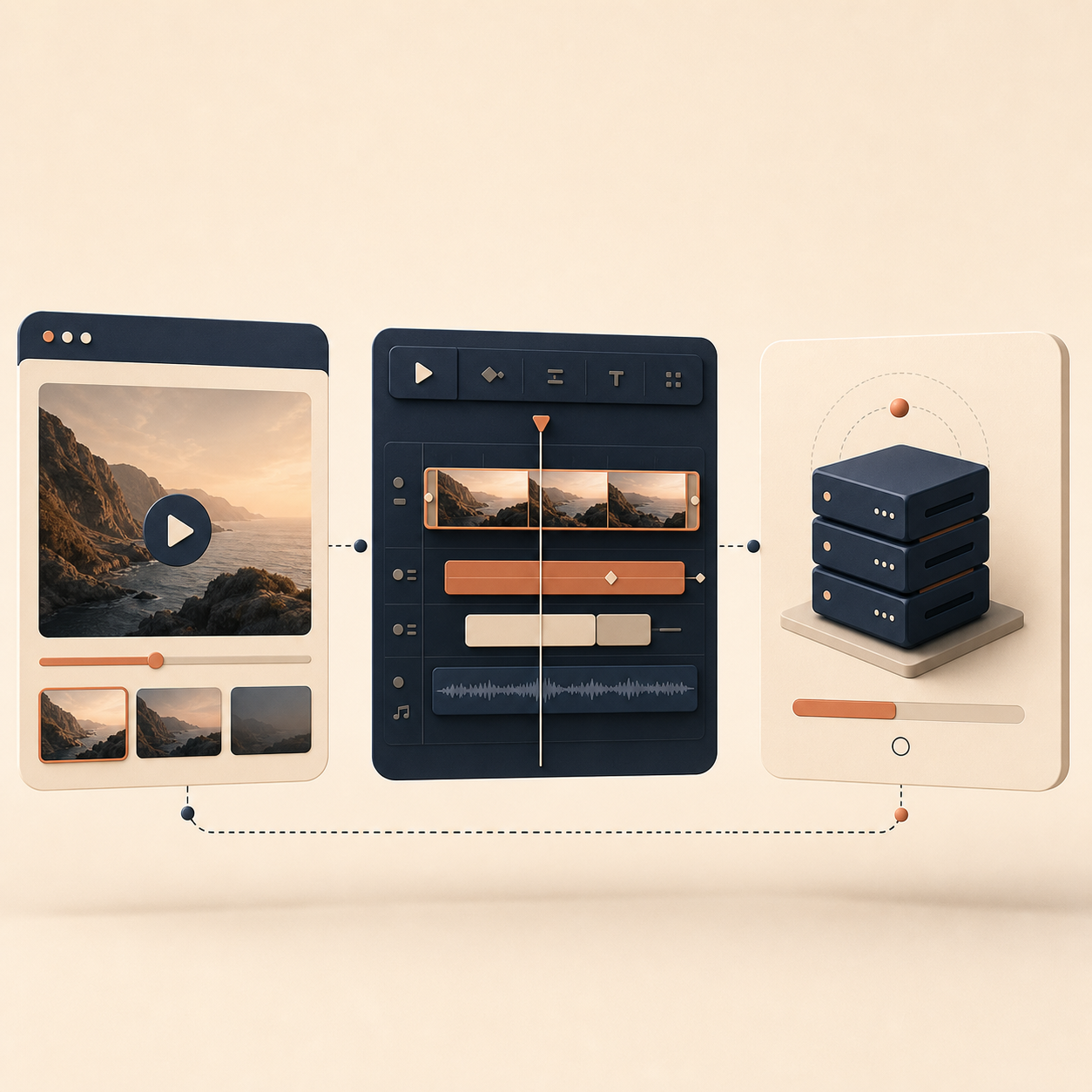
The cleaner approach is to keep one portable video document and let specialized tools do their own job. That is the model behind VideoFlow: author once with @videoflow/core, render the same structure in the browser, on a server, or in a live DOM preview, and only add the React editor when you actually need a visual editing layer.

The rule I follow
I separate video systems into three layers:
- Data: scene content, timing, assets, and copy.
- Rendering: how the data becomes MP4 output in a given environment.
- Editing: how humans change the data without touching the underlying schema.
If you mix those layers, every change leaks into the wrong place. If you keep them separate, a browser preview, a queue job, and a React editor can all point at the same source of truth.
import VideoFlow from "@videoflow/core";

const $ = new VideoFlow({
  name: "Product Demo",
  width: 1920,
  height: 1080,
  fps: 30,
});

$.addText(
  { text: "New release", fontSize: 7, fontWeight: 800 },
  { transitionIn: { transition: "overshootPop", duration: "500ms" } }
);

const videoJSON = await $.compile();
The important part is not the snippet itself. It is that the template compiles to a portable VideoJSON object instead of staying trapped inside a timeline UI.
How I keep the system from forking
The best maintenance trick is refusing to let renderer choices bleed into the template. I keep renderer-specific settings outside the scene document and treat the template as something that should survive format changes, deployment changes, and new output targets.
- Keep scene IDs stable so updates do not break references.
- Store content payloads separately from layout logic.
- Version the schema instead of editing the template ad hoc.
- Validate inputs before render so bad data fails early.
- Avoid adding browser-only assumptions into the template itself.
I wrote more about that approach in How I Keep Video Templates Stable as Data Changes. That post is the practical version of the same idea: the more stable the schema, the less often you need a new template.

Where browser, server, and React fit
Once the template is clean, the runtime choice becomes much simpler. If the user needs export inside the product, the browser renderer makes sense. If the workload is batch-oriented or queue-based, the server renderer is the better fit. If the team needs visual control, the React editor becomes a layer on top of the same JSON, not a second source of truth.
That separation is the reason I like the renderer lineup. Browser export can stay client-side. Server export can stay headless. The DOM renderer can power a live preview. And the same structure can still feed the React video editor when a product team needs drag, trim, snap, and reorder controls.
If you want the deeper workflow version of that idea, I covered it in How I Keep One Video Workflow Portable Across Browser, Server, and React and How to Build a VideoJSON Pipeline for Browser, Server, and React.
When the React editor belongs in the stack
I do not add the editor first. I add it after the data model is settled and the output path is already working. That order matters because an editor can hide a weak schema for a while, but it cannot fix one.
VideoFlow’s editor is useful when users need a multi-track timeline, keyframes, uploads, and MP4 export without building the whole editing surface from scratch. It is not a replacement for a full NLE, and it should not pretend to be one. It is the right tool when the job is structured video editing inside an app.
That is also why browser export matters. If you can keep the same JSON alive from authoring to preview to export, you do not have to fork the project every time a new output path appears. I go into that tradeoff in How to Add Browser MP4 Export Without Forking Your Video Template, and the reuse angle in How I Kept Video Templates Versionable in Git With VideoFlow.
What I would start with
If I were starting a new video system today, I would begin with one template, one schema, and one renderer. I would keep the data portable, keep the rendering logic thin, and only add the editor once the template had proven it could survive changes.
That is the part that keeps the system maintainable. Not more features. Not a bigger timeline. Just a cleaner boundary between the video data you own and the runtime you use to display it.
If you want to try the stack, start with the core docs, then the renderer docs, then the React video editor only if the workflow actually needs one. The source is open on GitHub under Apache-2.0, so you can inspect the internals before you commit to it.
Comments
Post a Comment