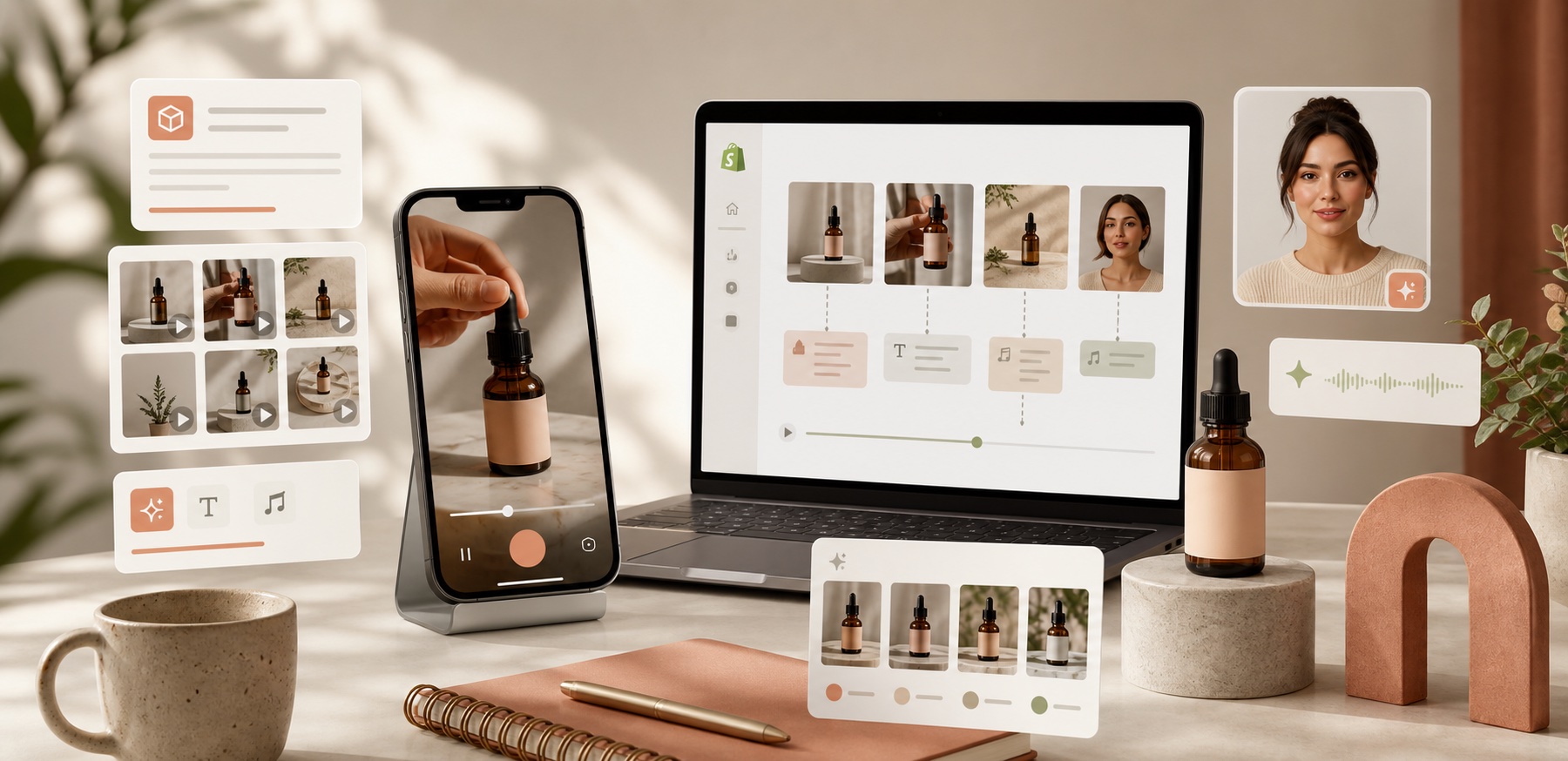
If you need short-form video but not a production crew, the fastest move is not to build a giant content system. Make one useful clip first: a hook, a product benefit, and one clear call to action. I use Supra UGC Maker when I want to turn a Shopify product into multiple UGC-style variations without rebuilding the whole workflow. The Shopify App Store listing is the best place to check the current plan and feature set.
What you are really trying to make is not one perfect ad. It is one useful asset that can work in a few places: a product page, a launch campaign, a paid social test, or an email teaser.
Start With One Job
The first mistake is asking a video to do everything. I get better results when I decide whether the clip is mainly for explanation, conversion, or attention.
- Product-page clip: answer the buyer's question before they leave.
- Launch ad: make the hook clear fast.
- Seasonal promo: keep the timing and offer obvious.
- Email teaser: give the reader a visual reason to click.
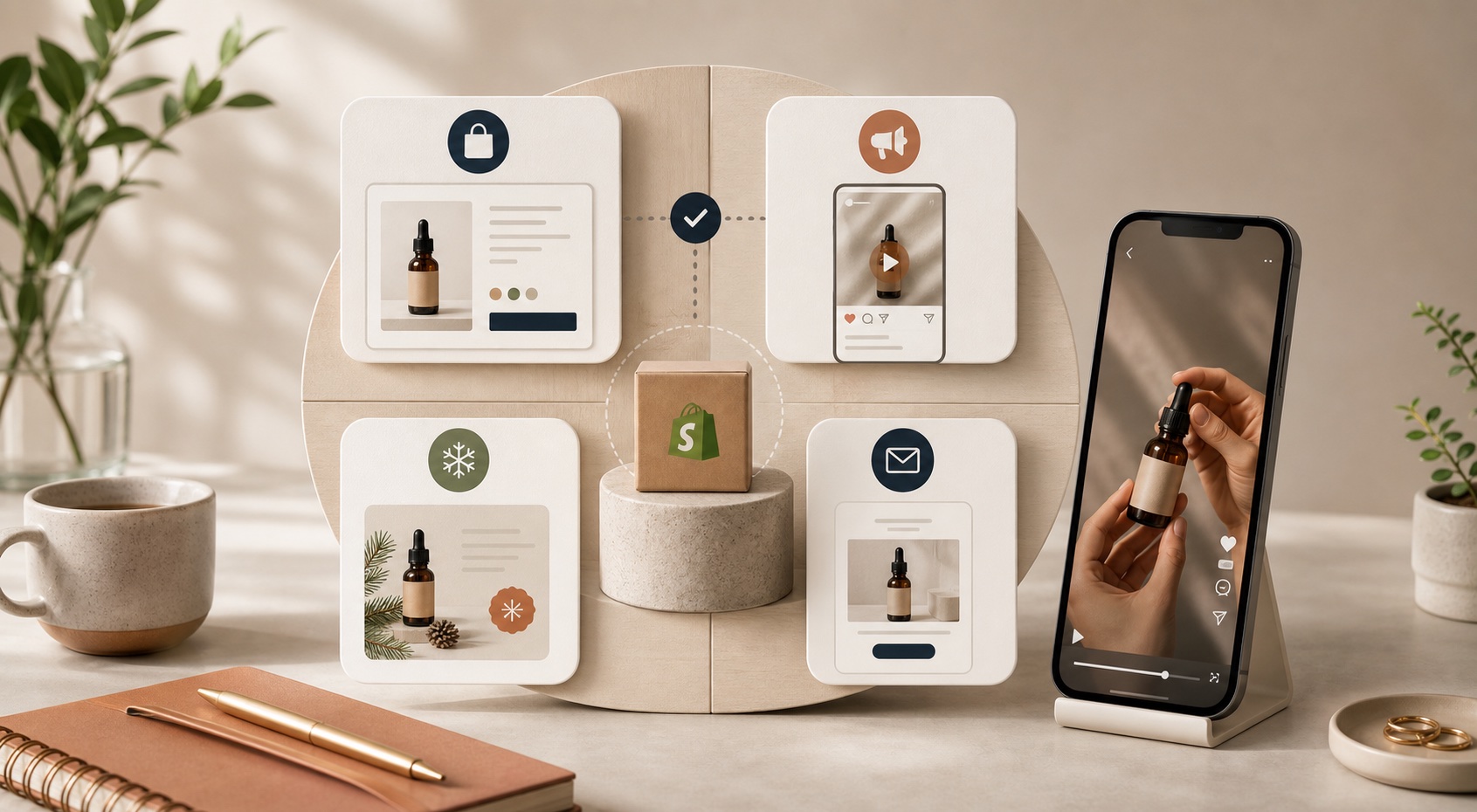
If I have to choose, I start with the video that removes the most friction. For some products that is a product-page explainer. For others it is a hook-heavy ad that tests one promise against another.
Use a Simple Script Formula
A workable UGC-style script does not need to be clever. It needs to be specific.
- Hook: state the problem or surprise.
- Problem: show why the buyer should care.
- Product: connect the product to the outcome.
- Proof: give one believable reason to trust it.
- CTA: tell the viewer what to do next.
Supra UGC Maker lets you swap the parts that matter: avatar, scene, product reference, script, and voice or tone. That makes it easier to keep the same core idea while changing the angle.
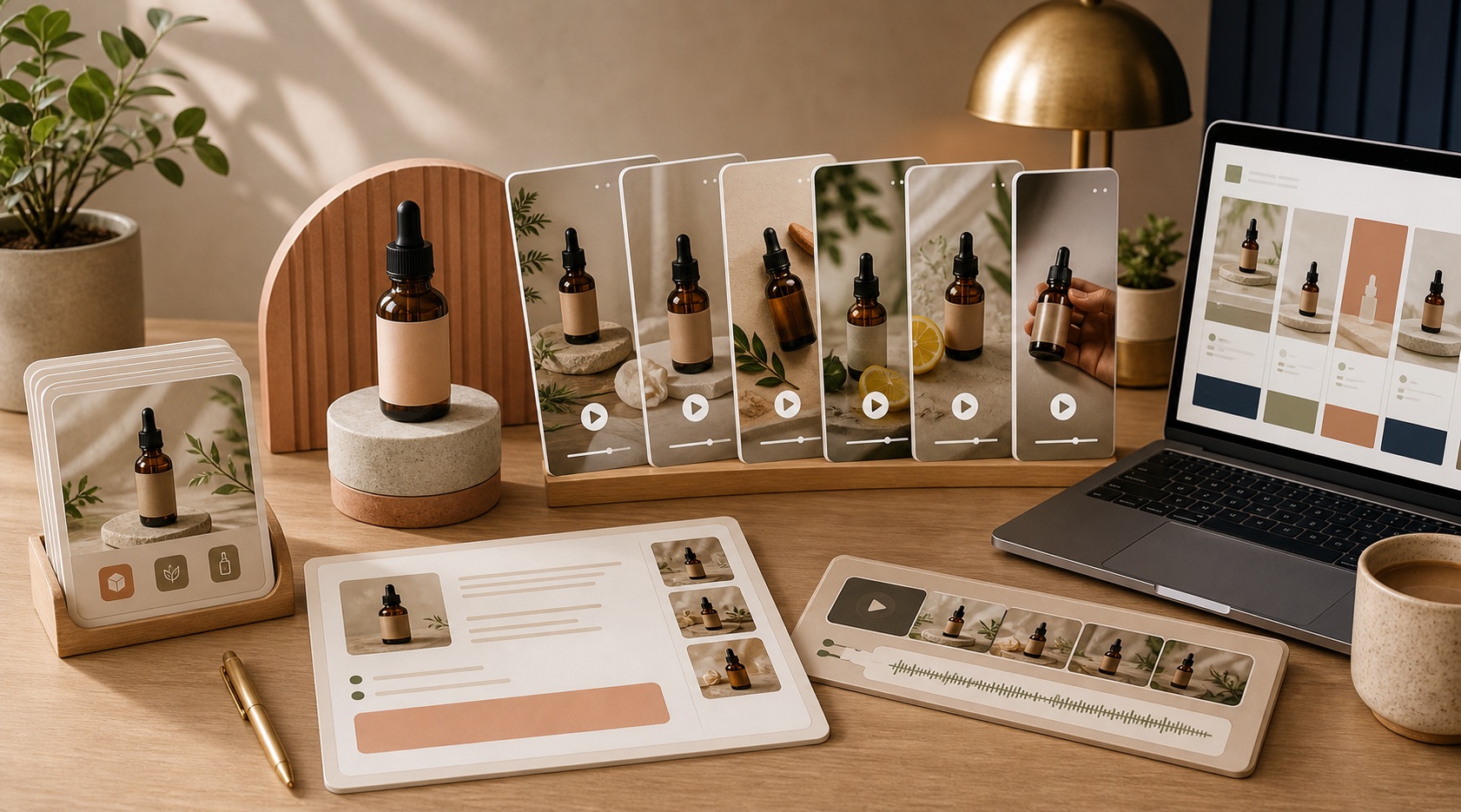
That is the part I care about most. A lot of AI video tools can generate something. Fewer of them make it easy to keep the creative stable while you change the copy, the scene, or the voice.
Make Variations Without Rebuilding Everything
Once the first clip works, the value is in variations. Keep one avatar and one scene when the audience is the same. Change only the hook, CTA, or tone when you are testing a different angle.
That is the same reason I like saving scene setups instead of treating every export like a one-off. A reusable scene gives you a base you can return to when you want to test a new product, a new offer, or a new channel.
If you want to go deeper on this part, How I Test Shopify UGC Video Angles Without Hiring Creators is the right companion post. For a reusable setup, How I Built a Reusable Shopify UGC Scene Library shows the same idea from another angle. If you need a broader ad workflow, How I Build a Shopify UGC Video System for Launches and How to Make Shopify UGC Video Variations for Ad Testing are the next two posts I would read.
Where The Videos Belong
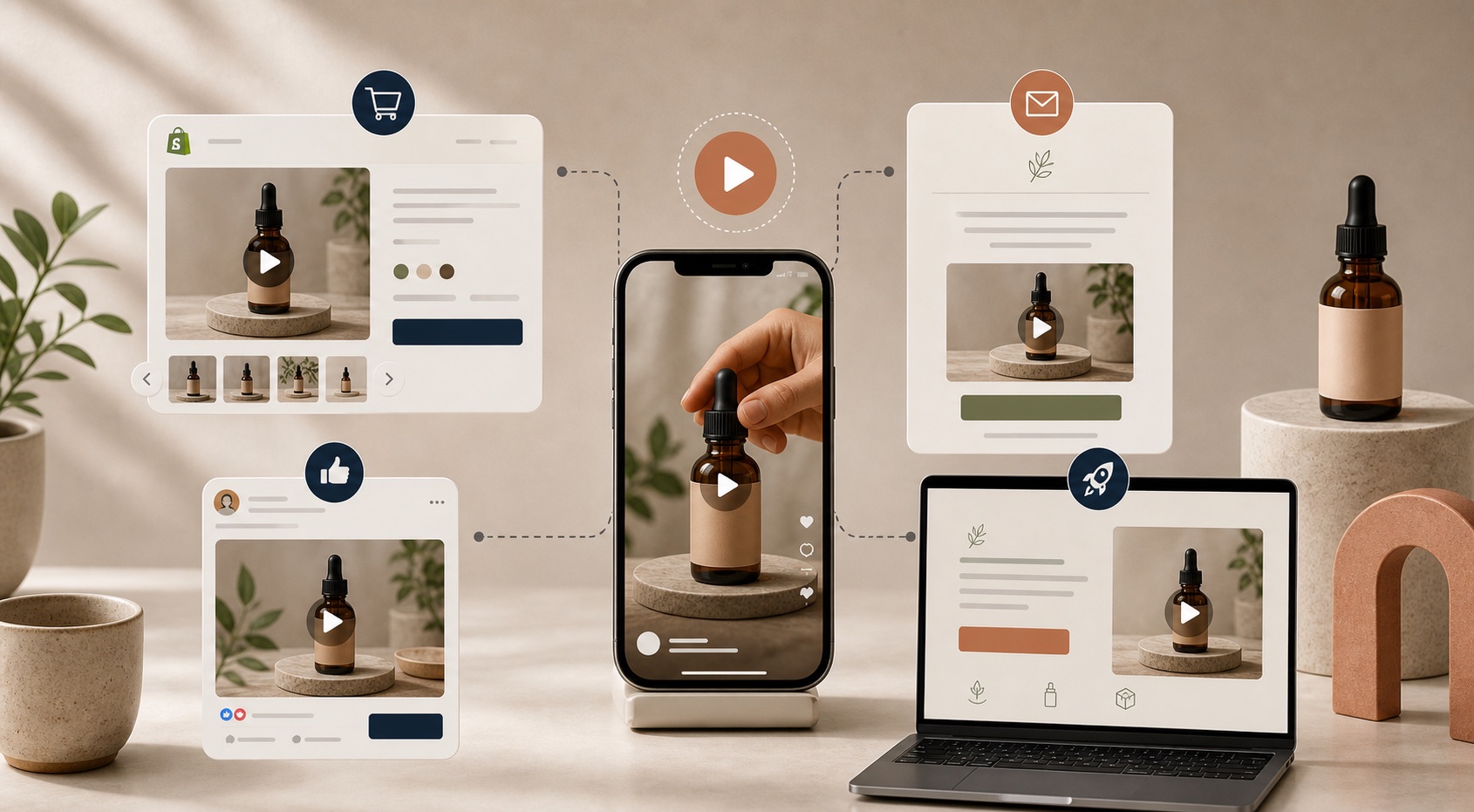
Use the video where it can reduce friction: product pages, paid social, launch pages, and email. Do not force it to replace a real testimonial if the job is trust.
- Product page: explain what the shopper is buying.
- Paid social: test hooks and offers quickly.
- Launch page: create momentum around the release.
- Email: turn a static campaign into something easier to notice.

The other thing I would watch is tone. A creator-style video should still sound like your brand. If the script is trying too hard to sound casual, it usually gets worse instead of more believable.
The Shortcut
If you want the shortest path forward, make one video for one product, keep the script tight, and reuse the same scene until you have enough signal to change it. That is how UGC-style production stays fast instead of turning into another production process.
I would start with the free plan on Supra UGC Maker, pick one product that needs more video support, and build the first version you would actually put in front of shoppers.
Comments
Post a Comment