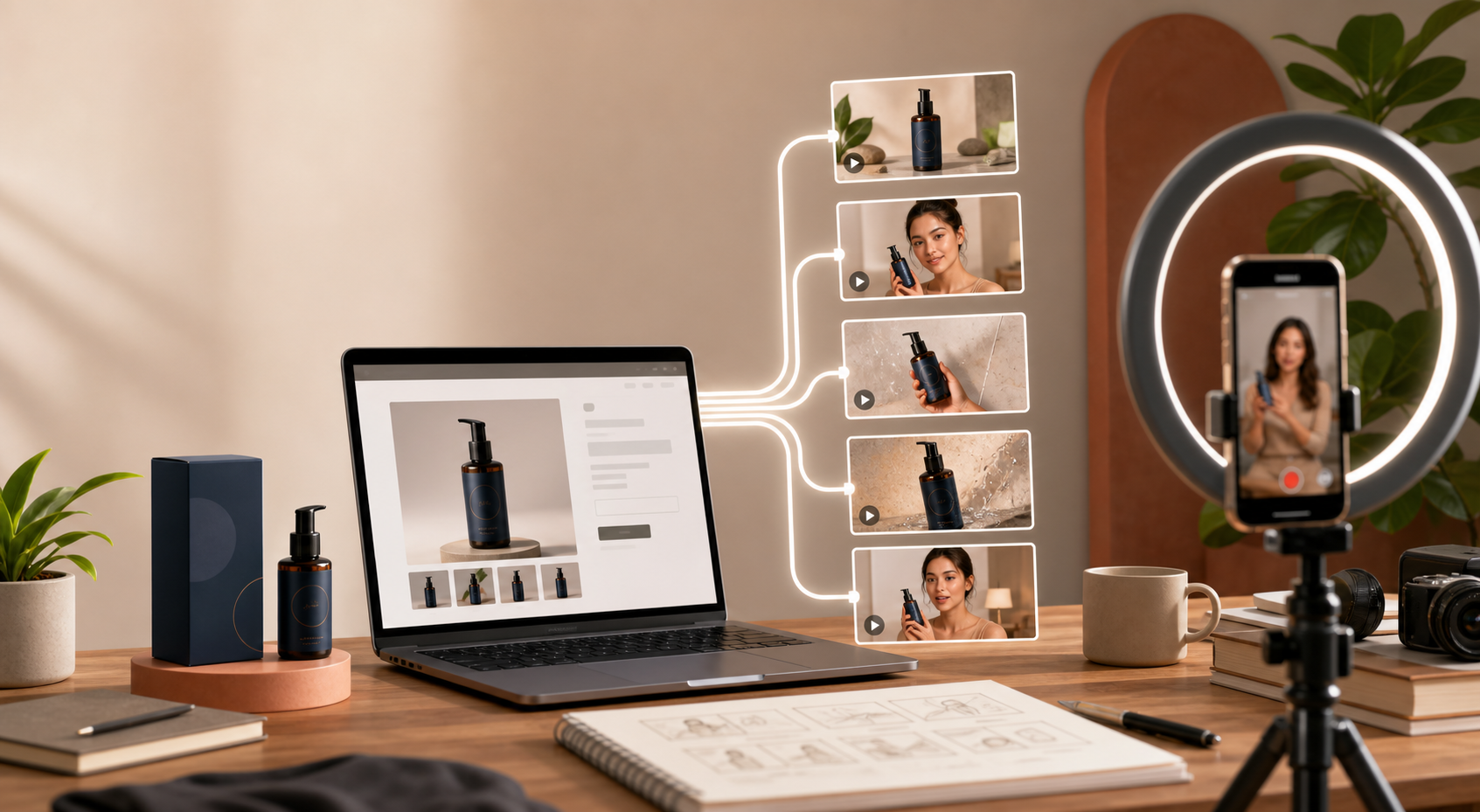
If you want more output from one Shopify product, the answer is not to make one more generic ad. It is to build five different UGC hooks around the same product and let the opening line, scene, and call to action do the work. That is the kind of workflow Supra UGC Maker is built for: pick an avatar, choose a scene, add the product, write the script, and generate variations fast.
I have seen this work best when the store already knows what it wants to sell, but not which angle will win. Instead of guessing, you create a small testing set, review it, and keep the versions that match the audience and the offer.
What You Will Learn
- How to turn one product into five UGC hooks without rebuilding the entire video.
- Which hook types are most useful for Shopify ads, product pages, and email.
- How to use product references, scenes, and voice to make the video feel believable.
- How to avoid the biggest mistake: making five versions that all say the same thing.
Start With One Product And One Job
The fastest way to waste time is to start with a vague brief like “make a product video.” A better brief is “show why this product solves one specific problem for one specific shopper.”
Before you generate anything, write down three things:
- The product you want to promote.
- The shopper problem or desire you want to address.
- The action you want the viewer to take after watching.
That keeps the video focused. It also makes the variations easier to compare because only the hook changes, not the whole story.
The Five Hook Types I Would Test First
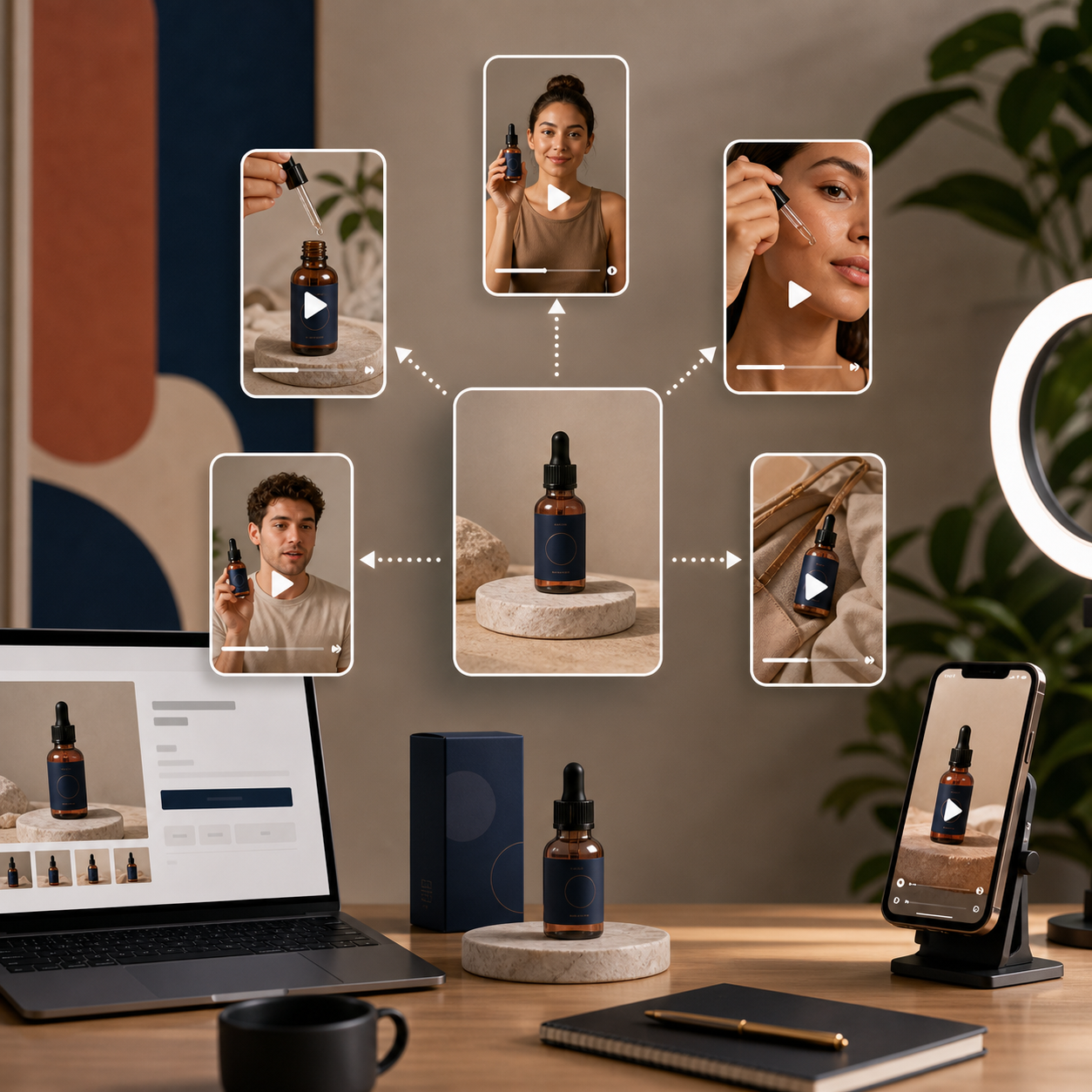
You do not need twenty versions on day one. Five is enough to learn something useful.
1. Problem And Solution
Open with the pain point first. This works when the product removes friction, saves time, or fixes a common frustration. The hook should sound like the shopper talking to themselves.
2. Quick Demo
Show the product in action immediately. This is best when the product is visual, easy to understand, or hard to explain with static photos alone. The first three seconds should answer “what does this do?”
3. Objection Handler
Use this when shoppers hesitate because of price, complexity, fit, or trust. The hook should address the doubt directly instead of pretending it does not exist.
4. Comparison Angle
Compare the product against the old way of doing things. That can mean comparing it with a manual process, a cheaper alternative, or a more generic solution.
5. Outcome Or Use Case
Lead with the result the shopper wants. This works well for seasonal campaigns, gifting, launches, and products that support a specific lifestyle or routine.
If you want to expand that into a broader test framework, How to Test More UGC Video Angles From One Shopify Product is a useful companion read.
How To Set It Up In Supra UGC Maker
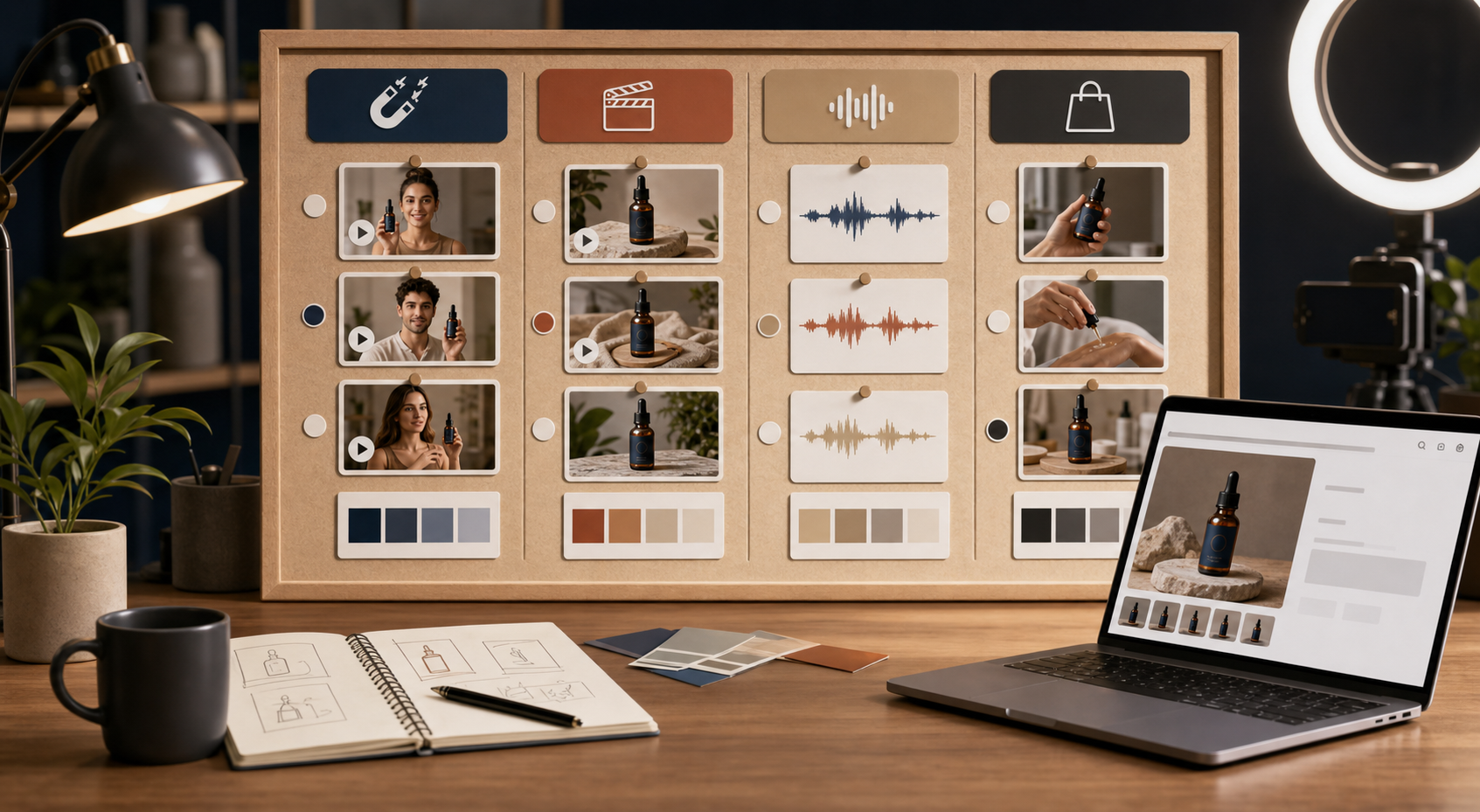
Once you have the hook list, the app workflow is simple.
- Pick an avatar that fits the audience and product category.
- Choose a scene that supports the message instead of distracting from it.
- Add the product reference so the video stays grounded in the real offer.
- Write one short script for each hook.
- Generate, preview, trim, reorder, and regenerate clips until the pacing feels right.
The important part is not to change everything at once. Keep the product and the scene steady when you can, then vary the hook and script so you can see which angle drives the strongest response.
That is also where reusable projects help. Once you find a combo that works, you can save the setup and produce new ad variations without rebuilding the whole thing.
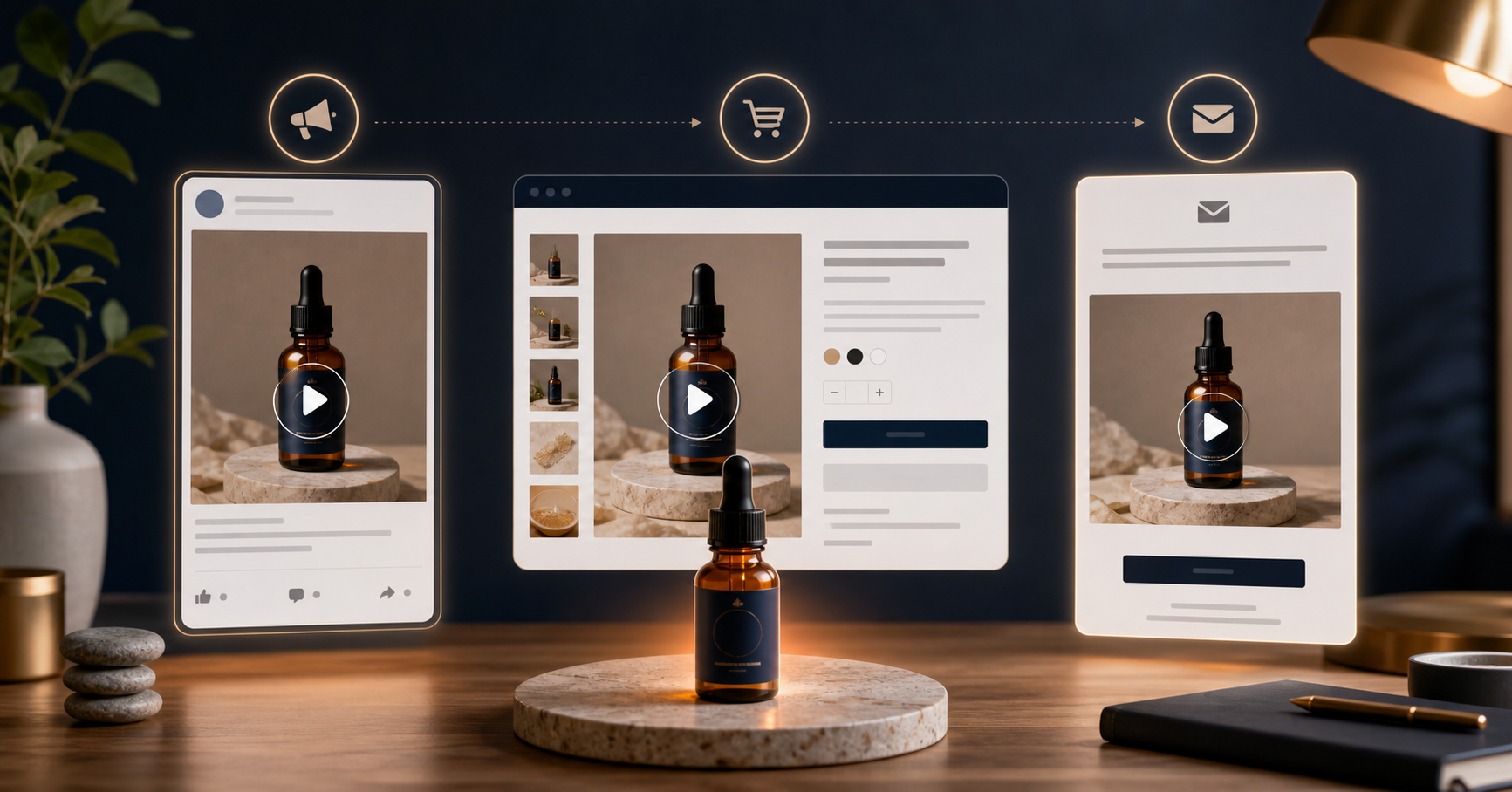
Where The Same Video Can Go
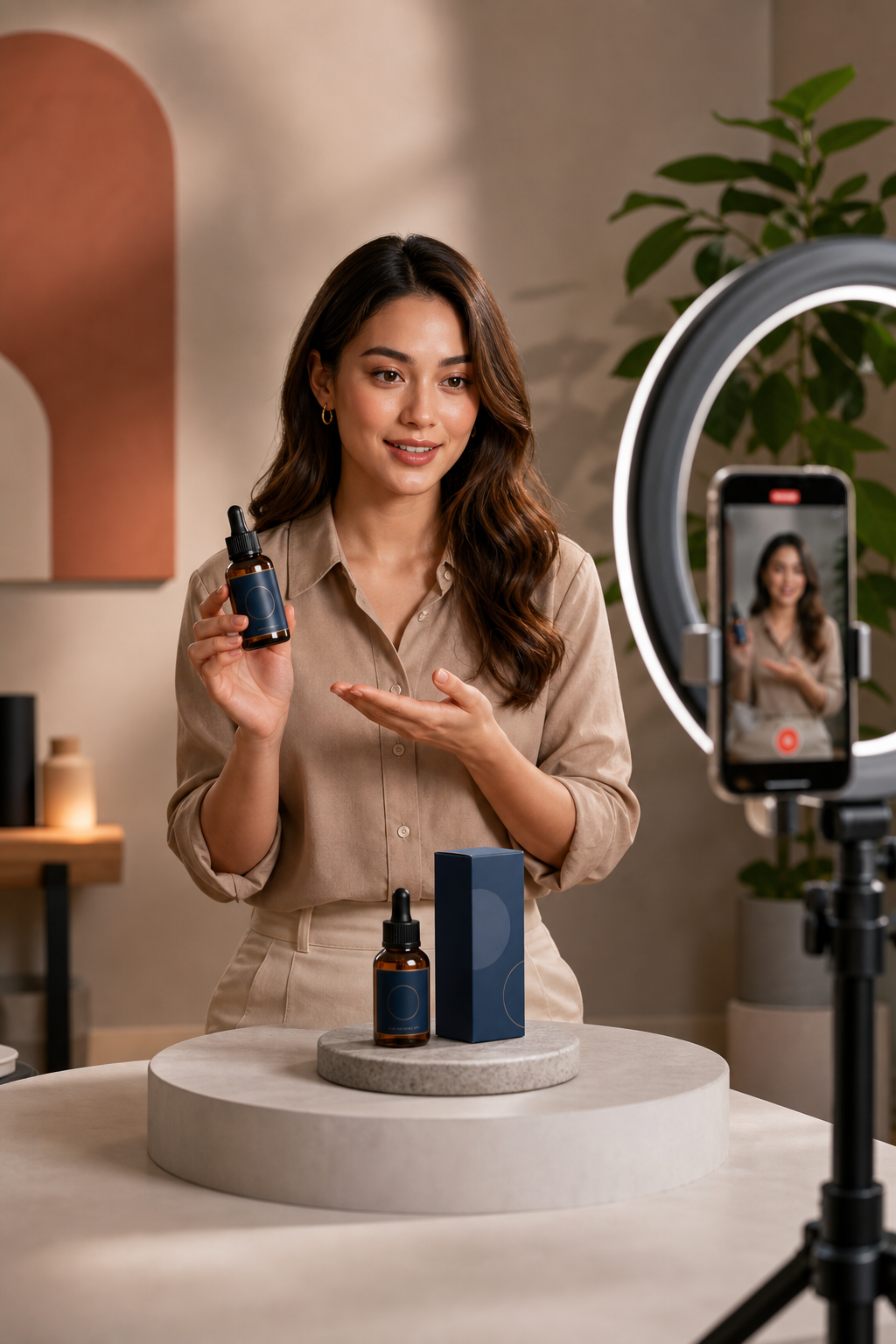
One good UGC-style video should not live in just one place. A Shopify store can usually get more value by using the same core video in multiple placements.
- Paid ads: Lead with the strongest hook and the clearest reason to click.
- Product pages: Use the calmer, more explanatory version that helps shoppers understand the product.
- Email: Use a short teaser or benefit-first clip to support a campaign or launch.
- Retargeting: Use an objection-handling angle for people who already visited the store.
If you want a launch-focused workflow, How I Build a Shopify UGC Launch Kit From One Brief shows how a single brief can feed a larger campaign.
Keep The Output Believable
AI UGC works best when it feels grounded. The goal is not to make every clip look identical to a real influencer post. The goal is to make the video feel like a plausible, useful product story.
A few checks help a lot:
- Use product details that are actually true.
- Do not invent testimonials or results.
- Match the scene to the product category.
- Keep the script short enough that the hook lands quickly.
- Trim any awkward lines before you publish or download the clip.
If buyer questions are the source of your best hooks, How I Turn Buyer Questions Into Shopify UGC Video Variants is the next place to go.
The Short Version
Do not try to make one perfect UGC video. Make five focused versions from one product, keep the setup consistent, and let the hook do the testing. That is faster, cheaper, and much easier to learn from.
If you want to try it, start with Supra UGC Maker or install it from the Shopify App Store. The free plan is enough to build the first test set, check the results, and decide which angle is worth scaling next.
Comments
Post a Comment