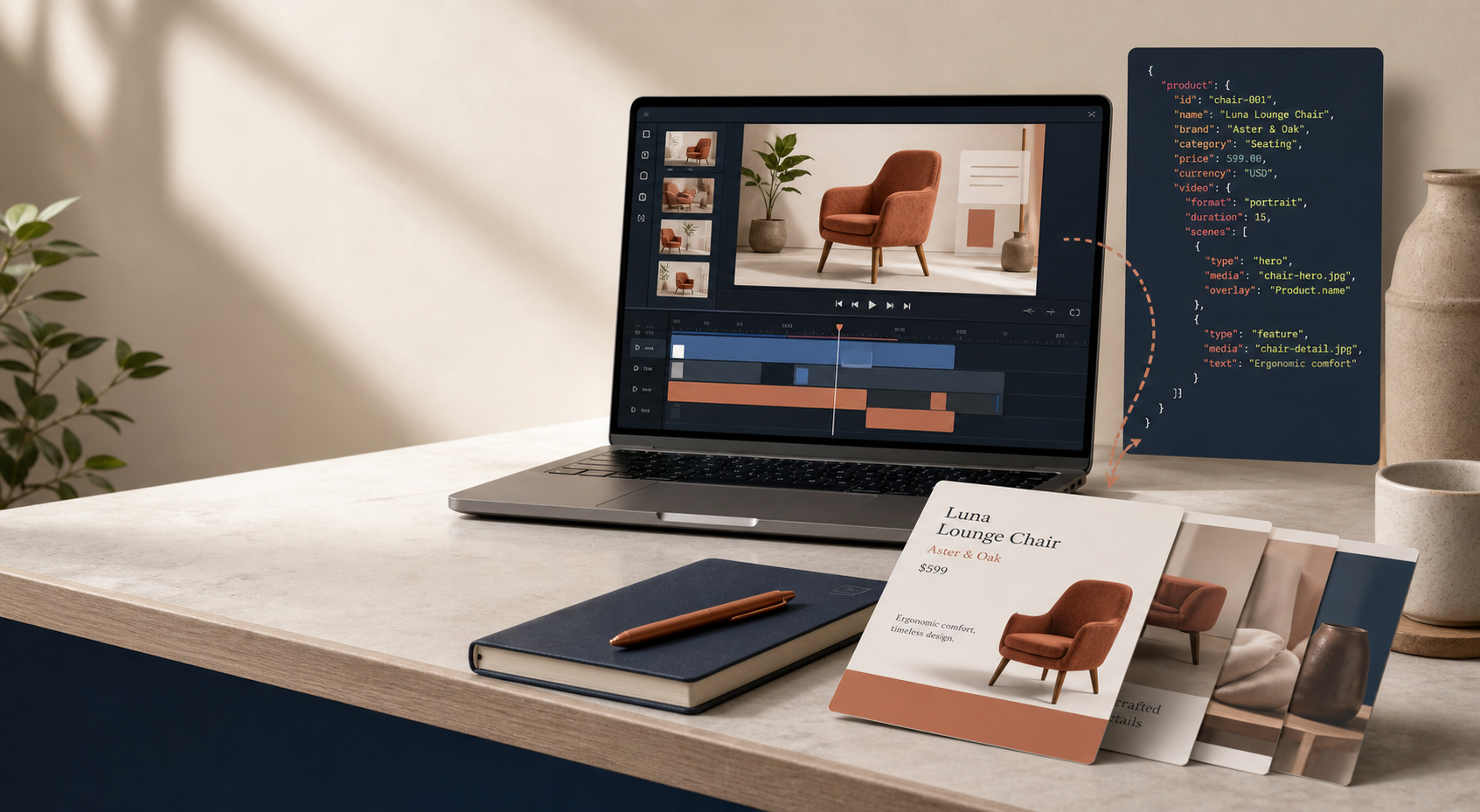
If I want a Shopify product video workflow that survives real-world changes, I keep the template portable from the start. That usually means building it in VideoFlow, compiling it to JSON, and letting the same project render in the browser, on a server, or inside a live editor instead of trapping the content in one timeline.
The short version: author once, reuse everywhere. That matters when the product changes, the CTA changes, or the team wants to review the edit without rebuilding the whole thing.
What I want from the workflow:
- one source of truth for the scene structure
- easy updates when product details change
- a format that can live in Git
- preview, export, and editing surfaces that stay aligned
VideoFlow is a good fit for that because its core is built around TypeScript authoring and portable VideoJSON. The open-source core and renderers are Apache-2.0, which also makes the stack feel like infrastructure instead of a throwaway editor layer.
Why Product Videos Drift
I’ve seen product video systems become messy in the same way blog systems do: one version lives in the editor, another version lives in exports, and a third version sits in someone’s head. After that, every small change becomes a rework job.
That is especially painful for ecommerce teams. A product launch gets a new headline. A collection gets renamed. A feature gets reordered. Suddenly the video that used to be reusable has become a one-off artifact.
What I prefer instead is a template that behaves more like code than a timeline. The scene is defined in TypeScript, compiled into VideoJSON, and then reused by whatever renderer fits the job.
The Workflow I Keep Coming Back To
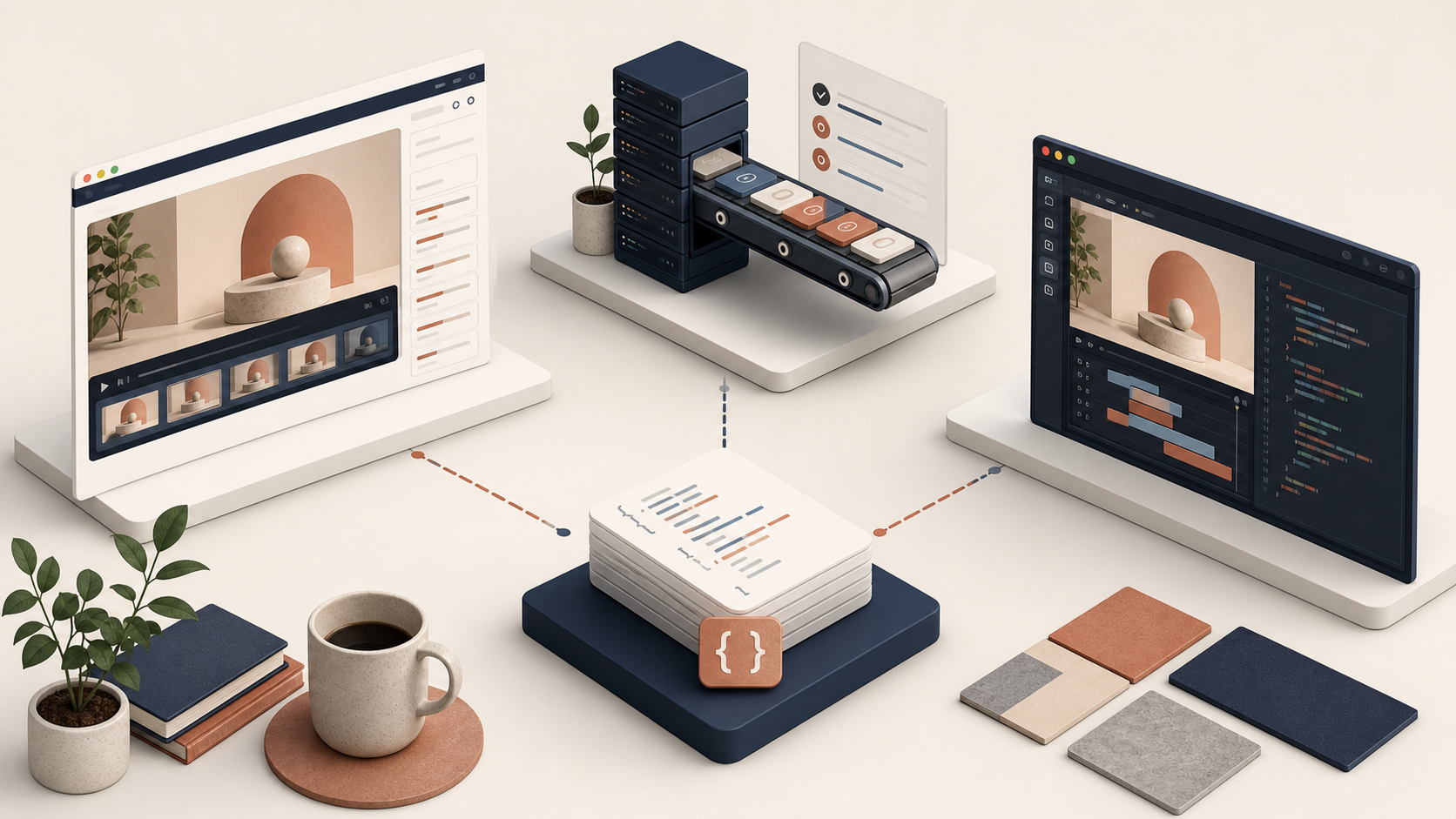
The core flow is straightforward.
- Build the scene in
@videoflow/core. - Compile it into VideoJSON.
- Use the browser, server, or DOM renderer depending on where the video needs to run.
- Only add the React editor when the product actually needs a visual editing surface.
That order matters. I do not want the editor to become the source of truth. I want the source data to stay portable, with editing treated as a layer on top of the same JSON.
A tiny example is enough to show the shape of it:
import VideoFlow from '@videoflow/core';

const $ = new VideoFlow({
  name: 'Shopify Product Demo',
  width: 1920,
  height: 1080,
  fps: 30,
});

$.addText({ text: 'New launch', fontSize: 8, fontWeight: 800 });
const videoJSON = await $.compile();
That snippet does not look fancy, and that is the point. The value is not in making the authoring layer look cinematic. The value is in keeping the project maintainable enough that it can be generated, reviewed, and re-rendered without starting over.
Where Each Renderer Fits
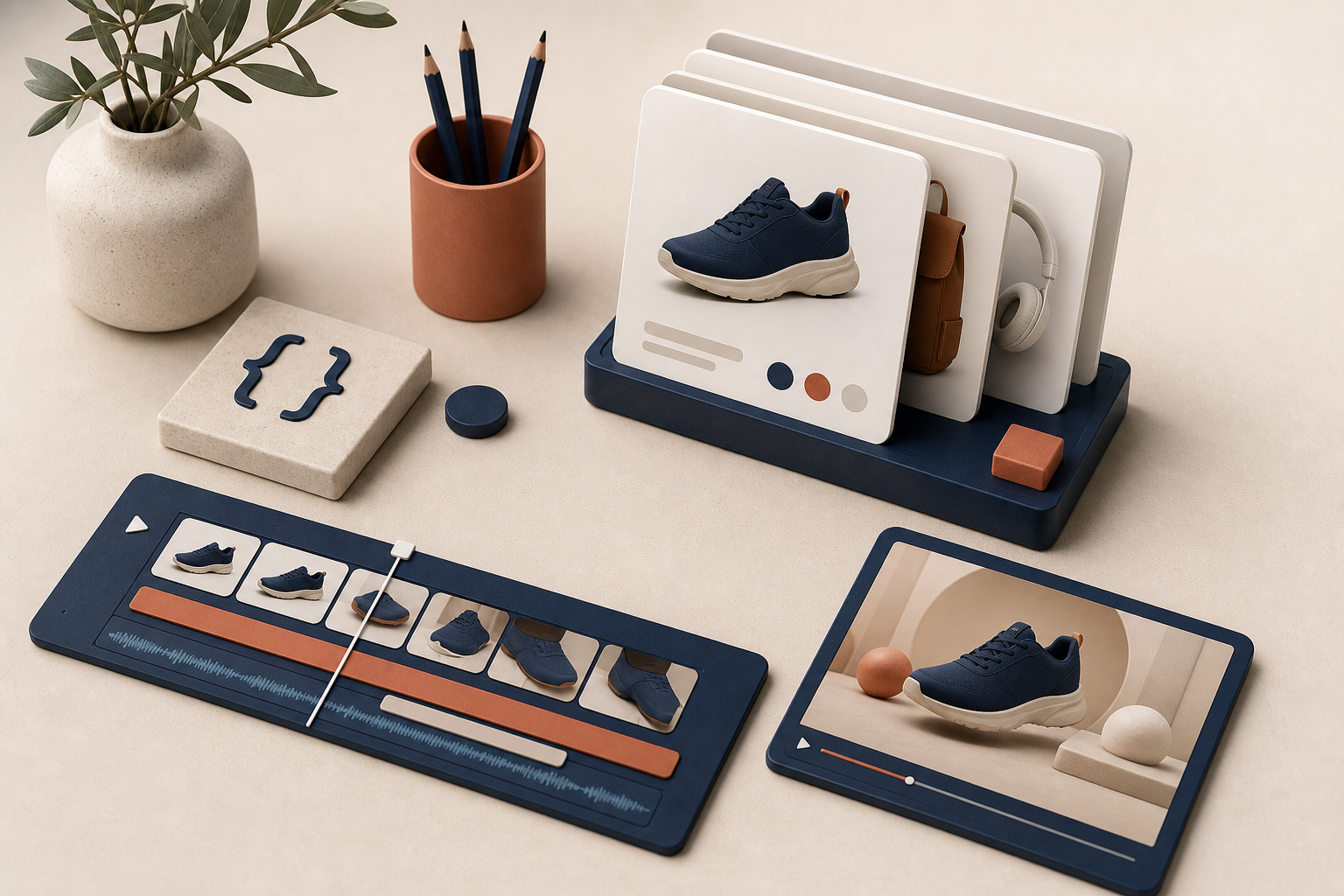
VideoFlow’s renderer split is one of the reasons I would use it for product videos. The same JSON can serve different jobs instead of forcing one workflow to do everything.
- Browser renderer: useful when export belongs inside the app, especially if I want progress callbacks or cancellation.
- Server renderer: useful for batch jobs, queues, API-driven generation, or scheduled renders.
- DOM renderer: useful when I want a live preview that feels close to the final output.
- React video editor: useful when I need a visual editing UI without rewriting the rendering pipeline.
If you want the lower-level reference points, the docs, renderer docs, React editor docs, and playground are the places I would start. The GitHub repo is useful too if you want to inspect the implementation and the open-source structure.

How I Structure a Product Video Template
For ecommerce work, I keep the template simple enough that product changes do not force a rebuild. A clean product demo usually has three parts:
- Hero: the product or benefit in one clear frame.
- Proof: a feature, use case, or before-and-after moment.
- CTA: one closing message that sends the viewer to the right next step.
That structure maps well to VideoFlow because the scene can be assembled from layers, grouped into reusable units, and animated with keyframes and transition presets. I do not need every frame to be hardcoded as a one-off timeline event. I need a template that can be reused when the offer changes.
That also makes it easier to keep the visual system consistent across product lines. If the same template family handles launches, collections, and best sellers, the brand looks organized instead of improvised.
I like the same principle in the related write-up How to Build a Portable VideoJSON Workflow for Preview, Edit, and Export, and the renderer split in How I Keep One Video JSON Working Across Three Renderers. If the goal is maintainability, How I Keep Video Templates Versionable Without Freezing the Editor is the companion piece I would read next. And if you are thinking about the ecommerce use case specifically, How I Turn Product Data Into Repeatable Video Demos with VideoFlow is the closest match.
Where AI Helps and Where It Should Stop
I do like the idea of AI helping draft structured video projects, but I prefer it to draft the skeleton rather than the final product. For me, that means letting the model help with scene order, caption variants, or initial JSON structure, then reviewing the parts that actually matter: claims, timing, visual emphasis, and CTA logic.
That is the difference between useful automation and a brittle shortcut. If AI can create the first version of the scene graph and I can still review it in a live editor or render it in the browser, the workflow stays fast without becoming opaque.
In practical terms, this is where VideoFlow is stronger than a locked-down timeline editor. The format is portable, so the project can move between authoring, review, and export without losing its shape.
What I Would Do First
If I were setting this up from scratch, I would keep the first version small:
- Build one product demo template with a hero, proof, and CTA.
- Compile it to VideoJSON and store that output where the team can version it.
- Test it in the renderer that matches the real workload.
- Add the React editor only if someone needs to adjust the template visually.
- Keep the product copy and visual claims under review before anything ships.
That sequence keeps the workflow honest. It also avoids the common mistake of overbuilding the editor before the underlying format is stable enough to survive change.
If you want to see the broader product and compare the pieces yourself, start at videoflow.dev, then look at the docs and playground. If you want the mental model for why I care about portability so much, the linked posts above cover the same theme from preview, rendering, and versioning angles.
The real goal is not to make video creation feel more complicated. It is to make it repeatable enough that I can improve the content instead of fighting the pipeline. That is the point where the template starts doing actual work for the business.
Next step: build one VideoFlow template for a real product, compile it to JSON, and see whether the same scene can survive preview, review, and export without forked versions.
Comments
Post a Comment