A great video lives or dies by its thumbnail. Before your title is read or your description is scanned, viewers make a split-second decision based on a tiny image. The good news: you don’t need to be a designer to make high-performing thumbnails. With AI-powered tools on Prmptly.xyz, you can generate eye-catching, on-brand designs that increase click-through rate (CTR) in minutes—and even A/B test variants to learn what works.
In this guide, you’ll get a proven workflow, pro design principles, and a curated set of AI tools on Prmptly to craft click-worthy YouTube thumbnails consistently. New users get 2000 free tokens to try these tools, so you can start optimizing today.
What makes a click-worthy YouTube thumbnail?
Use this quick checklist before you hit publish:
- Clarity over clutter: One idea per thumbnail. Viewers must “get it” at a glance on mobile.
- Faces and emotion: Close-ups with expressive eyes boost curiosity and connection.
- Contrast and color psychology: Pair complementary colors (red/teal, purple/yellow) and strong light–dark separation for instant readability.
- 3–5 words max: Big, bold, high-contrast text that reinforces (not repeats) your title.
- Visual hierarchy: Make the hook (face or object) the hero; supporting elements stay secondary.
- Consistent branding: Reusable color palette, typography, and framing build recognition over time.
- Composition rules: Use the rule of thirds, leading lines, and ample negative space around text.
- Honest curiosity: Tease the outcome; don’t mislead. Clickbait erodes trust and retention.
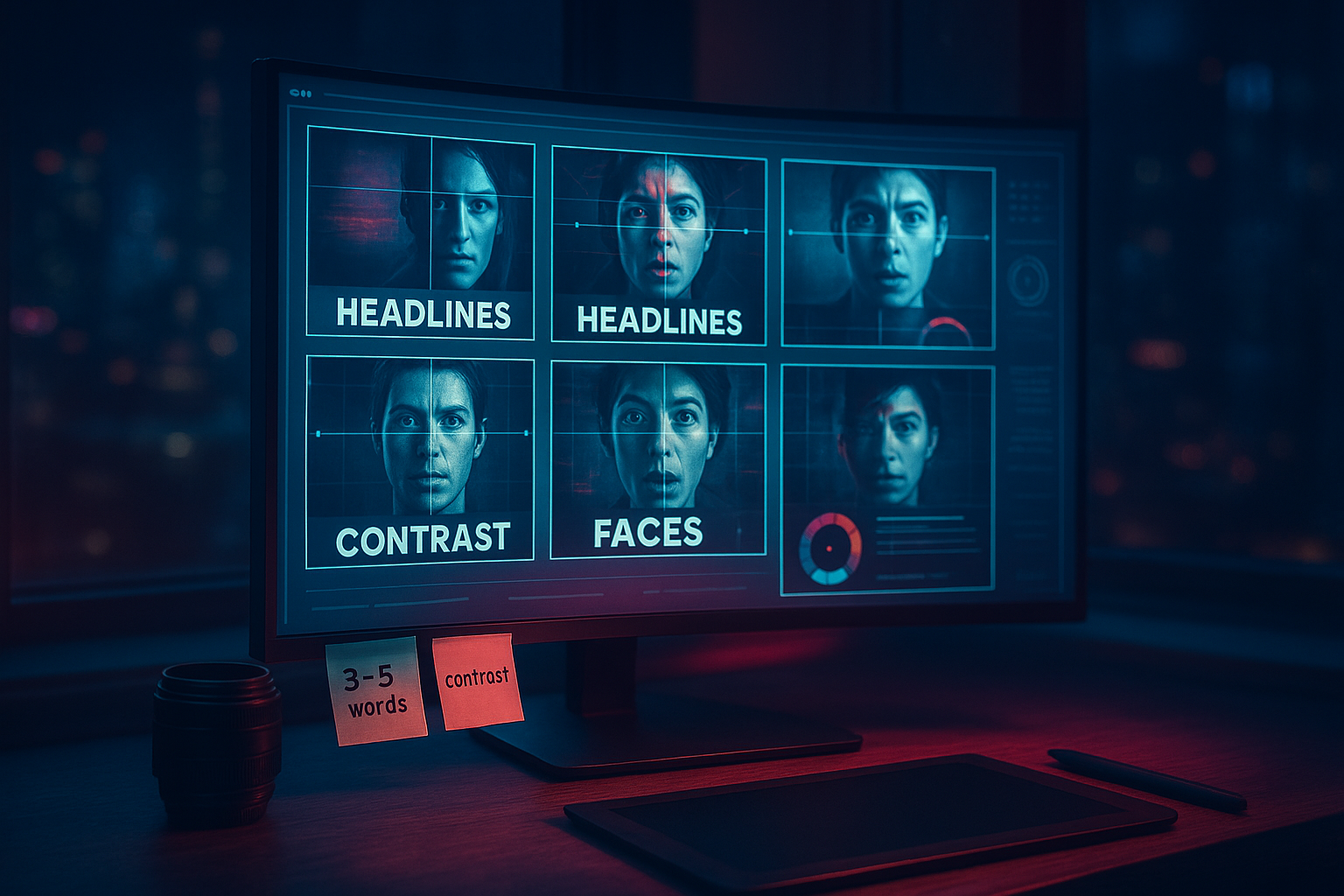
The AI-powered thumbnail workflow (step-by-step)
Follow this blueprint to move from idea to polished, platform-ready thumbnail fast.
1) Define the hook in five words or less
- Write the emotional core of your video: the problem, surprise, or outcome.
- Turn that micro-hook into bold, legible word art using the Language Word Visualizer. Pick a style that matches your niche (bold modern, gritty, neon, clean minimal).
2) Prep your hero face or subject
- If your face is in the thumbnail, enhance lighting, clarity, and realism (without over-smoothing) using the AI Dating Profile Image Beautifier. Natural, bright eyes and clean edges increase perceived quality and CTR.
3) Build a background that tells a story
- Retro vibes? Process a still with the VHS Aesthetic Filter Tool to get nostalgic texture and motion-energy grain.
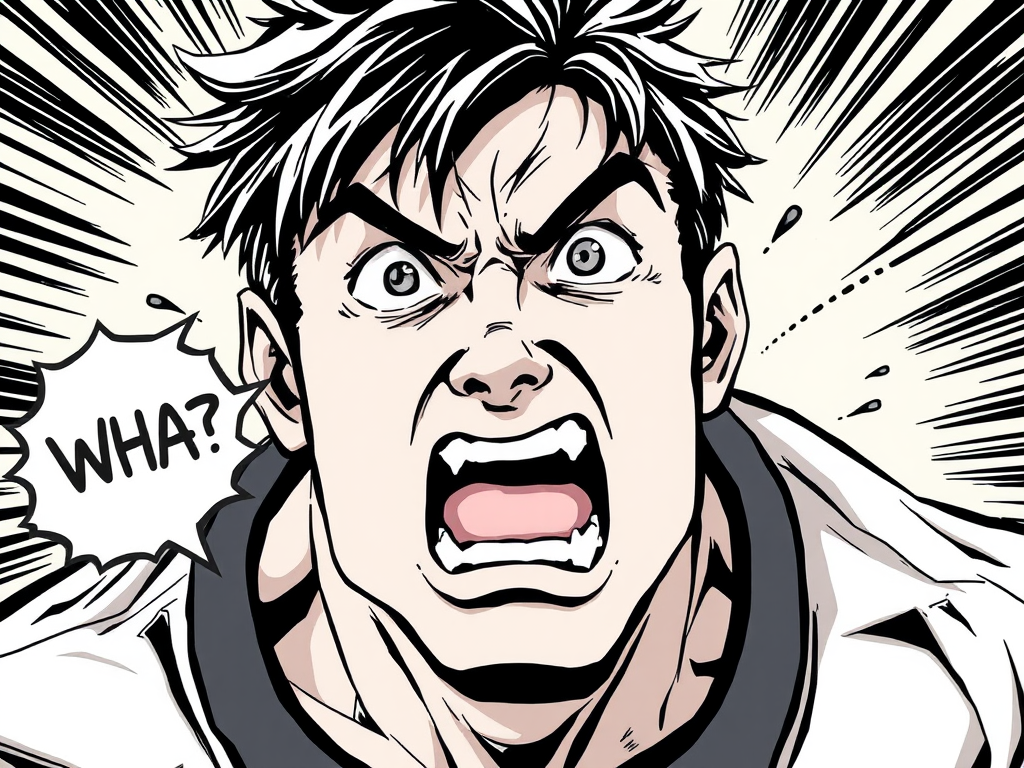
- Dramatic edge? Convert a scene into bold, high-contrast line art with the Manga Panel Generator to make your subject pop.
- Travel or lifestyle? Create stylized, poster-quality backdrops via the Vintage Travel Poster Maker for a premium, shareable look.
4) Compose the final design with an AI thumbnail generator The fastest way to produce multiple, click-tested options is the Dynamic YouTube Thumbnail Creator — Auto-generate clickbait-worthy thumbnails.
- Provide your video title and upload a base image (face or key object).
- Choose among styles optimized for legibility and contrast.
- Generate several alternatives in seconds. Pick the best or iterate.
- Output is designed to maximize clarity, composition, and click appeal.

5) Export with platform-perfect specs
- Size: 1280 × 720 px (minimum), 16:9 aspect ratio.
- Format: JPG or PNG, under 2 MB.
- Safe zones: Keep text and faces away from edges; thumbnails often appear very small on mobile.
- File naming: Use a descriptive name for your own organization and versioning.
The best Prmptly tools for click-worthy thumbnails
Here’s a curated toolkit that covers 90% of use cases:
Dynamic YouTube Thumbnail Creator — Try it now
Purpose: End-to-end thumbnail generation tuned for CTR.
Why it works: Smart text placement, contrast-aware color, and balanced composition.
VHS Aesthetic Filter Tool — Add retro punch
Purpose: Inject movement energy, nostalgia, and grit.
Pro tip: Use sparingly—texture should enhance, not obscure your hook.
- Manga Panel Generator — Dial up drama
- Purpose: High-impact contrast and clean contours that read on tiny screens.
- Use cases: Tech breakdowns, storytelling shorts, reaction videos.
Language Word Visualizer — Craft bold word art
Purpose: Fast, stylized text treatments that reinforce your hook.
AI Dating Profile Image Beautifier — Enhance your portrait
Purpose: Subtle, realistic face enhancements that increase perceived quality.
Pro tips to boost CTR (beyond the design)
- Test two or three variants: If you have access to a thumbnail testing feature, rotate designs for a day each and compare CTR and watch time. If not, publish with your strongest option, then revisit analytics after 48–72 hours.
- Color strategy: Scan competitor thumbnails in your niche. Choose a palette that contrasts the dominant look in your feed.
- The 3-foot test: Zoom your thumbnail to 10% size on your screen. If text and subject still read clearly, you’re good.
- Title–thumbnail synergy: Let the thumbnail show and the title tell; avoid repeating exact words.
- Composition hacks: Place faces or the key object on an intersection of the rule-of-thirds grid. Angle text slightly for dynamism.
- Ethical curiosity: Promise only what you deliver. Long-term trust compounds faster than short-term clicks.
Why Prmptly.xyz for AI thumbnails?
Prmptly is a marketplace of ready-to-run AI tools—no coding or design background required. You pay with tokens per generation, and creators earn a commission each time their prompt runs. At signup, you get 2000 free tokens to experiment with image and text tools immediately. That means you can build, test, and iterate multiple thumbnail options before committing a single dollar.
Get started here: Prmptly.xyz
Quick FAQ
- Do I need design skills? No. The tools handle composition, color, and type placement—you focus on the idea and the hook.
- What’s the ideal YouTube thumbnail size? 1280×720 px at 16:9, under 2 MB, JPG/PNG.
- How much does this cost? Each run uses tokens; new users receive 2000 free tokens.
- Can I reuse styles? Yes—save your favorite looks and keep your branding consistent across videos.
Ready to turn browsers into viewers? Generate your first set of click-worthy thumbnails with the Dynamic YouTube Thumbnail Creator, then refine with style tools like VHS Aesthetic and Manga Panel. Your next viral video might just be one thumbnail away.
Comments
Post a Comment