If you want Claude Code to behave like a local tool you can call from scripts, dash-p is the bridge. It launches the real Claude TUI, keeps your existing session and authentication, and gives you both a CLI and a TypeScript query() API.
Quick take: use it when you want Claude Code to stay Claude Code, but you need something you can pipe, wrap, or embed in a small local workflow. I would use it for repo summaries, prompt-driven scripts, and internal tooling. I would not use it as the backbone for a production backend.
That matters more now because Anthropic’s docs separate interactive Claude Code usage from programmatic Agent SDK and claude -p usage on subscription plans. If you want the broader context, the Agent SDK overview explains that split. dash-p takes a different route: it automates your own live terminal session instead of asking you to move to a headless path.
What dash-p is actually doing
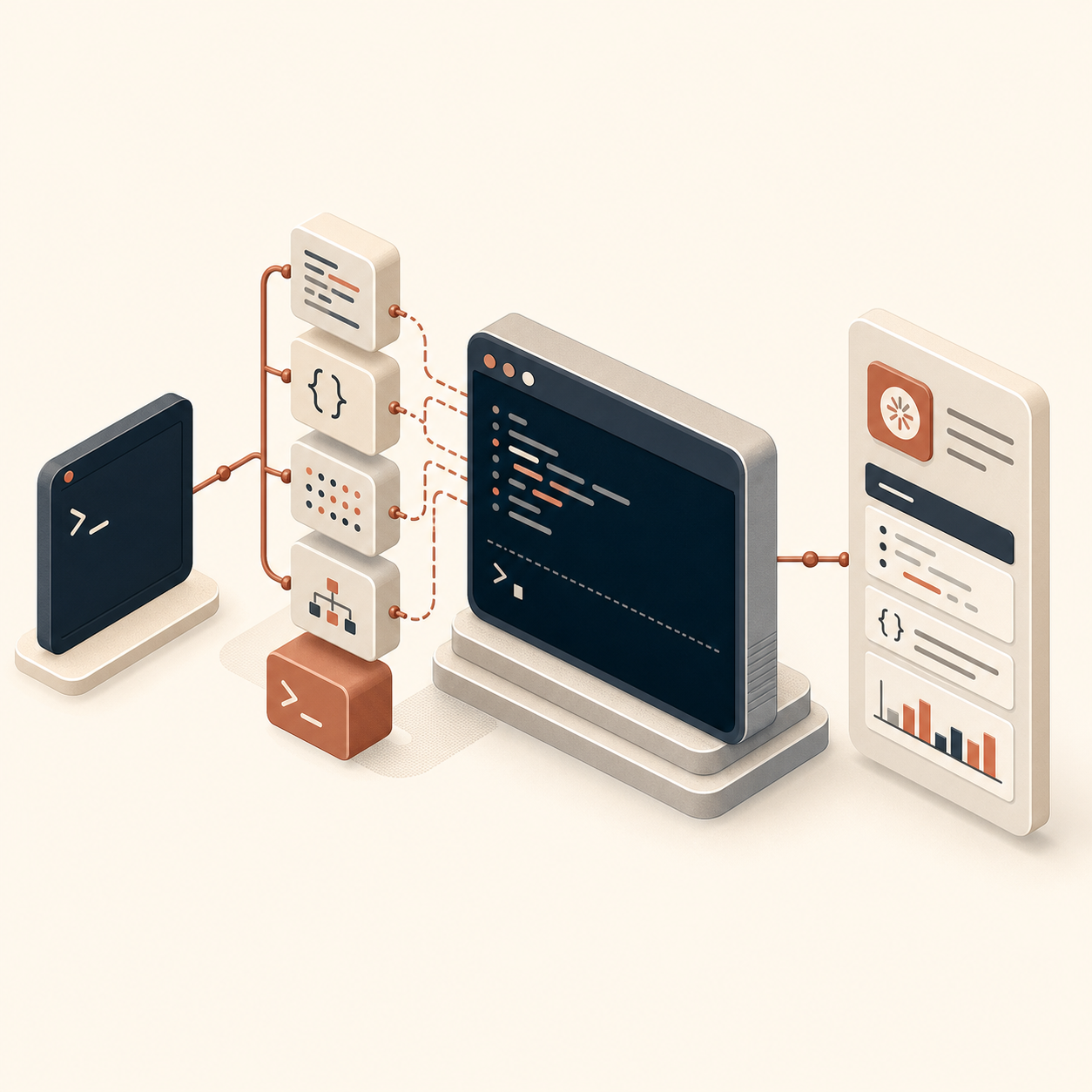
The repo’s core idea is simple: launch the official claude command, inject input programmatically, and read the rendered terminal output back. That gives you the same account, local session, and permission flow you already use in Claude Code, but with a layer that scripts can call.
That is very different from pretending the UI does not exist. The strength is that you get real Claude Code behavior. The tradeoff is that you inherit the UI. If the TUI changes, the scraper has to keep up.

The simplest CLI workflow
For quick tasks, the CLI is the most practical entry point. You can install it globally, run it with npx, or feed it a prompt from a pipe.
npm install -g @ybouane/dash-p
dash-p "summarize this repo"

echo "summarize this repo" | dash-p -o json
dash-p -m sonnet -o stream-json "list the three highest-risk files"
The useful part is not just that it works from a shell. It is that the output modes mirror the kinds of shapes you already want in local automation: plain text for humans, JSON for scripts, and stream JSON when you want incremental processing.
This is the same kind of repeatable thinking I like in other workflow posts too. The pattern shows up in How I Script Claude Code Locally with dash-p, How to Automate Claude Code Without Switching to the Agent SDK, How I Keep Product Video Templates Stable as Data Changes, and How I Turn One Product Photo Into a Shopify Asset Pipeline: the win comes from making one step composable enough to reuse.
The TypeScript workflow
If you are building a small tool, the query() API is the part that feels familiar. You import it, iterate over the messages, and decide how much of the stream you want to surface.
import { query } from "@ybouane/dash-p";

for await (const msg of query({
  prompt: "In one sentence, what is a pseudo-terminal?",
  options: { model: "sonnet", includePartialMessages: true },
})) {
  if (msg.type === "stream_event" && msg.event.type === "content_block_delta") {
    process.stdout.write(msg.event.delta.text);
  }

  if (msg.type === "result") {
    console.log("
[done]", msg.result);
  }
}
That shape is useful when you are wrapping Claude Code in a local utility instead of a one-off script. You can keep the loop small, test it quickly, and only add structure where the calling code actually needs it.
Where I would use it
- Repo summaries and changelog digests that need to run locally.
- Prompt-driven shell scripts that should stay inside your normal Claude Code session.
- Small TypeScript tools that want a familiar
query()loop without adopting a separate headless path. - Internal automation where the value is composability, not a production API boundary.
What to watch
dash-p is powerful because it drives the real interface, and that is also the main risk. It depends on the rendered TUI, so visual changes can affect scraping fidelity. The project acknowledges that by offering session-transcript enrichment for byte-exact output when you need it, but I would still treat it as a research-forward local tool rather than a durable integration layer.

If you only need a quick answer in a shell session, it is a good fit. If you need a rock-solid service boundary, use a proper API-based workflow instead.
Bottom line
Dash-p is interesting because it keeps Claude Code in the loop you already use while making it scriptable from the outside. That makes it a better fit for local automation than a lot of people expect. Start with the CLI, see whether the shell workflow is actually useful, and move to TypeScript only if you need the extra structure.
Comments
Post a Comment