
If your Shopify blog starts sounding generic, the fix is not to write faster. The fix is to give the automation better inputs, a clear review step, and a schedule it can actually follow.
That is the workflow I would use with Supra Blog Automation. It is built for ecommerce stores that want SEO-focused posts, useful visuals, and recurring publishing without turning every article into another manual task.
What you want is simple:
- draft posts from real product context, not vague topic ideas;
- generate visuals that match the article instead of random stock-style filler;
- keep a human review step for claims, tone, and product accuracy;
- publish now, save as draft, or schedule the next post automatically.
What to automate and what not to
I would automate the repetitive parts first: topic setup, outline generation, SEO structure, internal links, image creation, and publishing cadence. I would not automate judgment. Brand voice, compliance-sensitive claims, and product specifics still deserve a person to check them.
That balance is the whole point of a reviewable workflow. I wrote about that in How to Keep Shopify Blog Drafts Product-Aware and Reviewable and again in How to Build a Shopify Blog Automation Workflow That Stays Reviewable. The pattern is the same: automation should reduce the tedious part of the job, not remove your ability to catch mistakes.
Start with a real brief
Generic AI content usually starts with a weak prompt. Better blog content starts with a brief that includes the product or collection you want to feature, the customer problem you want to solve, the tone you want to use, and the action you want the reader to take.
If you need a cleaner way to think about that input, How to Build a Shopify Blog Brief That Produces Better Drafts is a useful companion. The more specific the brief, the less the article has to invent.

For Shopify stores, I would make sure the brief includes at least these five things:
- the product or collection to feature;
- the search intent behind the post;
- the audience level, such as beginner or advanced;
- the main benefit the reader should remember;
- a strong call to action near the end.
Why product context matters
Generic posts often sound polished but stay useless because they never mention what the store actually sells. Product-aware posts work better because they connect the article to something real: a collection, a category, a use case, or a problem customers already have.
I covered that angle more directly in How to Turn Product Context Into Better Shopify Blog Posts. That is the main reason the app’s product-aware workflow matters. It gives the draft something concrete to anchor to, so the post can support SEO and product discovery at the same time.
When you write this way, the article stops feeling like a generic content asset and starts behaving like part of the store.
Use a repeatable article structure
Once the brief is in place, I would keep the article structure consistent. Not every post needs the exact same outline, but most ecommerce posts benefit from a simple sequence:
- Open with the reader’s problem or goal.
- Explain why the issue matters for the store.
- Use product details or collection context to stay specific.
- Add a practical framework, checklist, or example.
- Close with one clear next step.
This is also where internal linking helps. If the article is about drafting, scheduling, or review, connect it to related posts that deepen the workflow. If the article is about product discovery, connect it to the collection or product page that the reader should actually visit.

The best version of automation still leaves room for a person to say, “this is close, but tighten the claim, change the angle, or swap the CTA.” That is a feature, not a weakness.
Build the schedule around consistency
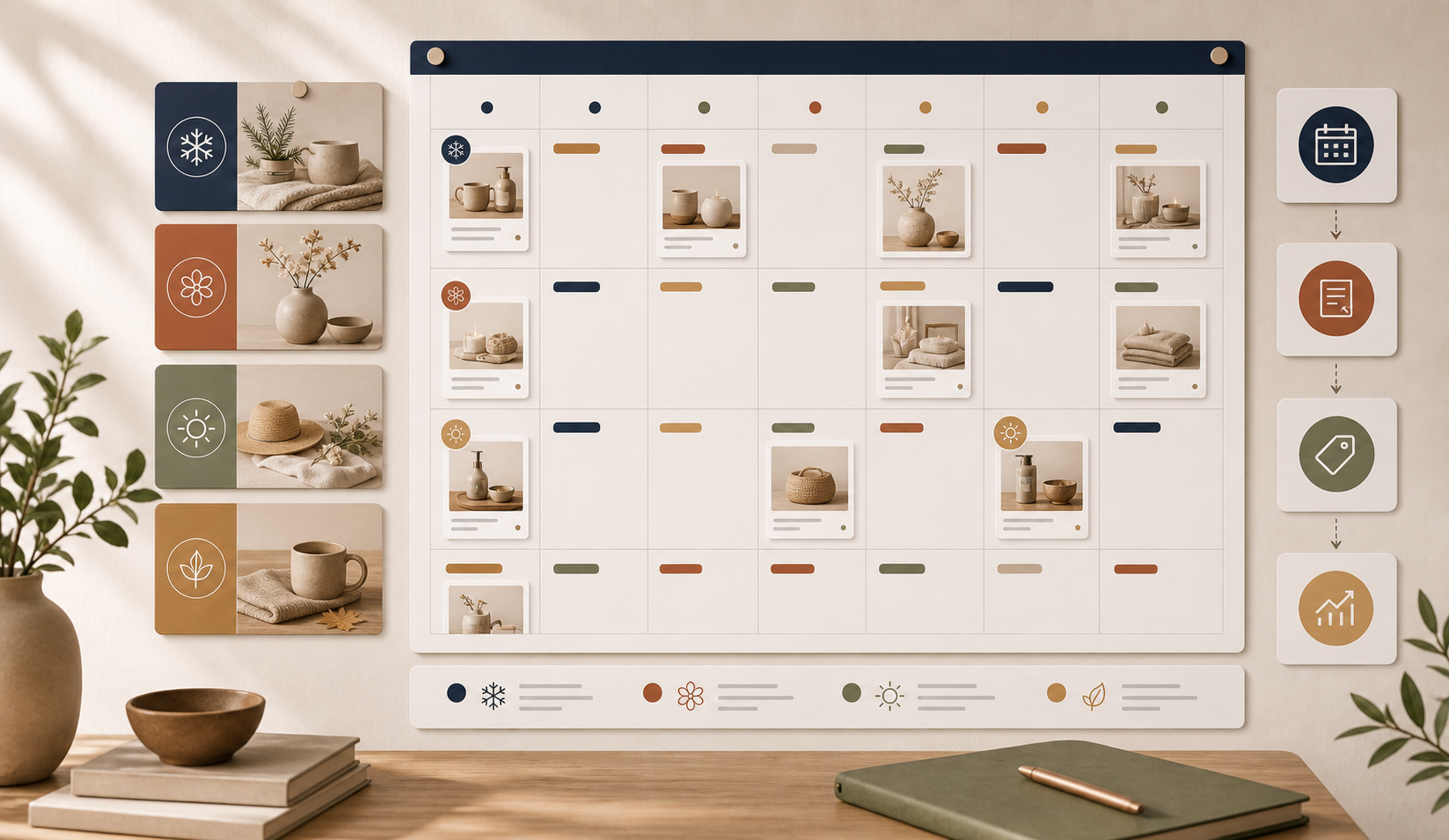
Most stores do not fail at blogging because they lack ideas. They fail because the publishing process is too manual to repeat. Recurring automation solves that part if you choose a cadence the team can actually support.
For some stores, that means one article a week. For others, it means one article every two weeks or a monthly calendar tied to launches, seasonal campaigns, or evergreen support questions. The important part is not volume. The important part is that the blog keeps moving.
The scheduling side is where the workflow starts to feel operational instead of experimental. I wrote more about that in How to Keep Shopify Blog Publishing on Schedule Without Manual Writing and in How to Turn Product Context Into Better Shopify Blog Posts. Once you have the calendar, the blog becomes easier to trust.
What Supra Blog Automation does well
Supra Blog Automation is designed for exactly this mix of structure and control. It can generate single posts or recurring automations, build SEO-focused posts with internal links, feature products naturally, and include AI-generated visuals or other supported image sources.
That is useful because it keeps the whole flow in one place:
- choose the topic and goal;
- add the product or collection context;
- generate the post and visuals;
- review the draft if needed;
- publish immediately or save as a draft;
- schedule recurring posts when the cadence matters more than a one-off article.
The app also has a free plan available, so you can test the workflow before you decide how much content you want to automate. If you are trying to keep a Shopify blog active without spending hours on every post, that is the right kind of starting point.
The practical takeaway
If you want to avoid generic AI content, do not start with the writing model. Start with the brief, the review step, and the publishing cadence. Give the system a real product context, keep the human pass for judgment, and let automation handle the repetitive work in between.
If that sounds like the workflow you need, the next step is straightforward: try Supra Blog Automation, build one reviewable draft, and decide whether the post should publish now or become part of a recurring schedule.
Comments
Post a Comment