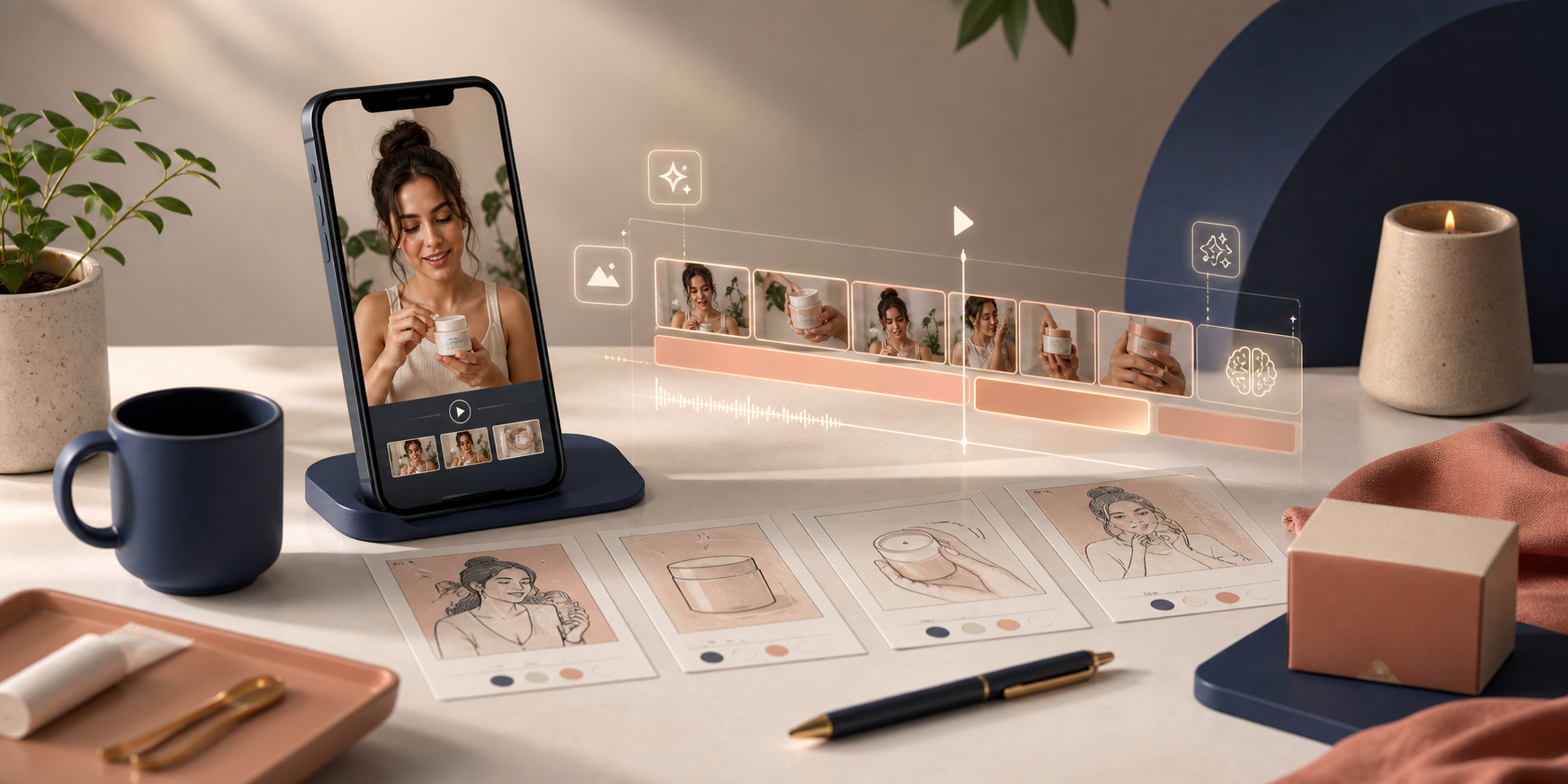
If you want more Shopify video creative without waiting on a full production cycle, the answer is not usually one big campaign. It is a small testing loop: one product, one promise, one short script, then a few controlled variations. That is the workflow I would use with Supra UGC Maker when speed matters more than a perfect shoot.
I’ve seen a lot of stores stall because they treat video like a one-off asset. They spend days polishing a single cut, then have nothing left to test. A better approach is to build a repeatable system that can produce UGC-style clips for ads, product pages, launch emails, and post-purchase follow-up.
What this loop gives you:
- Faster creative testing without hiring a new creator for every variation.
- More useful product videos for the same SKU or collection.
- A simple way to reuse the same core message across the funnel.
For the broader “why” behind this workflow, I also covered the full funnel use case in How to Create UGC-Style Shopify Product Videos Without a Production Team. This post goes one step further and focuses on the testing loop itself.
If you want the channel-by-channel version, How to Make Shopify UGC Videos for Ads, Product Pages, and Email is the companion walkthrough I would read next.
Start With One Product And One Job To Be Done
Do not begin with a brand manifesto. Begin with one product and one job the video should do. That job could be:
- Explain what the product is.
- Show how it looks or feels in use.
- Answer the top objection before the shopper bounces.
- Give a landing page enough motion that the offer feels easier to trust.
Once the job is clear, write one short script around it. A useful structure is:
- Hook: name the pain point or desire.
- Proof: show the product, use case, or result.
- CTA: tell the viewer what to do next.
The planning stage should look like a clean storyboard, not a crowded content brief.
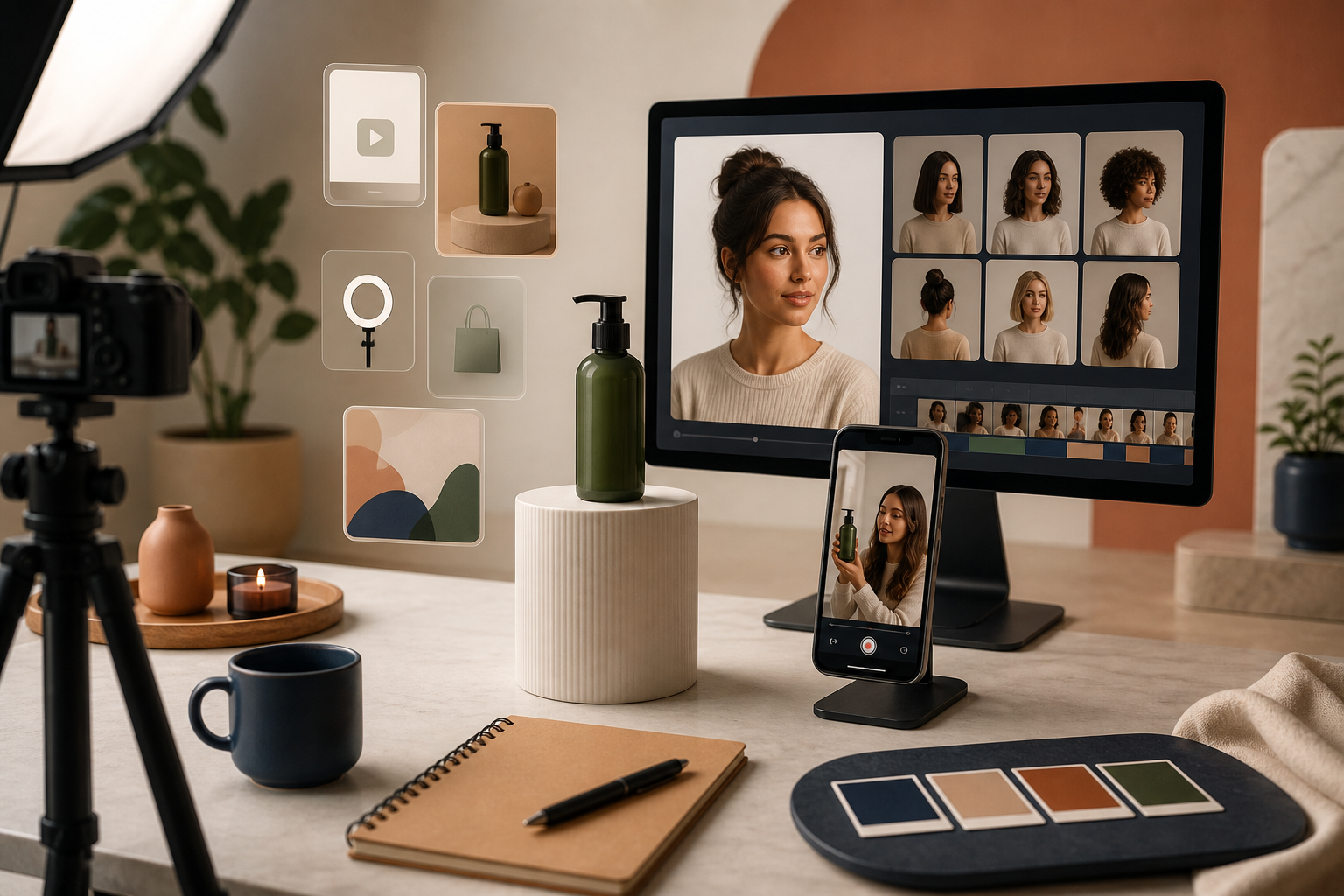
Build The First Version In Four Steps
Supra UGC Maker is useful here because it lets you assemble the core parts without starting from scratch every time. The app is built around avatars, scenes, scripts, speech, tone, and product references, so the workflow stays focused on the message instead of the manual edit.
- Choose an avatar. Use a preset or a custom AI model that fits the audience.
- Pick a scene. Studio, outdoor, boutique, or something brand-specific.
- Add the product. Feature the Shopify item directly in the frame or the story.
- Write the script. Keep it short, direct, and close to the shopper’s actual question.
Once the first version is live, do not stop there. Generate a second and third cut by changing only one variable at a time. That could mean a different hook, a different scene, or a different voice tone. If you change too many variables at once, you lose the signal.
Reuse The Same Clip Across The Funnel
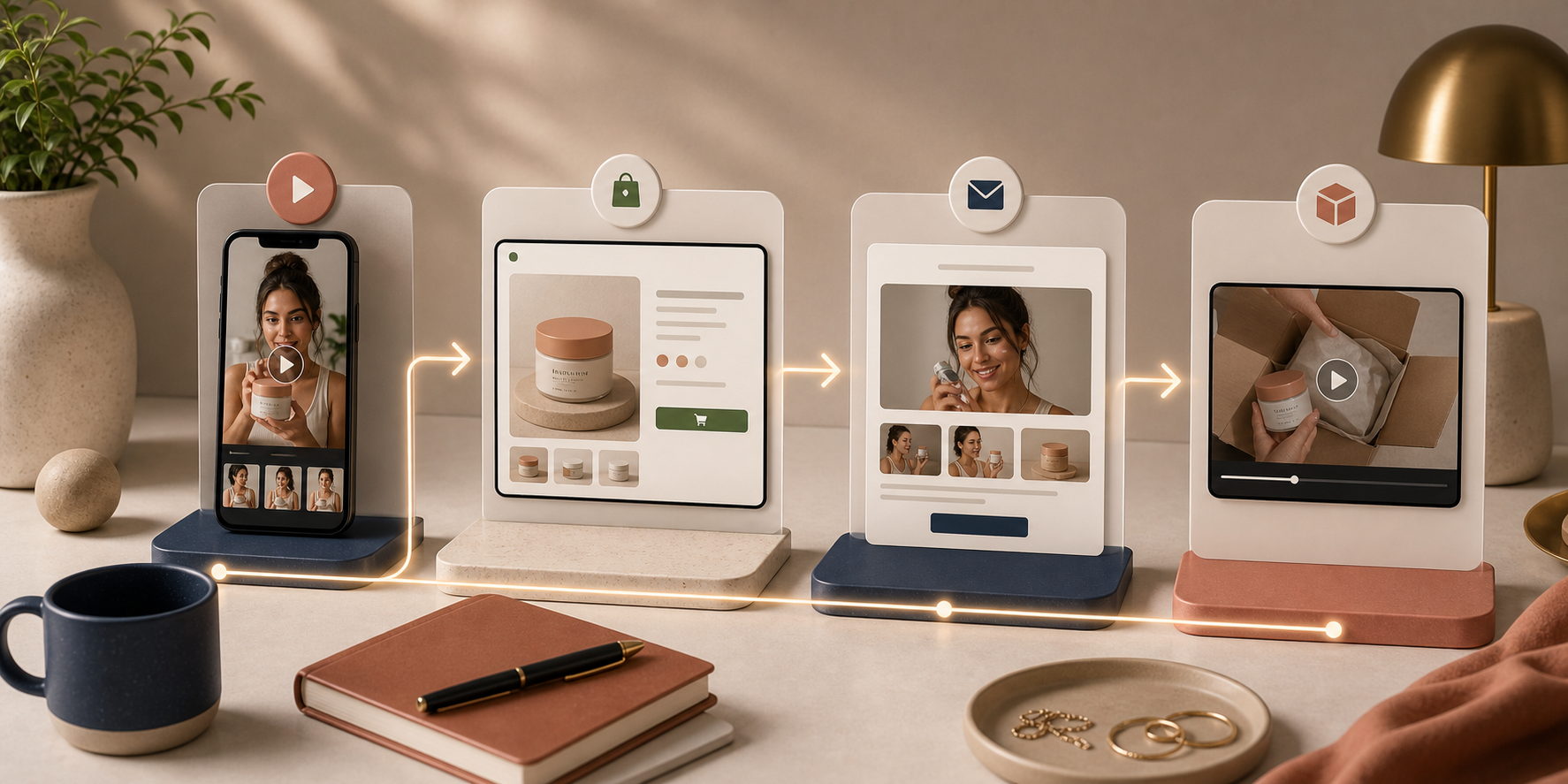
The real value of a testing loop is that one good concept can carry more than one channel. A single video is often enough to test a paid ad, support a product page, and create a simple email teaser.
That is why the best UGC-style videos are not built as isolated assets. They are designed to travel. If you want a deeper walkthrough of that distribution strategy, see How I Reuse One Shopify Product Video Across Ads, Product Pages, and Email and How I Build a Reusable UGC Video Library for Shopify.
For most stores, I would reuse the same core clip in four places:
- Ads: Test the strongest hook and CTA.
- Product pages: Add motion and context close to the buy button.
- Email: Turn the clip into a launch or reminder asset.
- Post-purchase: Use it to reduce confusion or show the next step.
What To Vary And What To Keep Fixed
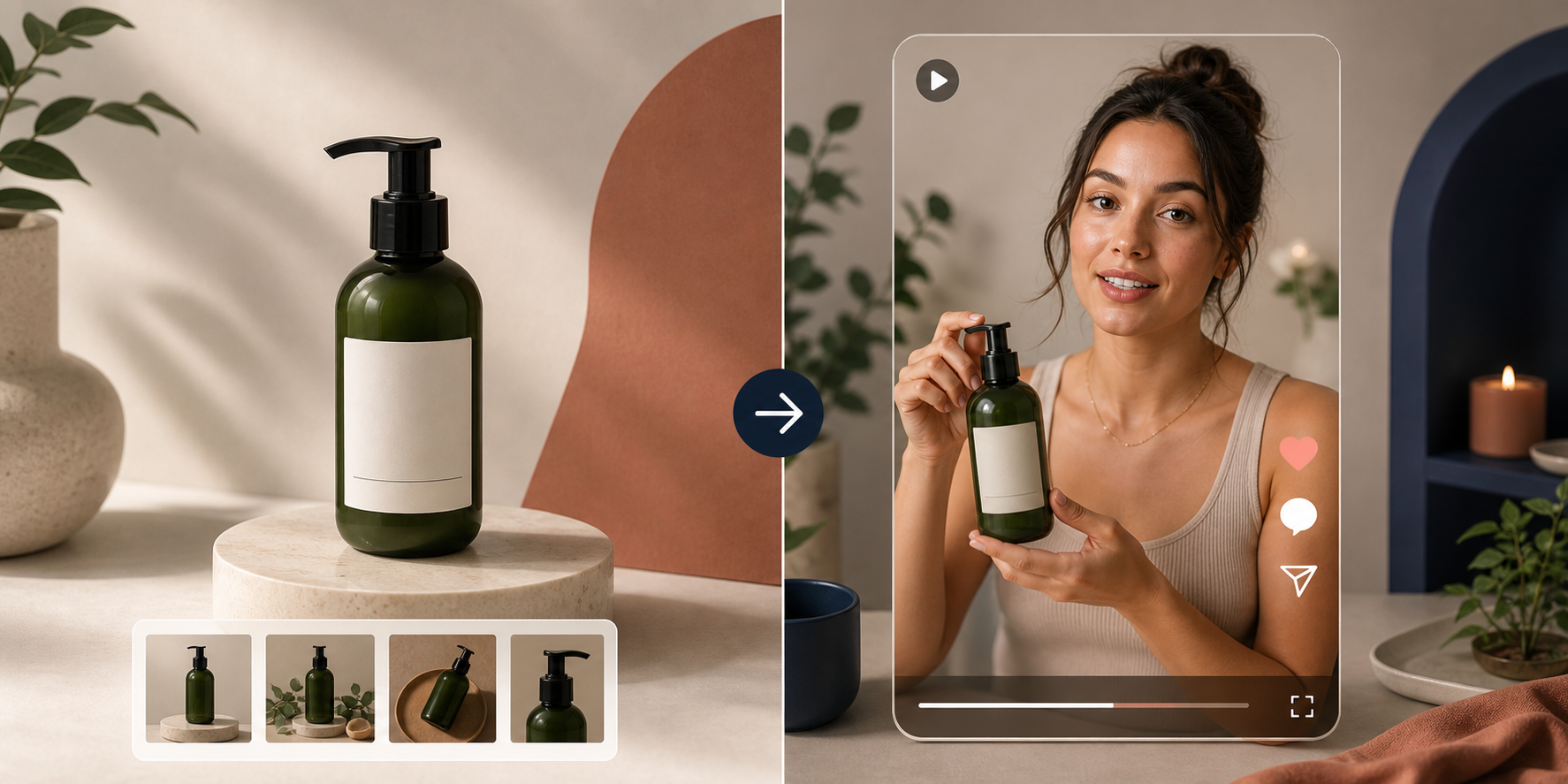
If you want the loop to stay useful, keep the product and the offer stable. Then vary only the parts that change how the message lands. That usually means:
- Opening hook.
- Scene or background.
- Avatar selection.
- Voice or tone.
- Clip length.
This is where a reusable library starts to pay off. You are not building one video. You are building a small set of clean variations that answer the same question in slightly different ways. That makes the next campaign faster to launch because you already know which angle performed best.
If you want the practical side of that library approach, I recommend reading How I Reuse One Shopify Product Video Across Ads, Product Pages, and Email after this post.
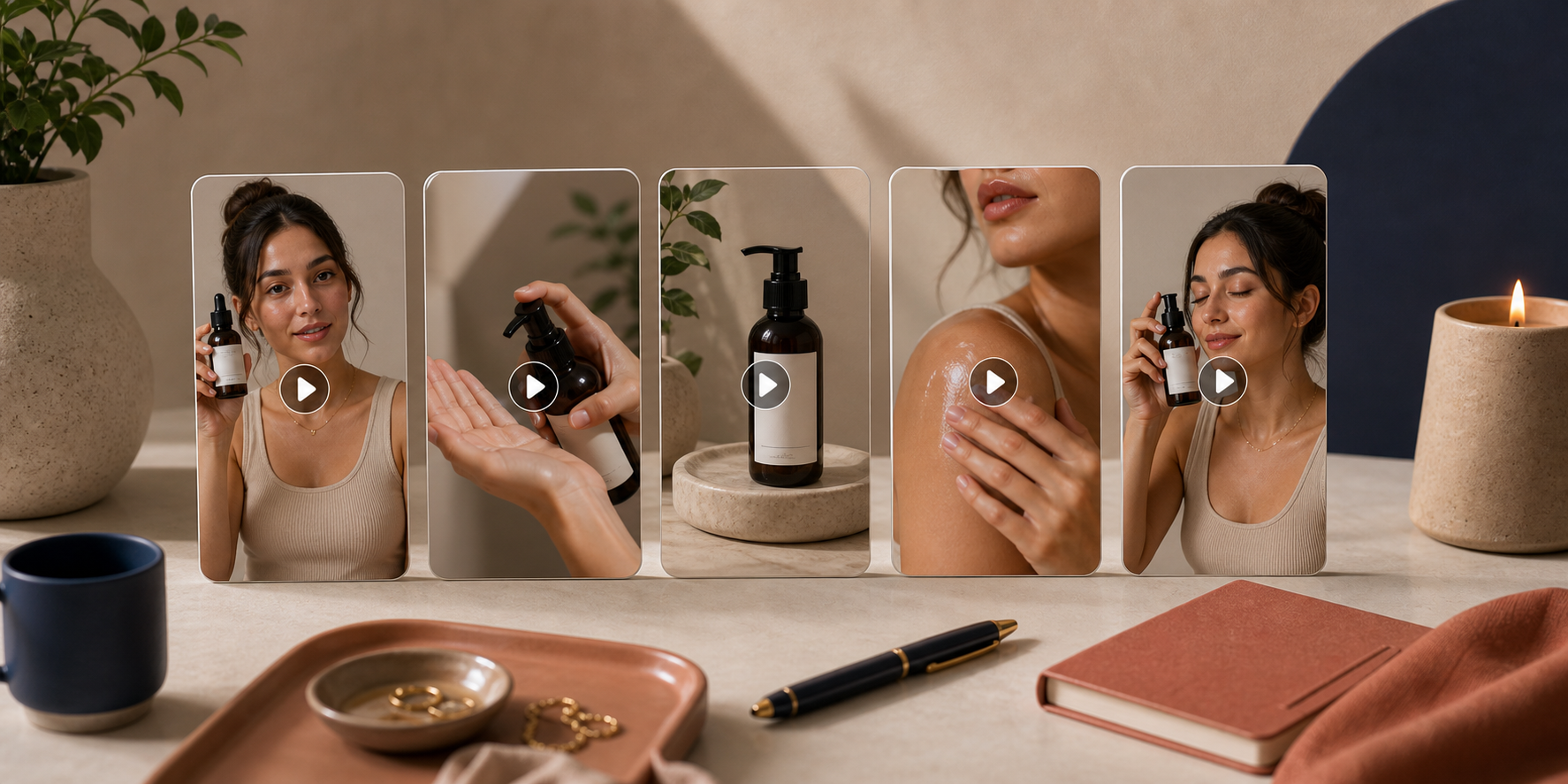
When AI UGC Is The Right Move
AI UGC works best when you need creative volume, quick iteration, or a product explanation that feels more alive than a static image. It is especially useful for new launches, seasonal promos, and stores that need to test multiple angles before committing to a bigger production spend.
It is not the right answer for everything. Real creators can still be stronger when the goal is a deeply personal testimonial or community-led trust. But if your bottleneck is simply getting enough relevant video creative to test, the AI route is usually much faster to operationalize.
I would treat it as a production layer, not a replacement for judgment. Use it to create variations, learn which hook gets traction, then refine the offer and the message. That is the point where the workflow starts to compound.
For a closer look at the full setup process, the landing page for Supra UGC Maker and the Shopify App Store listing are the best places to start.
Next Step
Pick one Shopify product, write one short script, and generate three variations with different hooks or scenes. If the first test is weak, change one variable and try again. That is the simplest way to turn a single product into a repeatable UGC video system.
If you want to start now, install Supra UGC Maker from the Shopify App Store or try the product directly on the landing page.
Comments
Post a Comment