
Product pages need more than a polished image gallery when shoppers still have practical questions. A short, focused video can show scale, use, texture, or the one reason a product belongs in someone’s routine. The hard part for a small Shopify team is producing enough useful variations without turning every new product into a shoot.
Supra UGC Maker is built for that middle ground: it lets Shopify merchants build UGC-style product videos with AI avatars, scenes, scripts, voice choices, and product references. Here is the workflow I would use to add AI avatar product videos to a product page without making the page feel like an ad.
Start With the Shopper Question, Not the Video Format
The most useful product page video resolves one question a visitor cannot answer from the images and bullets alone. For a serum, that may be “What does the texture look like?” For a travel mug, it may be “How large is it in a real hand?” For a complicated gadget, it may be “What happens in the first minute after I open the box?”
Before you write a script, pull one question from support tickets, product reviews, returns, or live-chat transcripts. If you do not have that data yet, use the product’s biggest decision point: fit, setup, material, scale, care, or outcome. This keeps the video useful even if a shopper never turns the sound on.
A simple first brief looks like this:
- Question: What is the one uncertainty this video should remove?
- Proof: What should viewers see or hear that helps answer it?
- Placement: Should it sit beside the gallery, below the add-to-cart area, or in a product-details section?
- Next action: What should an interested shopper do after watching?
Choose One Job for the First Video
Do not ask a 20-second product page video to introduce the brand, explain every feature, prove social trust, and announce a sale. Pick one job. I have seen teams get better results from a small collection of specific clips than from one expensive “hero” video that tries to cover everything.
Good first jobs include:
- A quick “what it is and who it is for” introduction.
- A three-step demonstration for a product with a visible use case.
- A comparison between two variants when a static chart is not enough.
- A care or setup explainer that can also reduce post-purchase confusion.
- A short objection-handling clip for the question that stalls checkout.
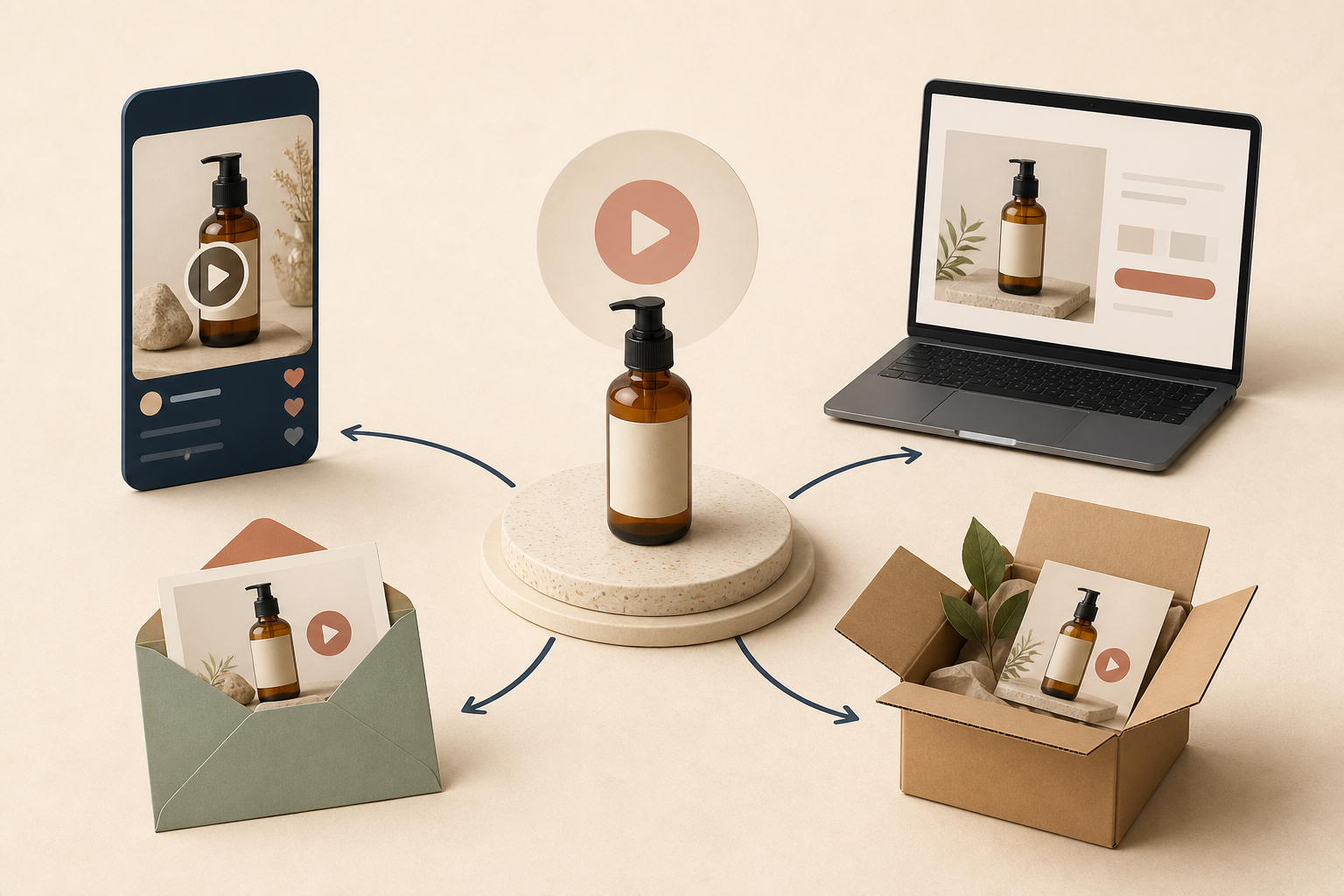
This is also how you avoid repeating work. The same basic product reference can support a clean product-page explainer, a paid-social hook, a launch email teaser, and a post-purchase education clip. For a deeper placement plan, see this guide to post-purchase Shopify videos that answer questions before support.
Build the Script Around a Visible Moment
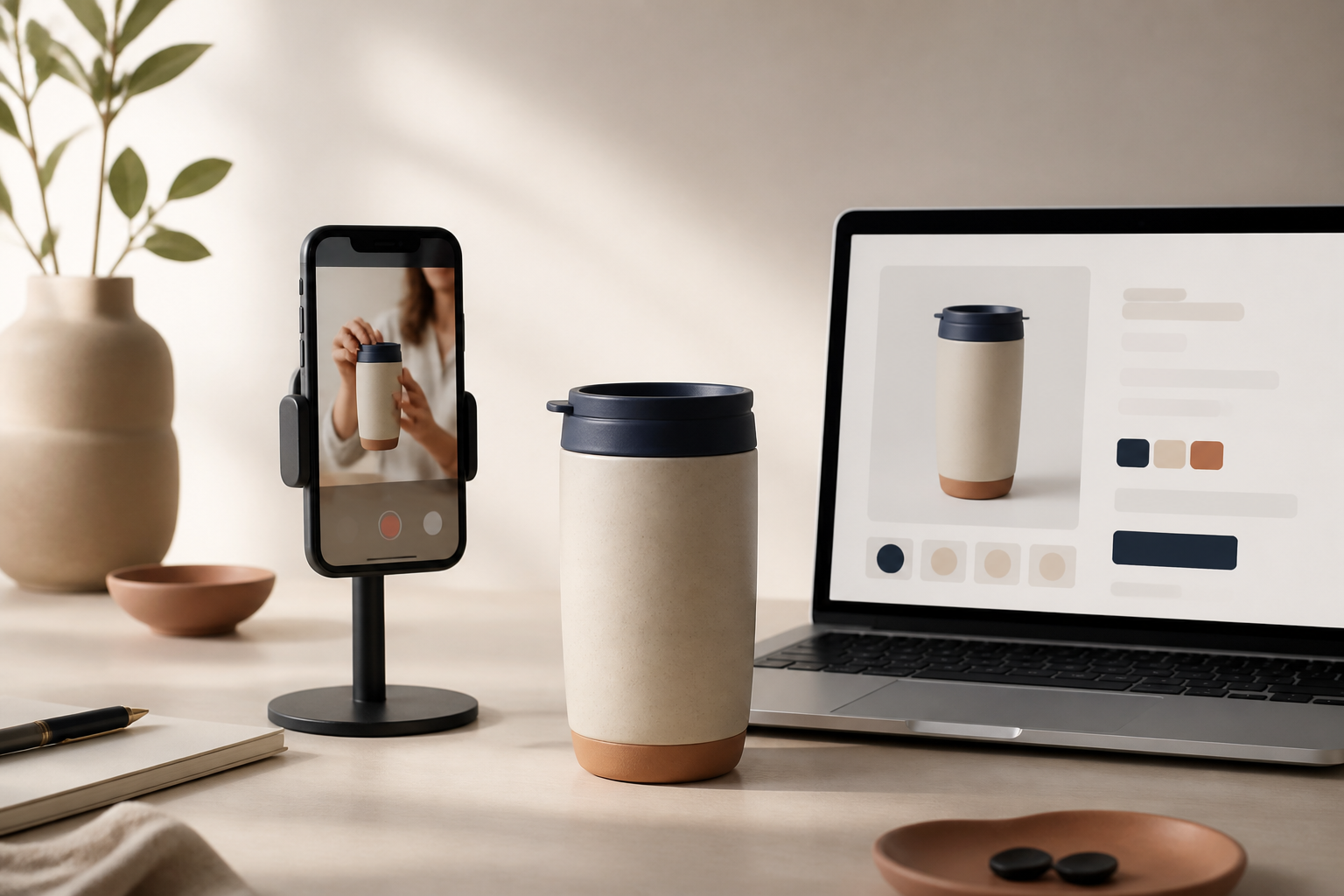
For product pages, the strongest AI UGC scripts sound like a helpful demonstration, not a creator reading a sales page. Give the avatar one clear opening, one visible proof point, and one natural close. A useful structure is:
- Hook: Name the shopper situation. “If you want a daily mug that fits a car cup holder, this is the detail I would check first.”
- Demonstration: Show or describe the feature in use. Keep it specific and plain-language.
- Decision cue: Explain who will care about that feature and when.
- Soft CTA: Invite the shopper to choose a variant, check the full details, or add it to cart.
Supra UGC Maker lets you pair that script with a preset or custom AI model, a scene, a voice and tone, and a Shopify product reference. Preview the scene before generating. The important operator habit is to treat the first version as a testable draft: look for factual accuracy, correct variant details, sensible pacing, and whether the scene supports the product rather than distracting from it.
Reuse the Product, Change the Angle
Once a first video has a clear job, create variations by changing one creative variable at a time: the opening hook, avatar, setting, tone, or CTA. That makes it much easier to learn what helped the product page instead of collecting a pile of unrelated assets.
For example, a skincare product could use the same bottle reference in three scenes: a calm bathroom routine, a bright studio demo, and a gift-focused bedside setting. The product stays recognizable while the context changes. I like to keep a small matrix of scene, hook, audience, and placement; this is the same discipline behind a Shopify UGC video test matrix and a four-angle UGC planning workflow.

Place the Video Where It Helps the Decision
For a product page, start near the image gallery or immediately below the most important product information. If the clip is a setup, care, or comparison explainer, put it closer to the matching accordion or specification. Give it a useful thumbnail and make sure the page remains fast and easy to scan on mobile.
Watch a few real sessions or ask a teammate to shop the page from a phone. Can they find the video? Does it answer the promised question before they scroll past it? Is the product, offer, and add-to-cart action still clear? These small checks matter more than chasing a cinematic edit.
For teams that want to go further, this earlier guide on mapping one Shopify product into three UGC video jobs is a helpful way to coordinate the product page, campaign, and retention versions without rebuilding the concept from scratch.
Measure the Right Thing
A product-page video is not automatically a win because it gets plays. Compare a product with the video against a similar baseline and look for changes in add-to-cart rate, conversion rate, support questions, and return reasons. If you use a new clip in ads too, keep the product-page version focused on helping the click convert rather than copying the ad’s exact message.
Set a review point after enough traffic to learn something. Keep the version that answers the biggest question most clearly; regenerate clips that have the wrong pacing, weak product visibility, or a vague opening. Because Supra UGC Maker keeps scenes and projects reusable, you can make those targeted updates without rebuilding every asset.
Start With One Product and One Question
You do not need a large production calendar to make Shopify product videos more useful. Pick one high-intent product, identify the question that delays checkout, and make a concise UGC-style explainer around that answer. Then reuse the product reference for a few carefully planned variations.
If you want a practical starting point, install Supra UGC Maker from the Shopify App Store or explore the Supra UGC Maker free plan, create one product-page video, and review it against the customer question it was meant to solve.
Comments
Post a Comment