If you need a product video quickly, the real question is not whether AI can make one. It is whether you can still change it when the first cut misses the point.
I have seen store owners lose more time trying to rescue a locked, one-shot video than they would have spent making a short brief in the first place. The practical answer is to start with your storefront, create a structured first cut, and keep a review-and-revision step before anything goes live.
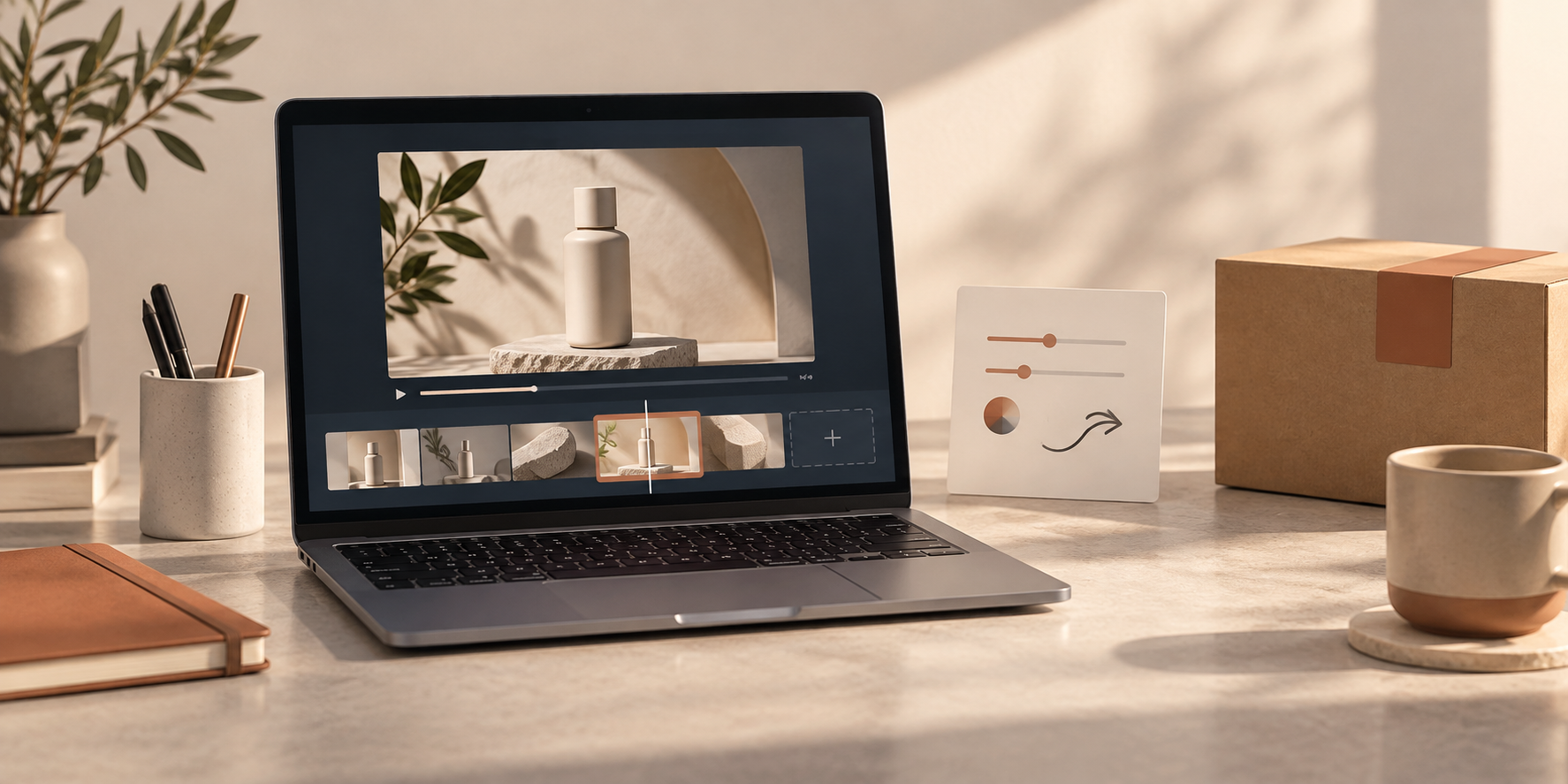
VideoFlow Studio is built for that kind of workflow. You give it a website URL from your terminal, let it plan and render a motion-graphics video, then direct changes in plain language or use its built-in editor for hands-on adjustments. The result stays an editable video document rather than just a final render.
What an editable AI product video changes
A launch video has to do more than look polished for a few seconds. It needs to show the right product benefit, use the current offer, and feel consistent with the rest of the store. That is why I treat the first render as a draft—not a delivery.
An editable workflow gives you three useful safety valves:
- You can correct a product claim, price reference, or feature emphasis before publishing.
- You can make a seasonal, audience-specific, or channel-specific version without rebuilding the film from zero.
- You can inspect the actual rendered frames for visual problems instead of assuming the prompt got every detail right.
That last point matters especially for ecommerce. A logo that is slightly off, a low-contrast end card, or a product shot that crops the useful detail can make a short video feel less trustworthy than a clean product page.

Start with a page that already tells a clear story
The faster your storefront communicates the value, the better raw material it gives a video workflow. Before generating anything, check that the page has a readable product name, a clear primary outcome, recognizable imagery, and one action you want the viewer to take.
For example, a skincare shop might lead with a hero product, the routine it belongs in, and a single offer. A SaaS store or app landing page might lead with the problem it removes, a quick product view, and a trial CTA. Do not ask a video to invent the positioning your page has not settled yet.
This is the same reason I like to simplify on-page product information before expanding into richer media. If your description is still a wall of competing details, a reusable content structure can help first—see how I replaced a product-description wall with a reusable Shopify content system.
Use the URL to create a first cut, not a final answer
With VideoFlow Studio, you can begin by entering your URL or running `npx @videoflow/studio` in the terminal. The agent reads the product, category, brand, and strongest narrative angle, then makes a structured plan before it produces the film.
That planning step is useful because it gives you a place to judge the story early. A simple first-cut outline for a product video often looks like this:
1. Open on the shopper problem or desired result.
2. Show the product or interface doing one concrete thing.
3. Add the proof point, key distinction, or use case.
4. End with one focused next step.
Keep it that small. Trying to squeeze every FAQ, feature, and promotion into a 30-second clip usually makes the message harder to remember. For a broader launch-film workflow, this guide to turning a startup website into a reviewable launch video is a helpful adjacent read.
Review the rendered frames like a product-page QA pass
Once you have a first render, review it at the pace a shopper will actually see it. I use three passes:
1. Message pass
Mute the video and ask: can someone understand the product and its primary payoff from the opening frames? If not, shorten the opening claim or bring the product moment forward.
2. Brand pass
Check names, colors, logos, and screenshots against the live store. Do not assume generated video will preserve every tiny visual decision. Studio is designed to inspect encoded frames, identify issues such as alignment or contrast, and re-render corrections—but the final judgment should still be yours.
3. Conversion pass
Watch the final seconds in isolation. Is the CTA specific? Does it point to a collection, a product page, a trial, or a launch page that is actually ready? This is similar to preparing a page for a campaign: the strongest creative cannot compensate for a confusing destination.

Make revisions in sentences, then save a reusable version
The value of an agent-driven workflow is not only the initial speed. It is the ability to say something precise—make the intro more energetic, change the end card, tighten a scene, adjust a color—and keep moving. If you need deeper changes, Studio also has a built-in editor for working with layers, timing, colors, and text without discarding the agent context.
Save one approved master version, then create variations deliberately. You might make a short paid-social cut, a product-page explainer, and a launch-email embed from the same core story. This is much safer than treating each channel as a brand-new creative project. The principle is similar to planning seasonal Shopify content with draft-first automation: preserve a reviewable source, then adapt with a reason.

When this approach is a good fit
An editable AI product video is especially useful when you have a clear page, a short launch window, and a team that expects feedback after seeing the first cut. It is a strong fit for product launches, explainers, waitlist pages, feature updates, and agencies making a reviewable first draft for a client.
It is not a shortcut around strategy. If you are still deciding the offer, the customer, or the story, resolve that before treating video as the answer. And if you need a fully bespoke film with live action or a large creative-production crew, you may need a different workflow.
For the common ecommerce case—turning a clear product story into a polished motion-graphics video, then refining it without starting over—VideoFlow Studio gives you a practical place to begin. Start with one high-intent page, make the first cut reviewable, and only publish the version you would be comfortable sending a shopper back to tomorrow.
Comments
Post a Comment