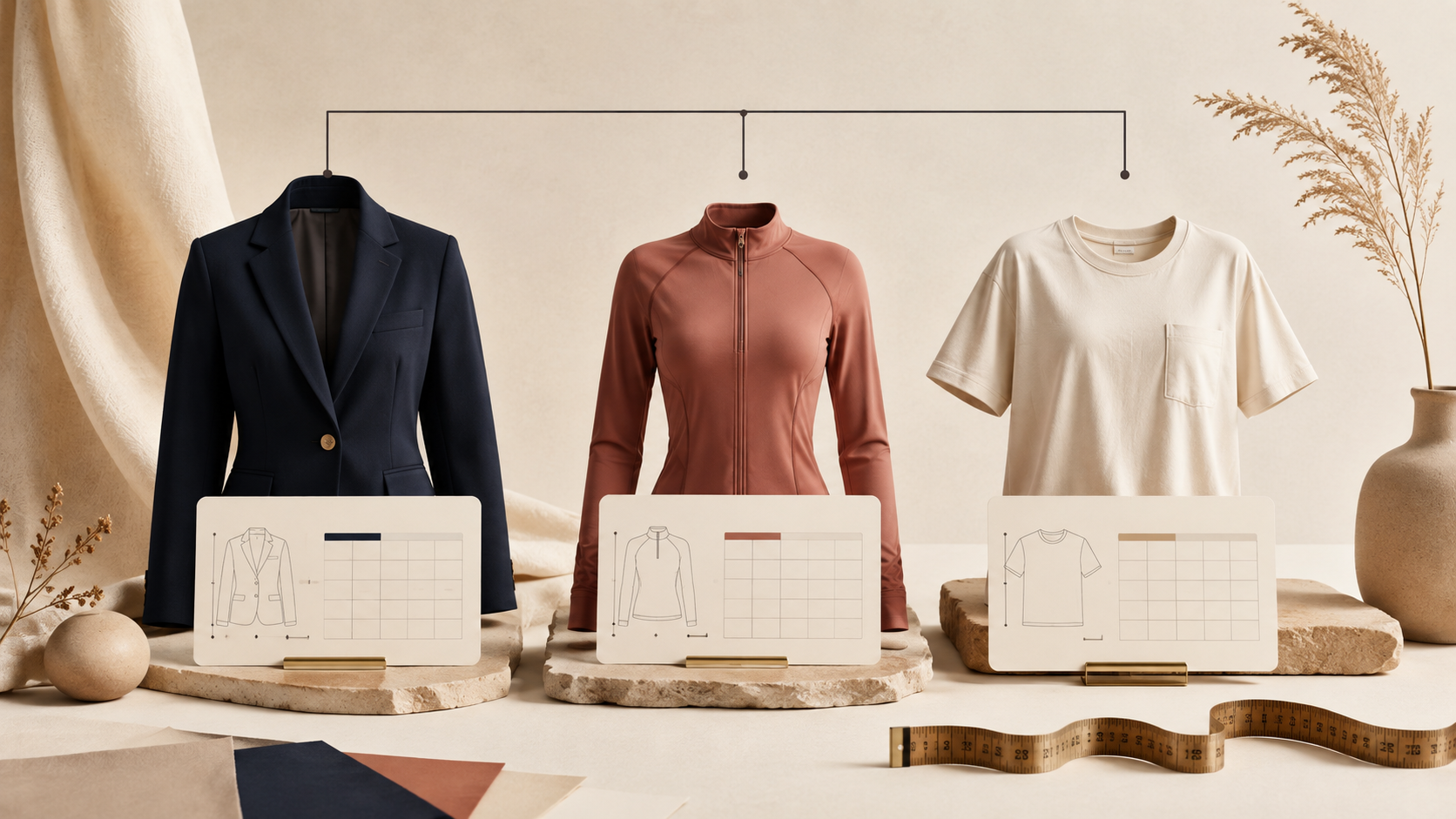
Not every product needs a bespoke size chart. The better rule is: give a product its own chart when the shopper would measure it differently, interpret its fit differently, or be misled by the shared chart. Everything else can usually live in a well-defined group.
I have seen stores make this harder than it needs to be. They either paste a new table into every product description, which creates a maintenance problem, or they reuse one generic table until it stops being true. A small fit-policy matrix sits neatly between those two extremes.
This guide walks through the practical decisions: what can share, what deserves an exception, and how to keep the resulting system maintainable on Shopify.
Start with the measurement question, not the SKU count
A shared chart works when the customer can use the same measurement points and expect the same relationship between the table and the garment. That is more important than whether two products look similar in the catalog.
For example, two regular-fit cotton tees in the same cut can often share a chart. A cropped tee or an oversized tee may need its own chart, even if they use the same fabric and are sold in the same collection. The shopper is making a different fit decision.
My quick test is to ask three questions:
- Would I tell a shopper to measure the same points for both products?
- Would the same chest, length, waist, or inseam values mean the same fit?
- Would a shopper be surprised if they ordered their usual size from the shared table?
If the answer to any of those is no, treat the product as a candidate for a separate chart or a narrower fit group.

Build three practical fit groups first
Most apparel stores do not need dozens of rules on day one. I would start with three buckets and make each one honest.
1. Shared core-fit groups
Use a shared chart for a stable family of products with the same cut logic: one regular-fit tee program, one standard denim program, or one consistent outerwear block. The chart should describe the actual garment measurements and include a short note about intended ease where it matters.
2. Fit variants
Separate charts are usually worthwhile for slim, relaxed, oversized, cropped, tall, petite, compression, or maternity variants. These are not cosmetic labels. They change what the shopper expects a number to mean.
3. True exceptions
Keep one-off charts for pieces with a unique pattern, a special brand size run, footwear, or products where a different measurement system applies. A tailored blazer, sports bra, and unisex hoodie should not be forced through one generic table simply because all three happen to be apparel.
This is the same discipline behind splitting size guides by product family: fewer groups are good only while each group remains truthful.
Use the product page to explain the chart’s boundary
A chart does not have to do all the explaining by itself. A simple measurement guide and a plain note can prevent the most common confusion: shoppers comparing a body measurement to a garment measurement without realizing it.
For garment measurements, say so plainly. For body measurements, say that instead. If a fit is intentionally relaxed or compressive, name that too. This is where a visual guide earns its place. Shoppers are much more likely to trust a chart when they know where the tape measure belongs. The visual measurement guide approach is especially helpful for categories where chest, waist, hip, sleeve, or inseam are easy to take inconsistently.
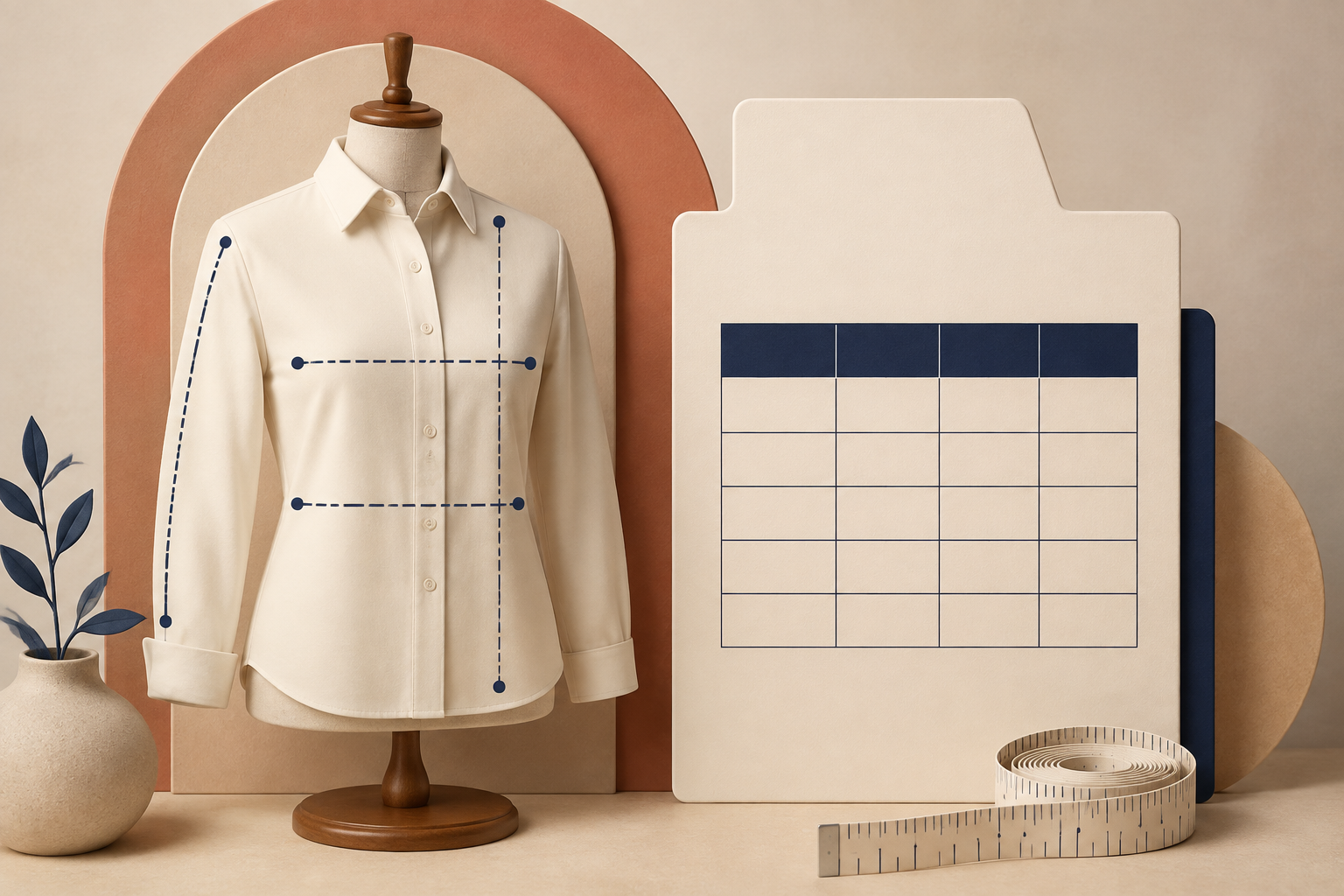
For a strong baseline, see how to build size charts shoppers can measure at home. The key idea is simple: explain the measurement method next to the numbers rather than making customers guess.
Turn the policy into Shopify rules
Once the groups are defined, your assignment method should follow the catalog structure you already maintain. A product type works well for broad, durable categories. A collection works well for a deliberately merchandised line. A vendor rule is useful where each brand has its own sizing. Tags are useful for cross-cutting fit attributes such as oversized or compression.
With Supra Size Chart, you can build charts centrally, pair them with a reusable measurement guide, then assign them by product, collection, product type, vendor, or tag. That means your policy can stay readable: broad coverage underneath, specific exceptions above it. The app also gives you a store-wide default chart as a fallback, rather than leaving an accidental blank on a new product page.
Do not turn every minor difference into a special rule. A useful exception is one that protects the shopper from a wrong expectation. If a new colorway uses the same cut and measurements, it should inherit the existing chart.
Run a five-product reality check before you publish
Before you trust the structure, open a small, intentionally mixed sample of product pages:
- One ordinary product from each shared group.
- One fit variant, such as slim or oversized.
- One true exception, such as footwear or a vendor-specific piece.
- One recent product added after the rules were created.
- One product that could match two groups.
Check that the displayed chart is the one a customer should use, not merely the first one that seems plausible. This simple review catches the gaps that cause support tickets later. It also keeps your catalog from gradually slipping back into per-product fixes.
Keep the data portable enough to change your mind
Your fit policy will evolve as you add brands, learn where shoppers hesitate, or introduce a new category. That is normal. What matters is that you can revise it without rebuilding every product page.
Supra Size Chart stores charts in your Shopify metaobjects and supports CSV and JSON import and export, so the chart data stays with the store. That makes it easier to standardize a group, split a group later, or take a careful backup before a collection overhaul. The product’s guide to standardizing Shopify sizing is a good companion when you are ready to formalize those choices across the catalog.
The next step
Pick one product family this week and label its products as shared core fit, fit variant, or exception. If you cannot explain why two products share a chart, they probably should not yet.
Then build the shared charts once and attach them with clear rules. Supra Size Chart is a free way to put that system in place without scattering sizing tables through product descriptions. Better sizing information will not make every return disappear, but it does give shoppers a clearer decision before they add a second size to the cart.
Comments
Post a Comment