
If your Shopify product photos look polished one week and improvised the next, the fix is not generating more images. It is deciding what every product needs before you open an AI tool. I have seen small stores burn through image credits making attractive one-offs that never work together on a collection page. A reusable shot list gives each generation a job: sell the product, explain a detail, or place it in a believable moment.
This guide walks through a practical shot list you can reuse across a catalog, then shows where Supra AI Photo Studio fits. It can start from an existing product image and help with background work, enhancements, object placement, try-on, and short visual assets—without sending your product through a separate design handoff.
Start With Five Jobs, Not Five Random Photos
A useful product-photo shot list begins with customer questions. For most physical products, I start with five jobs:
1. The clean catalog image makes the item easy to recognize.
2. The scale or fit image answers “what will this look like on or near me?”
3. The detail image proves material, texture, hardware, or finish.
4. The lifestyle image supplies context and mood.
5. The campaign crop gives you a flexible image for email, social, or a collection banner.
You will not need all five for every SKU. A ceramic mug may need scale and detail; a serum needs texture and routine context; apparel may need front, back, fit, and a close material view. The important part is that the list stays stable for a category. That consistency makes a collection page calmer to shop and makes it far easier to spot a missing asset.
If color is a real buying decision, treat it as part of the shot list too. A clear color photo and a properly configured swatch solve different problems; this guide on adding color swatches to Shopify collection pages is a useful companion when you are deciding what shoppers need before they click through.
Create One Clean Source Image First
Before asking AI for a scene, make the original image as unambiguous as possible. Use a sharp image where the entire product is visible, its edges are not hidden, and the color is reasonably true. For fashion, that might be a well-lit flat lay or mannequin image; for a bottle, it may be a front-facing pack shot.
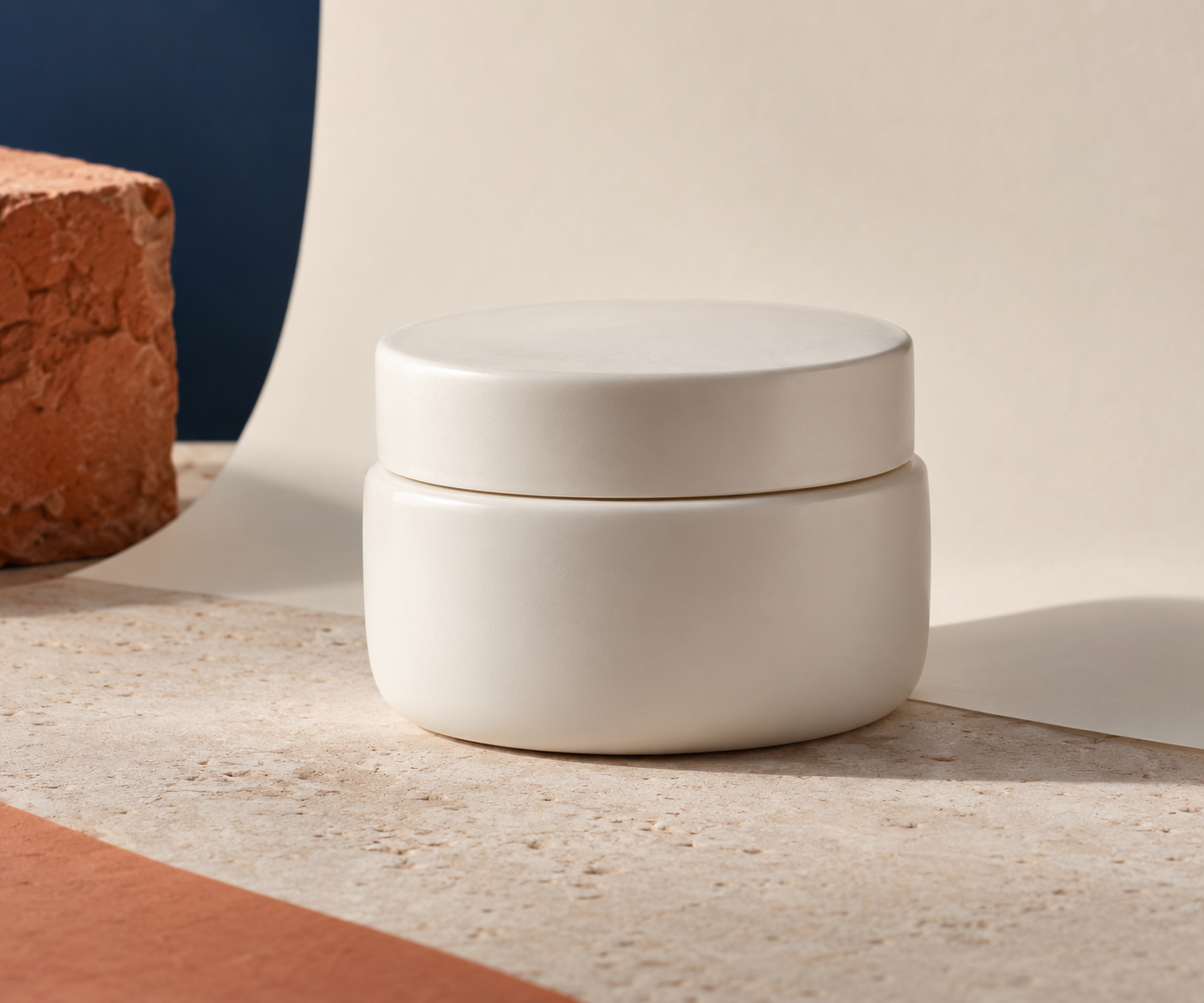
This is where a tool such as Supra AI Photo Studio is most useful as preparation, not magic. Its background removal, upscaling, and automatic enhancement options can help make a usable source image cleaner before you move to an on-model or lifestyle treatment. I would still inspect the result at the size customers use. Look especially at edges, labels, seams, transparent materials, and colors that should not drift.
A simple rule: do not ask one generation to rescue blur, invent missing product geometry, and create a lifestyle scene at the same time. Fix the source first. The stronger your starting image, the more confidently you can judge whether a new scene keeps the product honest.
Write a Reusable Scene Brief
For the lifestyle slot, write a brief with four fields: environment, surface, light, and purpose. “Bathroom shelf, travertine, late-afternoon window light, calm evening routine” is a far better direction than “make it luxury.” It gives you a concept you can repeat across related products without forcing every image to be identical.

Use one scene family per collection at first. For example, a skincare line can use warm stone and linen; a kitchen range can use daylight, wood, and real prep surfaces. Then vary one element at a time: camera angle, prop, or product benefit. This prevents a catalog from looking like it was assembled from unrelated mood boards.
For apparel, the equivalent is an on-model brief: pose, framing, model range, setting, and what must remain visible. Supra AI Photo Studio’s try-on workflow is designed for putting apparel, jewelry, and accessories on realistic models, but the review standard is the same: compare the generated item to your source. If the cut, hardware, print, or silhouette is not trustworthy, keep refining or use the clean source image instead.
Make Your Crops Deliberate
Every shot list should name its required crops before production. I usually ask for one vertical frame for social, one near-square product-page image, and one wide crop for merchandising. That small decision prevents the familiar last-minute scramble where a beautiful lifestyle image cannot fit the collection hero.
The crop is also part of product-page structure. If you are refining what appears around those images, organizing Shopify product page content without theme code can help you keep the visual story and product details working together.
Add a Fast Accuracy Review Before Publishing
AI makes variants cheap; it does not make them automatically ready to sell. Review each generated image against the original product with a short checklist:
- Is the product shape, color, material, and count correct?
- Can a shopper clearly see the intended benefit or use context?
- Does the image match the lighting and visual family of the other product assets?
- Is the crop useful on the exact placement it was made for?
- Does anything look invented, distorted, or misleading?

Save approved images into a category-level folder or a simple asset tracker, with the shot-list job in the filename. That turns future launches into a repeatable system instead of another creative reset. The same operating habit helps when you later create testable UGC video angles from one Shopify product: define the job, vary one variable, then review the output against the product.
Use AI for the Gaps That Matter
You do not need to replace every catalog image. Start with the gaps a customer can feel: a product that has no context, a color that reads flat, an apparel item without a fit reference, or a campaign that needs one more channel-ready crop. Supra AI Photo Studio is a practical option when you want to prepare a source image, place an object in a scene, explore a model try-on, or create supporting visual content from inside your Shopify workflow.
Start by installing Supra AI Photo Studio, choose one product family, and make your five-job shot list before generating anything. You will get more coherent product pages, use fewer experimental generations, and have a system that can grow with the catalog.
Comments
Post a Comment