
If your startup website already explains the product well, you do not need to start a launch video with a blank-page creative brief. You need to turn the site’s strongest evidence into a small set of scene decisions. That is the fastest way I have found to keep a product video focused instead of making it a moving version of every page on the site.
VideoFlow Studio is useful for this job because it starts with a website URL, builds a motion-graphics plan, and leaves you with an editable video rather than an untouchable export. Here is the brief I would make before asking any tool—or any teammate—to create the first cut.
TL;DR: Turn the Site Into Four Decisions
A useful product-video brief answers four questions:
1. Who should recognize themselves in the first few seconds?
2. What painful or expensive moment should the product resolve?
3. What proof makes that promise believable?
4. What should a viewer do next?
Everything else on the website is reference material. Keeping that distinction prevents feature lists, navigation labels, and minor integrations from competing with the actual story.

1. Read the Website Like a Buyer, Not Like Its Owner
Open the homepage and product page in a fresh browser window. Then write down only the material a new buyer could repeat after a quick scroll: the audience, the before-state, the promised after-state, one credible proof point, and the desired next action.
I have seen founders accidentally brief a video around how the product was built. Buyers are usually trying to decide whether the product fixes a specific workflow. A good opening scene should show that workflow tension, not a tour of the navigation.
For example, a SaaS page might contain dozens of claims, but the brief can reduce them to: “A lean team loses time collecting approvals; this product gives them one visible release path; show the handoff becoming clear; invite a demo.” That is enough to make scene choices.
2. Give Every Scene One Job
A short product video does not need many scenes, but each scene needs a job. I use this lightweight map:
- Recognition: make the right viewer feel seen.
- Mechanism: show the product changing the stuck moment.
- Proof: make the result feel concrete through a product view, outcome, or before/after contrast.
- Action: close with one calm next step.
The strongest ecommerce product pages do the same thing: they guide a shopper from problem to confidence without asking them to decode every detail at once. If you are refining product-page information architecture, the approach in organizing product details with reusable tabs is a helpful reminder to group information by the decision it supports.
3. Define What Can Change Before You Generate
A video brief should call out the flexible parts: the hook, the proof example, the CTA, and the visual emphasis. It should also name what must not drift: brand colors, product terminology, approved claims, and the action you want viewers to take.
That boundary matters when a video will be revised after a founder, marketer, or client sees the first cut. With Studio, you can direct the agent from your terminal in plain language, then adjust layers, timing, colors, and text in its built-in editor. The underlying VideoFlow engine keeps the output structured and editable instead of treating the render as the only artifact.
This is a better fit for a launch trailer than a one-shot clip when you already know feedback is coming. Think of the first version as a decision surface, not as a final deliverable.
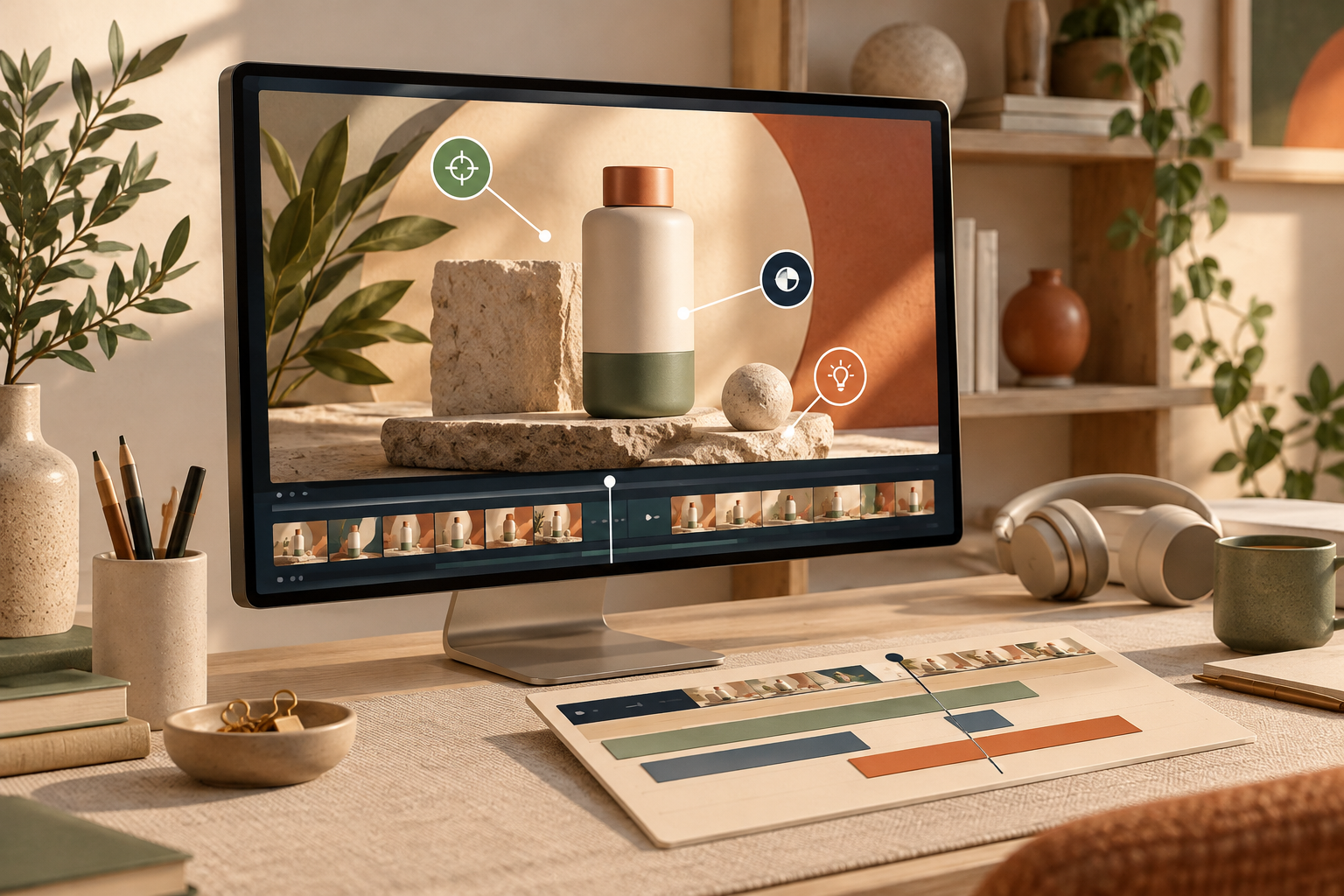
4. Review the First Cut at the Frame Level
Before sharing the video broadly, watch it once with the brief next to you. Check four things:
- Can a new viewer identify the audience and problem quickly?
- Does every text element stay readable long enough?
- Do the product views support the promised outcome instead of distracting from it?
- Does the final action match the page the viewer will land on?
Do not review only for polish. A perfectly aligned video can still be unclear. For a more detailed quality pass, use a product video review rubric before export. It separates message clarity from visual details, which makes feedback much easier to act on.
5. Ask for Specific Revisions, Then Keep the Source
“Make it better” produces vague feedback and vague revisions. Replace it with an observable change: “Lead with the outcome,” “hold the comparison one second longer,” or “remove the second claim because the product screen already proves it.”
That is where an editable workflow earns its place. Studio plans, builds, renders, visually reviews, and can re-render a motion-graphics video from your instructions; you can also make manual adjustments in the editor without losing the agent context. If your team needs a technical foundation for this kind of reviewable process, building a reviewable AI video pipeline with VideoJSON explains the related structured-source idea.

A Small Brief Template You Can Reuse
Before you generate a product video, fill in these lines:
- Viewer: The person who needs this now.
- Stuck moment: The costly or frustrating before-state.
- Promise: The specific change the product enables.
- Proof: One screen, outcome, or contrast that earns belief.
- Scene sequence: Recognition → mechanism → proof → action.
- Non-negotiables: Claims, terminology, and brand details that must remain accurate.
- Revision question: What must a first-cut reviewer decide?
This is also a sensible way to prepare a single product change for video; this SaaS update-video workflow shows why one focused narrative beats a bloated release reel.
The practical next step is simple: copy the seven prompts above, fill them in from your homepage, and use that as the instruction for your first cut. If you want an agent-led, editable motion-graphics workflow from the URL onward, try VideoFlow Studio. Your site already contains the raw material; the brief gives it a story.
Comments
Post a Comment