# Should This Shopify Product Get a 3D Model or Better Photos?
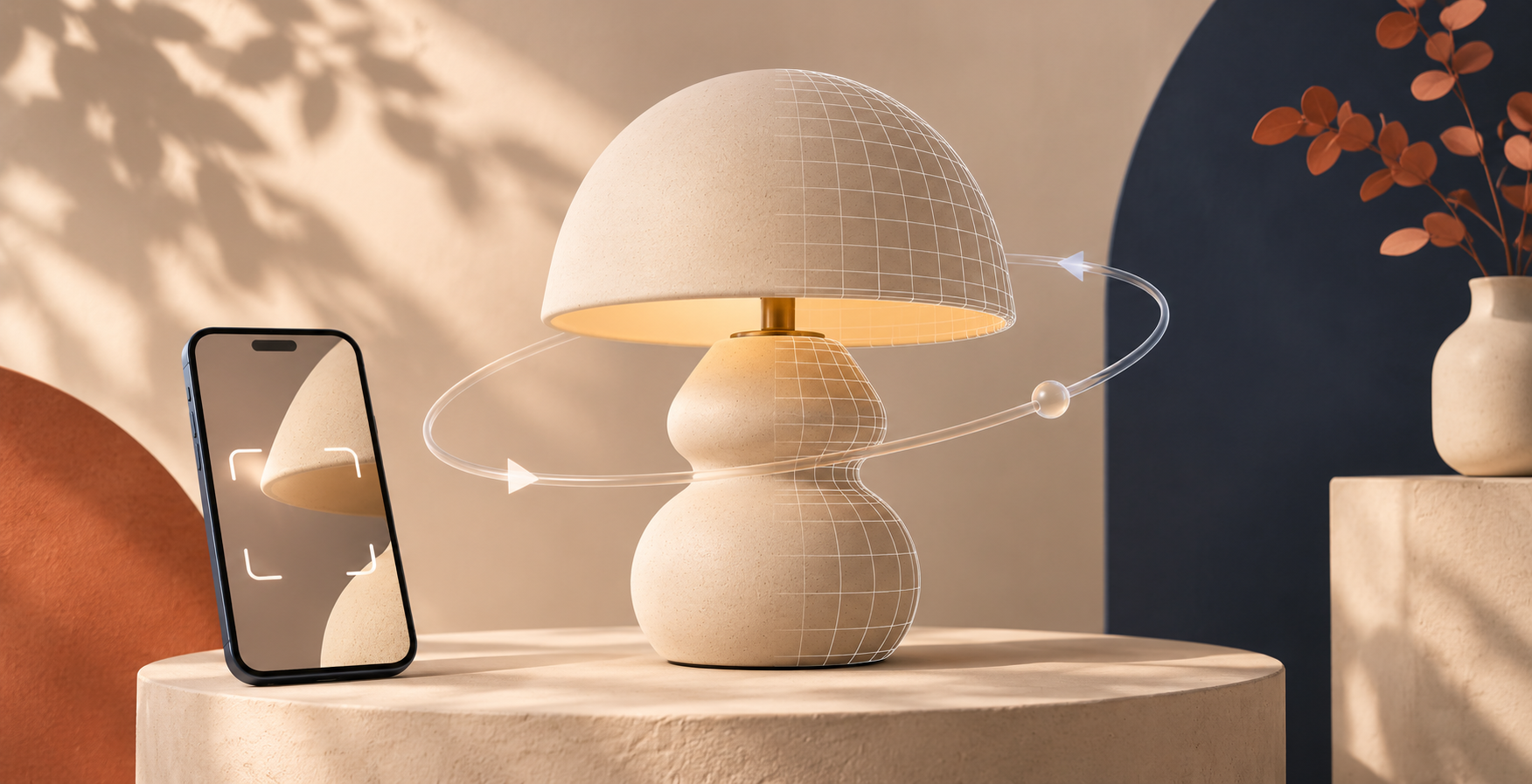
A Shopify product needs a 3D model when its shape, depth, moving parts, or scale create a buying question that even excellent photos cannot settle. If the shopper mainly needs color, finish, styling, or close-up material proof, improve the photo set first. For many products, the right answer is a hybrid: strong photos for visual persuasion and a rotatable model for inspection.
I have seen merchants treat 3D as an automatic upgrade, then discover the product page still lacks the one proof a shopper needs. Start with the uncertainty, not the format. Shopify lists 3D models alongside images and video as product media, and notes that 3D can help customers understand an item’s function and size. That is a useful job—but it is not every product’s job.

Ask what the current photo set cannot prove
Open one product page on a phone and ask a simple question: What would make a careful shopper hesitate after viewing every image? Write one answer, not a vague wish for “more engagement.”
Use this decision table:
| Shopper uncertainty | Start with | Why |
| --- | --- | --- |
| “What color or texture will I receive?” | Better photos | A close-up, daylight view, and useful scale reference are clearer than a model. |
| “How deep is it, and what is on the back?” | 3D model | Rotation lets a shopper inspect continuous shape without hunting through angles. |
| “How does this hinge, lid, clasp, or attachment sit?” | 3D model plus a short video if motion matters | 3D explains form; video can explain operation. |
| “Will this finish look premium in my space?” | Better photos | Styled context and lighting are a photography job. |
| “Is this unusual object worth the price?” | Hybrid | Photos build desire; 3D helps a buyer inspect the object. |
This keeps a common mistake out of the plan: replacing the useful photos with 3D. A model should add a new kind of proof, not recreate a front-on hero shot.
Use the four-question 3D test
Score one point for every “yes.” Products with three or four points are sensible candidates for a contained 3D trial.
1. Does the product have meaningful depth? Think bags, tabletop objects, shoes, tools, jewelry, or furniture—not a flat print where the back tells the same story.
2. Do buyers compare several sides before they buy? If support questions often ask about the rear, base, thickness, fittings, or interior, a spin may answer them faster.
3. Can a still image hide a relationship between parts? Assemblies, lids, handles, connectors, and layered materials are good examples.
4. Can the item be captured cleanly? Begin with a matte, stable, medium-size product in even light. Highly reflective, transparent, or fuzzy items deserve a more deliberate test rather than a promise that every scan will be effortless.
If the score is zero or one, spend the next hour on the image brief: a scale shot, a detail crop, a back view, and a contextual use photo. If it is two, make the decision from the most expensive unanswered question. If it is three or four, a small 3D pilot is worth considering.
Check the storefront before you capture
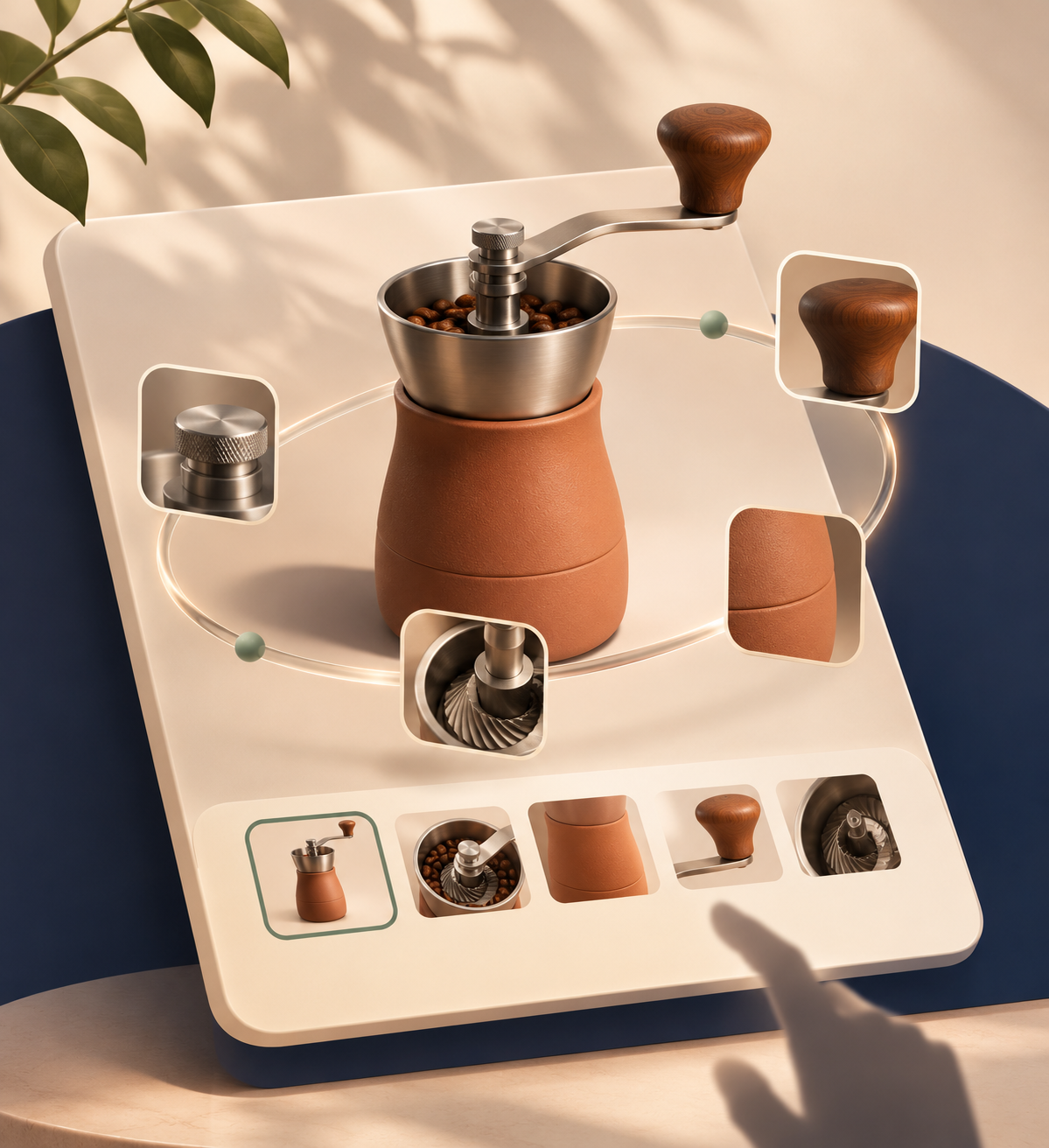
A GLB is a 3D file format commonly used for web product media. Before making one, confirm how it will appear where customers actually shop. Shopify says stores need either a theme that supports 3D models and video or a theme modification for the media to display. That is why a theme-support check belongs before a capture session—not after you have a file.
For a no-code route, Supra 3D Capture uses guided phone photos to produce a web-ready GLB, then lets you attach it to Shopify product media or use an Online Store 2.0 app block. The Shopify App Store listing also describes an in-admin editor for trimming the base, softening surfaces, and cleaning stray bits. Those are practical reasons to trial a single SKU before committing to a catalog-wide program.
Run one controlled comparison
Choose one product with a clear unanswered shape question. Do not start with your hardest glassware, chrome accessory, or soft fluffy item. Keep the baseline product photos live, add the model in a test theme or duplicate product, and check these four things:
- The model is visible on desktop and mobile, and loading does not obscure the buy controls.
- A shopper can recognize the product at its default angle before interacting.
- Rotation reveals at least one useful detail that the photo gallery does not already make obvious.
- Your existing close-ups still carry their job: material, color, and in-use context.
This is a tighter version of a phone-captured 3D publish workflow and avoids trying to judge 3D from a file alone. A model can be technically valid and still be the wrong product-page choice.

Keep the photo brief when you choose 3D
The strongest product pages make the media roles obvious. Let the hero image establish the product, use stills for the finish and real-world context, and use 3D for form. If shoppers need many close-ups to understand fabric, construction, or scale, do not remove them after publishing a model.
A useful next step is to compare the pilot against a deliberately improved gallery, not a weak one. The first-SKU scorecard can help narrow candidates, while this 3D-media pilot guide is a helpful reminder to keep scope small.
The practical next move
Pick one product page today and write the exact question its images fail to answer. If that question is about continuous shape or hidden sides, try a phone-based 3D capture with Supra 3D Capture. If it is about color, detail, or aspiration, improve the photo brief first. Either way, you will be investing in evidence a shopper can actually use—not adding media just because it is new.
Comments
Post a Comment