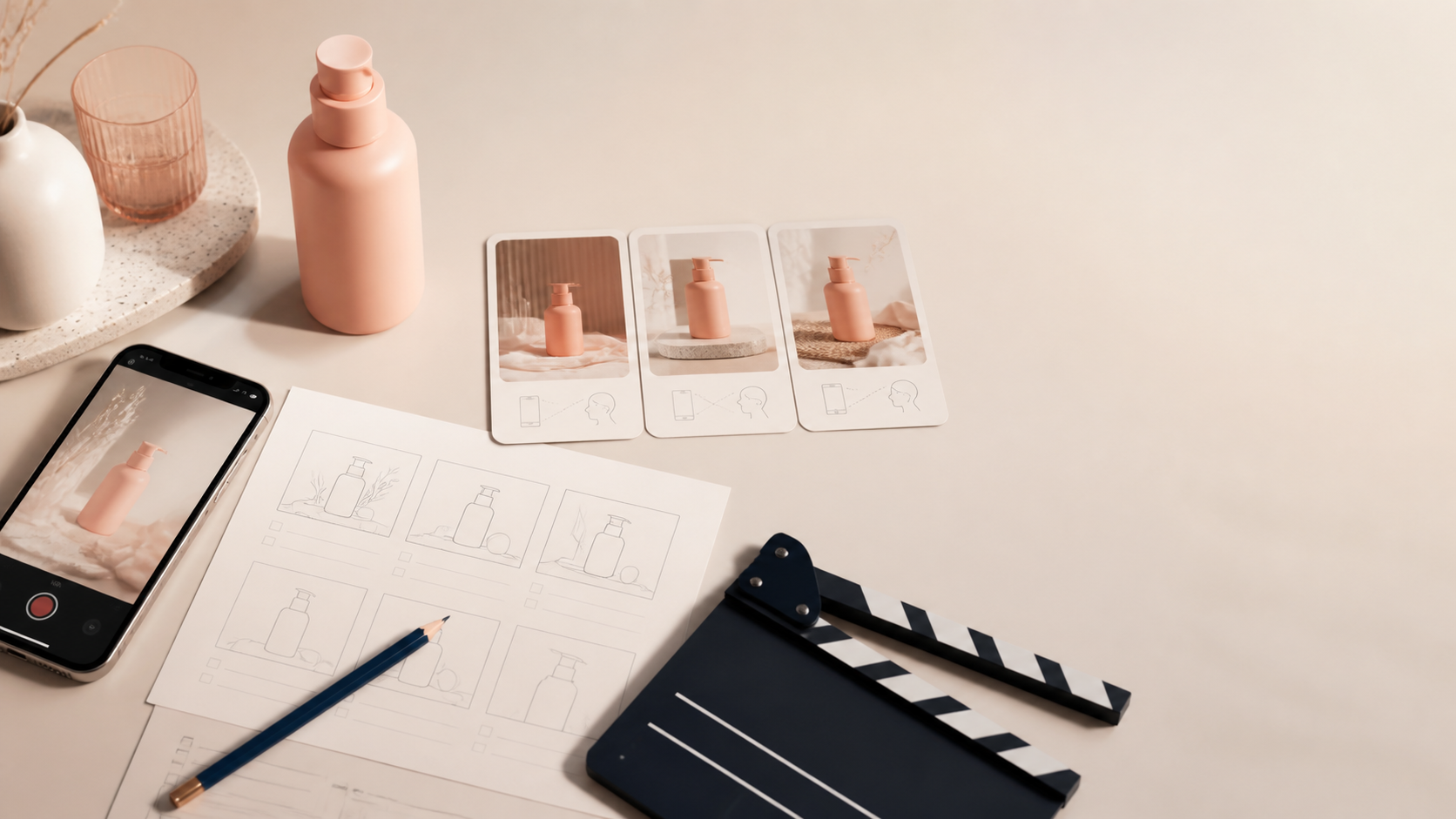
Launching a product without a video plan usually creates the same problem: the team finally gets one decent clip, then tries to make it work everywhere. The ad needs a stronger hook, the product page needs a clearer demo, and email needs a faster explanation. By then, you are back at the start.
A better approach is to plan a small set of Shopify UGC videos around the questions shoppers need answered at each stage. You do not need a huge shoot list. You need a product reference, a few useful angles, and a repeatable way to turn the best ideas into variants. Supra UGC Maker is built for that workflow: it lets Shopify merchants combine AI avatars, scenes, scripts, voice and tone, and product references into UGC-style product videos.
Start with one launch question per video
Before choosing an avatar or a background, write down the job each clip has to do. For a new skincare product, that might be: “Why would I switch?” For a kitchen tool, it might be: “Will this actually make the task easier?” That single question keeps a video from becoming a list of unrelated claims.
I like to begin with three jobs:
- Stop the scroll: a short, specific hook for a paid or social placement.
- Reduce hesitation: a product-page explanation or demonstration that makes the product easier to understand.
- Move the next action: a launch, email, or post-purchase message that gives the shopper a clear reason to click, use, or remember the product.
This is also the difference between a creative plan and a pile of clips. If your launch is mainly about testing, use a tighter creative matrix like the one in How I Plan 12 Shopify UGC Video Variations Before Lunch: change one meaningful variable at a time, such as the hook, scene, or delivery style.
Build each video from a simple three-beat storyboard
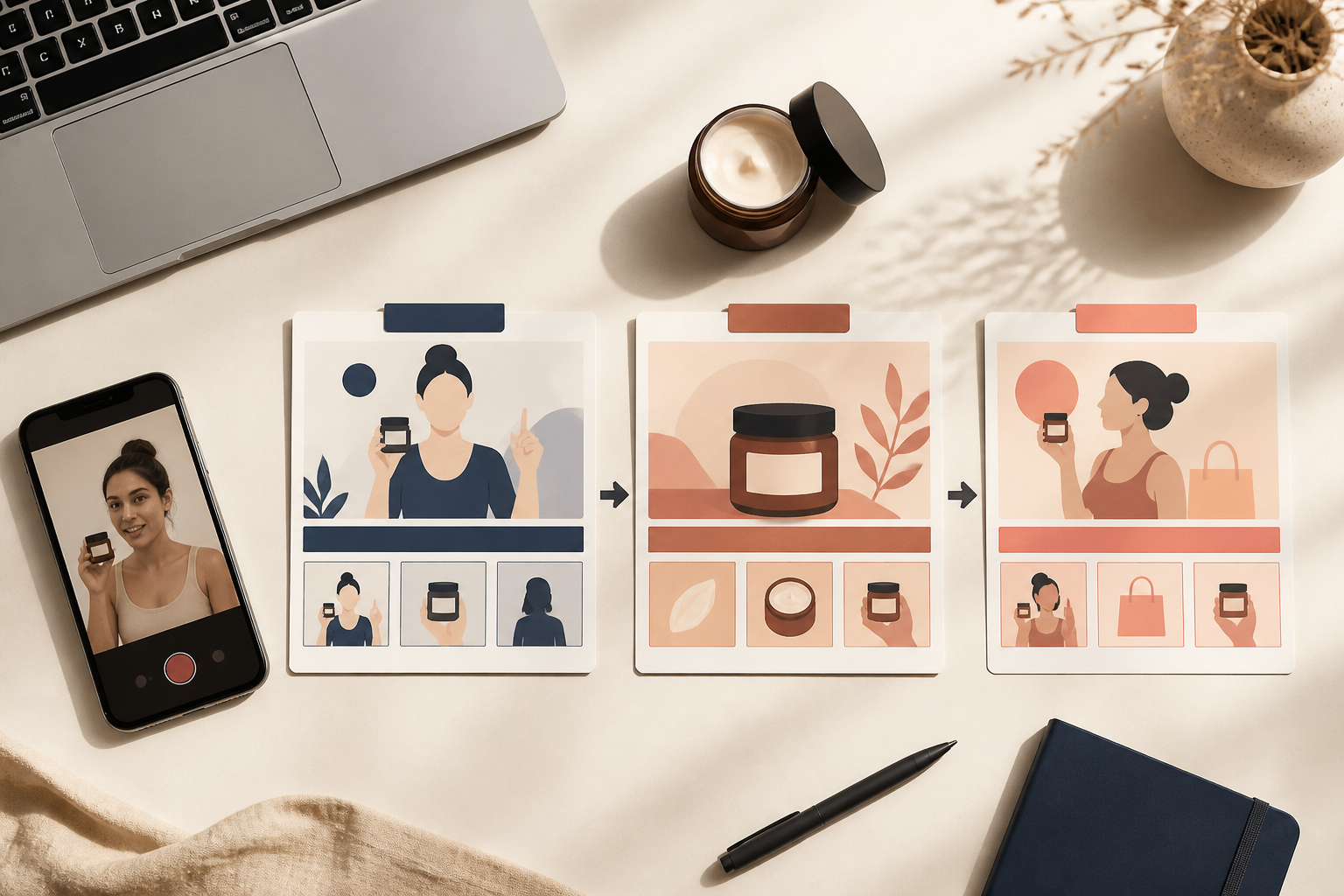
Most launch videos do not need a complicated script. A useful starting point is:
- Hook: name a frustrating moment or a desired outcome.
- Proof: show or explain the product’s role in solving it.
- Next step: ask the shopper to see details, shop the product, or use the product in the way you just demonstrated.
For example, a reusable water bottle launch might open with the problem of lukewarm drinks, move into the bottle’s daily-use situation, then end by sending people to the product page for colors and details. Do not make the AI avatar read a feature list. Give it a natural sentence that sounds like it belongs in a short product recommendation.
In Supra UGC Maker, you can choose a preset avatar or create a custom AI model, select a scene, add a product reference, write the script, and choose voice and tone. Previewing the scene before you generate is valuable here: it gives you a chance to catch a mismatch between the product, setting, and line before you create a full video segment.
Pick four angles, not four totally different campaigns
A launch needs range, but range is easier to manage when the core message stays stable. Start with one product and one promise, then create a small set of angles around it:
- A problem-first clip for people who do not know the product yet.
- A quick use-case demonstration for the product page.
- A lifestyle scene that helps shoppers picture the product in their routine.
- A detail-focused answer to the objection that appears most often in reviews, support tickets, or comments.
That structure gives you several UGC ads for Shopify without asking every clip to do every job. It also makes review simpler: you can compare hooks or scenes against the same product story instead of judging unrelated concepts. If you are building a broader creative system, How I Build a Shopify UGC Creative System Without More Shoots is a useful companion for organizing reusable scenes and new ad variations.

Match the video to its placement
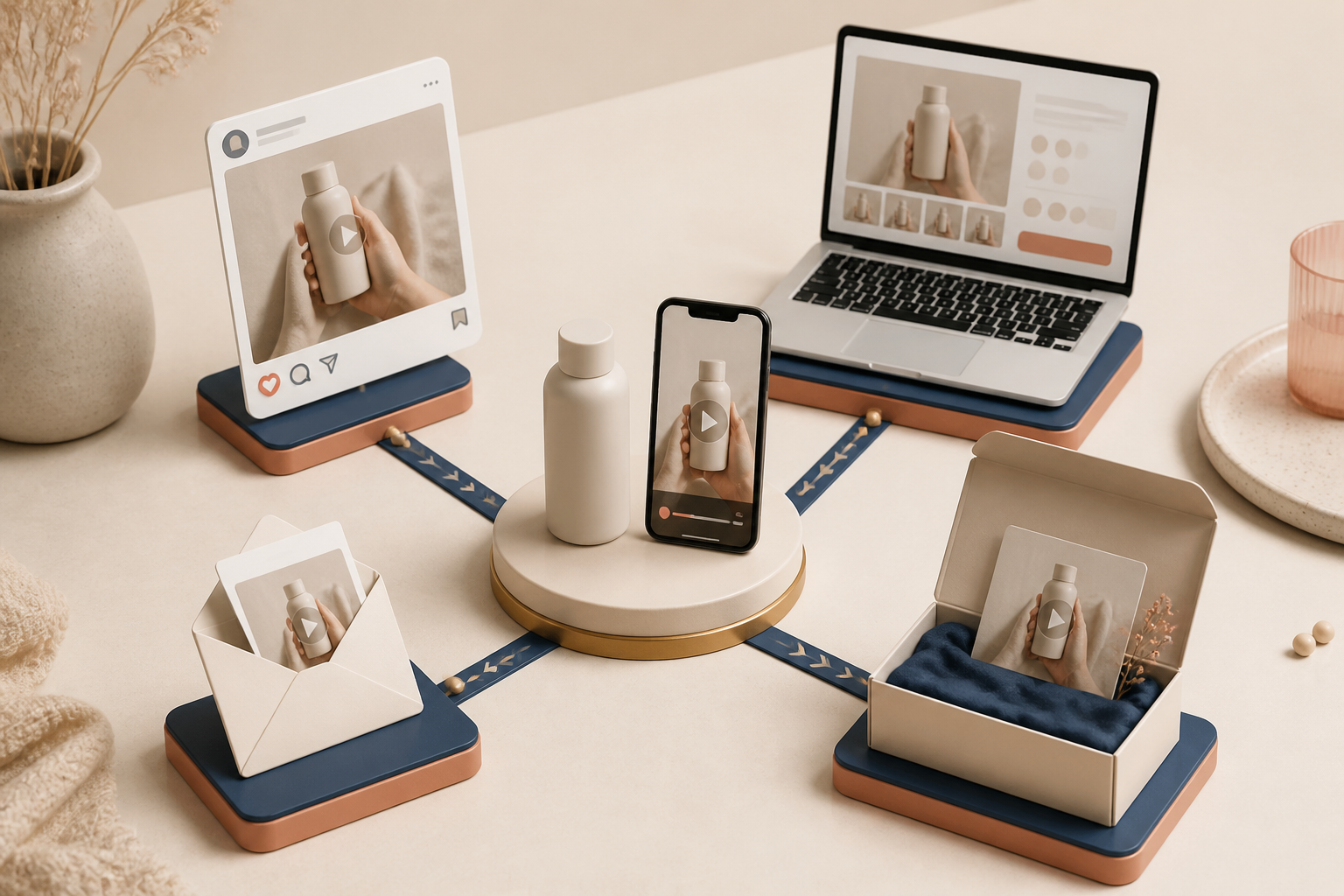
The same product video can inform more than one channel, but it should not be copied everywhere unchanged. A social placement often needs the fastest hook. A product page can spend a little more time showing context. An email thumbnail or launch teaser needs a clear visual benefit before the click. Post-purchase content should help a customer get value from what they already bought.
Plan the destination before you generate:
- Ads and short-form social: lead with the problem or transformation.
- Product page: focus on use, scale, ingredients, setup, or the question that blocks purchase.
- Launch email: use one message and one call to action; the video should support the email, not repeat every line.
- Post-purchase: explain first use, care, or a feature that reduces confusion.
For a deeper product-page placement walkthrough, see How to Add AI UGC Videos to Shopify Product Pages. And if your goal is support rather than acquisition, How to Create Post-Purchase Shopify Videos That Answer Questions Before Support shows why those clips should solve one real customer question.
Keep the first review focused
Before you download or publish anything, review the clip against a short checklist: Is the product clearly represented? Does the scene fit the brand and the customer? Does the script make one credible promise? Does the first moment make sense with the sound off? Is the call to action right for the placement?
AI UGC is especially helpful when you need scalable UGC-style creative testing, product explainers, and fast launch production. It is not a replacement for every real creator relationship; real creators can still be the better choice for community trust, personal testimonials, or a deeply creator-led campaign. The practical goal is to use each format where it is strongest.
Your next launch step
Pick one product, write three launch questions, and turn the best one into four focused video angles. Then use Supra UGC Maker to set the avatar, scene, product reference, script, and voice for your first UGC-style product video. A small, reviewable plan will give you more useful launch creative than one expensive all-purpose clip.
Comments
Post a Comment