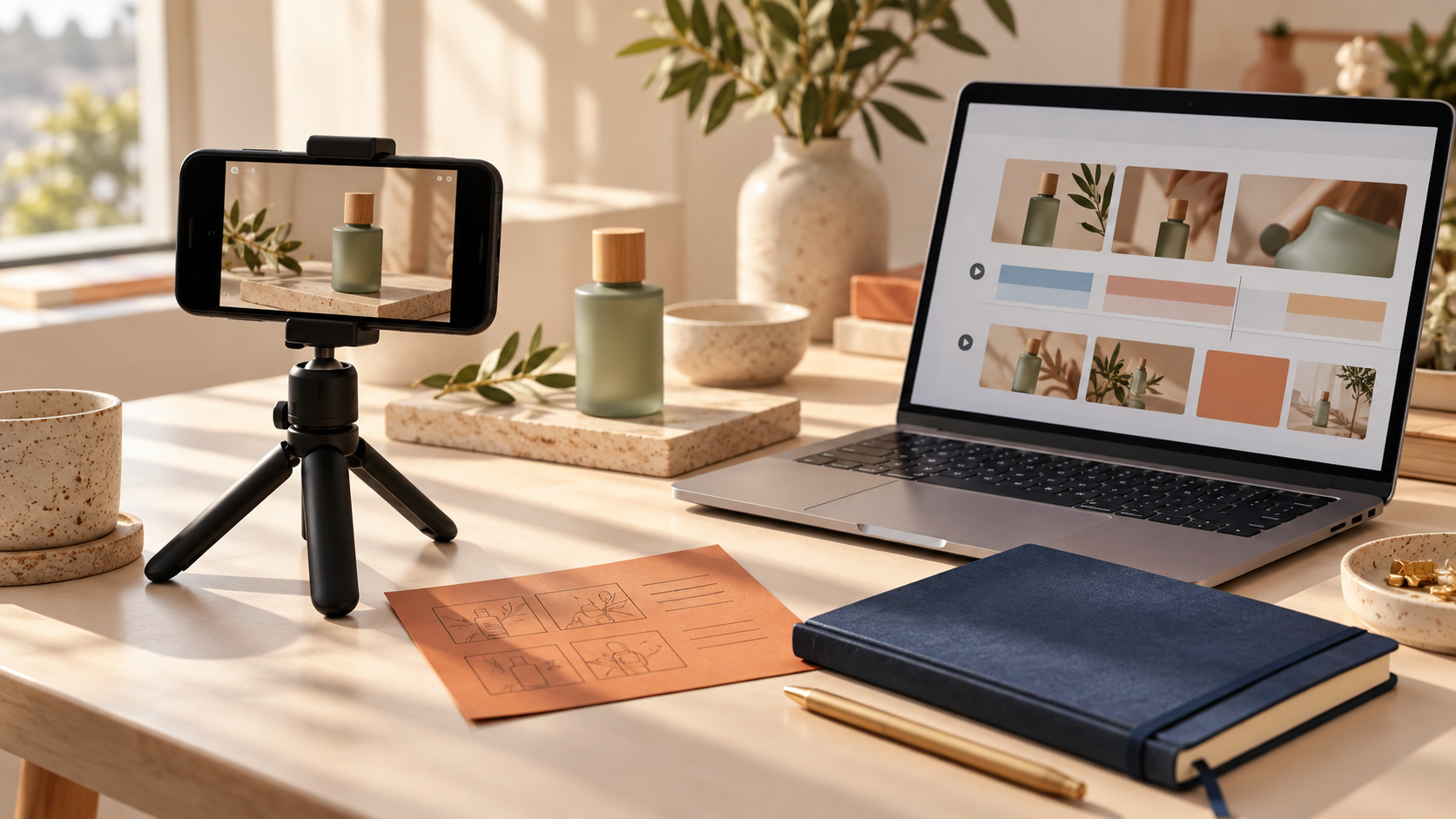
If you need more Shopify ad creative but cannot afford to organize a new creator shoot every week, start with a small testing plan—not a pile of videos. I have seen stores get better answers from four deliberate UGC-style variations than from one expensive, over-produced asset. The goal is to learn which message earns attention, then make more of the winner.
Supra UGC Maker gives Shopify merchants a practical way to build those variations with an avatar, a scene, a product reference, a script, and a chosen voice or tone. It is not a substitute for real customer stories or creator relationships. It is a useful production lane for fast creative testing, product explainers, launches, and repeatable short-form assets.
The simple testing plan: change one thing at a time
A testing plan is just a short statement of what you want to learn. Before generating anything, write down one product, one audience problem, one placement, and one variable. For example: "For our new moisturizer, does a problem-first hook or a routine-first hook earn more product-page clicks from first-time visitors?"
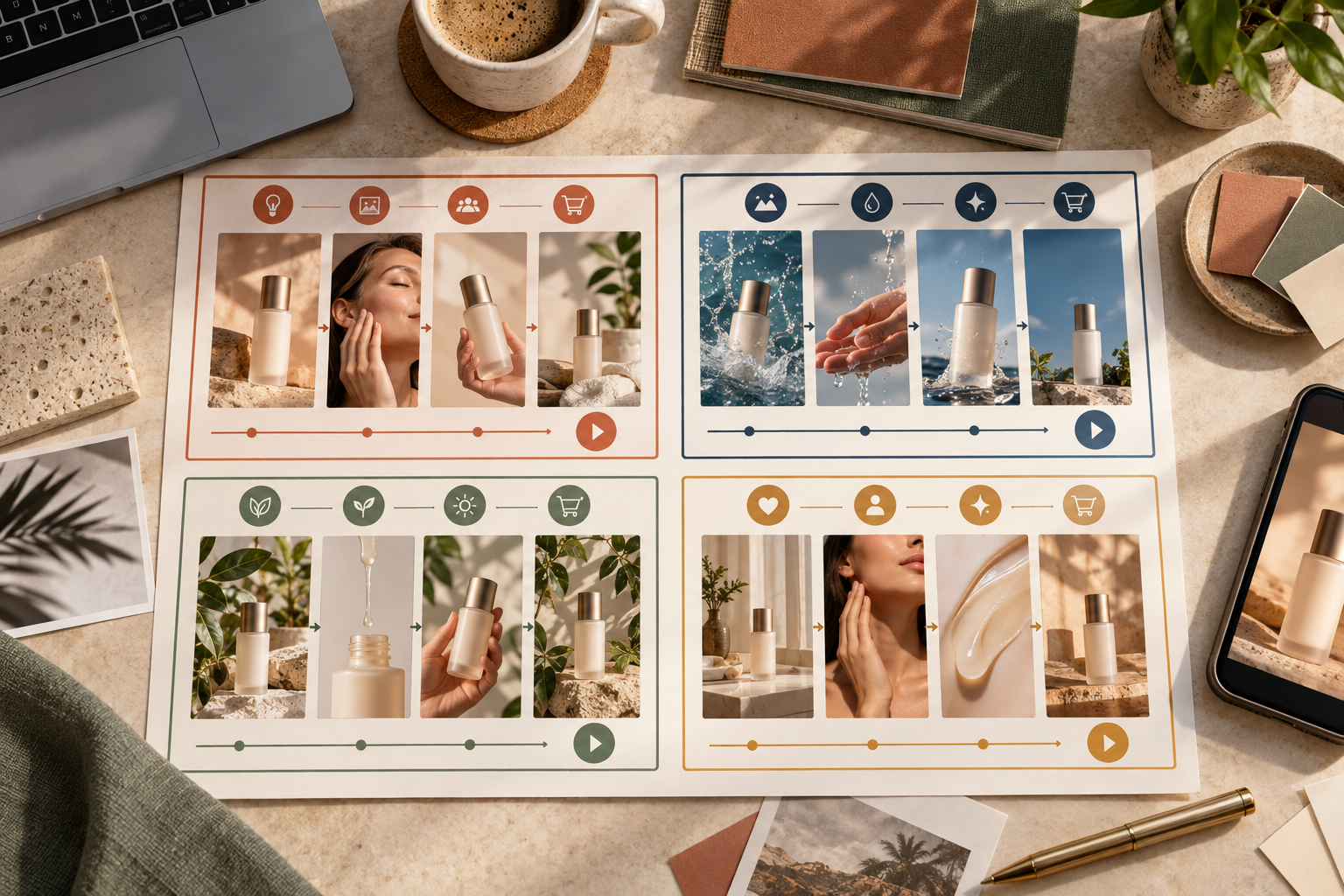
Keep the first round narrow. If you change the avatar, scene, opening line, offer, pacing, and CTA all at once, you will not know what caused the result. A manageable first round is four videos: two hooks with the same scene and product, then two scene or tone variations built from the stronger hook.
Pick a single job for the video
Different placements need different work from a video. A paid social video may need to interrupt a scroll. A product-page video may need to answer a practical question: what is included, how big is it, or how does it fit into a routine. A post-purchase video can reduce uncertainty after the sale.
Choose one job before writing the script. If you are unsure what your product page still needs, this guide to organizing Shopify product page content without theme code is a useful companion: it helps separate a purchase question from a marketing claim.
Build four useful variations from one product
Here is a practical first matrix for a product with a clear use case. It works well for skincare, home goods, accessories, wellness products, and many other DTC categories.
1. Problem hook: name the friction the shopper recognizes. Keep it specific and avoid invented outcomes.
2. Routine hook: show where the product belongs in a familiar moment, such as a morning routine, packing list, or desk setup.
3. Proof or detail hook: point to one visible product attribute, ingredient, material, size, or usage step that a shopper can verify.
4. Objection hook: address a common hesitation, such as complexity, storage, compatibility, or who the product is for.
Each version should have the same basic spine: hook, product context, one benefit or detail, and a clear next action. Do not promise a result you cannot substantiate. For a product that needs a visual demonstration, you can pair this approach with the workflow in How to Create a Reusable Shopify Product Photo Shot List With AI, so your stills and video concepts point at the same shopper questions.
Make the scene support the claim
Supra UGC Maker lets you choose an avatar, scene or background, product reference, script, and voice or tone before generating segments. That means the setup can carry part of the message. A clean studio scene can help a detail-led product explanation feel focused. A home setting can make a routine feel familiar. A boutique-like setting can help a gift or styling idea feel more concrete.
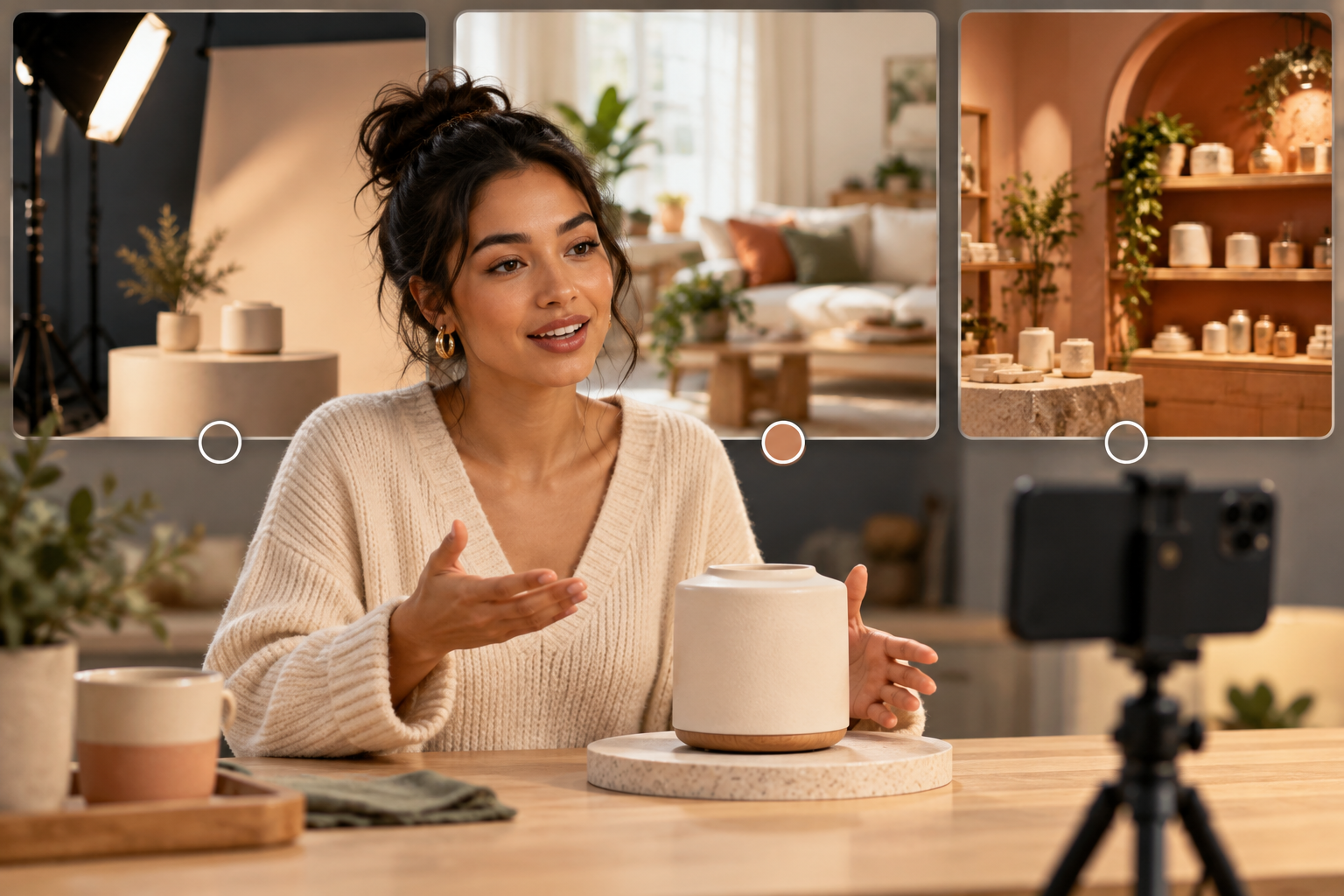
Avoid treating the scene as decoration. Ask: would this setting make the viewer believe the product is being used in this moment? If not, simplify it. Save the working scene and project once it feels right; reusable projects are what make follow-up variations fast instead of repetitive.
Use a script that sounds like a helpful product explanation, not a generic testimonial. A good 20- to 30-second outline is:
- Start with the shopper's situation.
- Introduce the product naturally.
- Show or explain one concrete reason it helps.
- Give one accurate use detail.
- End with the next action for that placement.
Review before you generate more
Preview the scene and read the script as if you were the shopper. Check that the product is identifiable, the spoken claim is supportable, the tone matches the category, and the CTA matches the destination. This is the same discipline that makes a Shopify size-chart pre-launch check useful: catch mismatches before they become customer confusion.
Once the clips are generated, label them clearly with the hook, scene, audience, and CTA. Then decide how you will judge them. You might compare thumb-stop rate and click-through for an ad, completion rate for a Reel, or add-to-cart behavior for a product-page placement. Give the test enough traffic to be directional before declaring a winner.
Reuse the winning message across the funnel
A winning hook should not live in only one ad account. With a few careful edits, the same product story can support a social ad, a product-page explainer, a launch email thumbnail, or a post-purchase how-to. The wording and CTA should change by placement, but the shopper insight can stay intact.
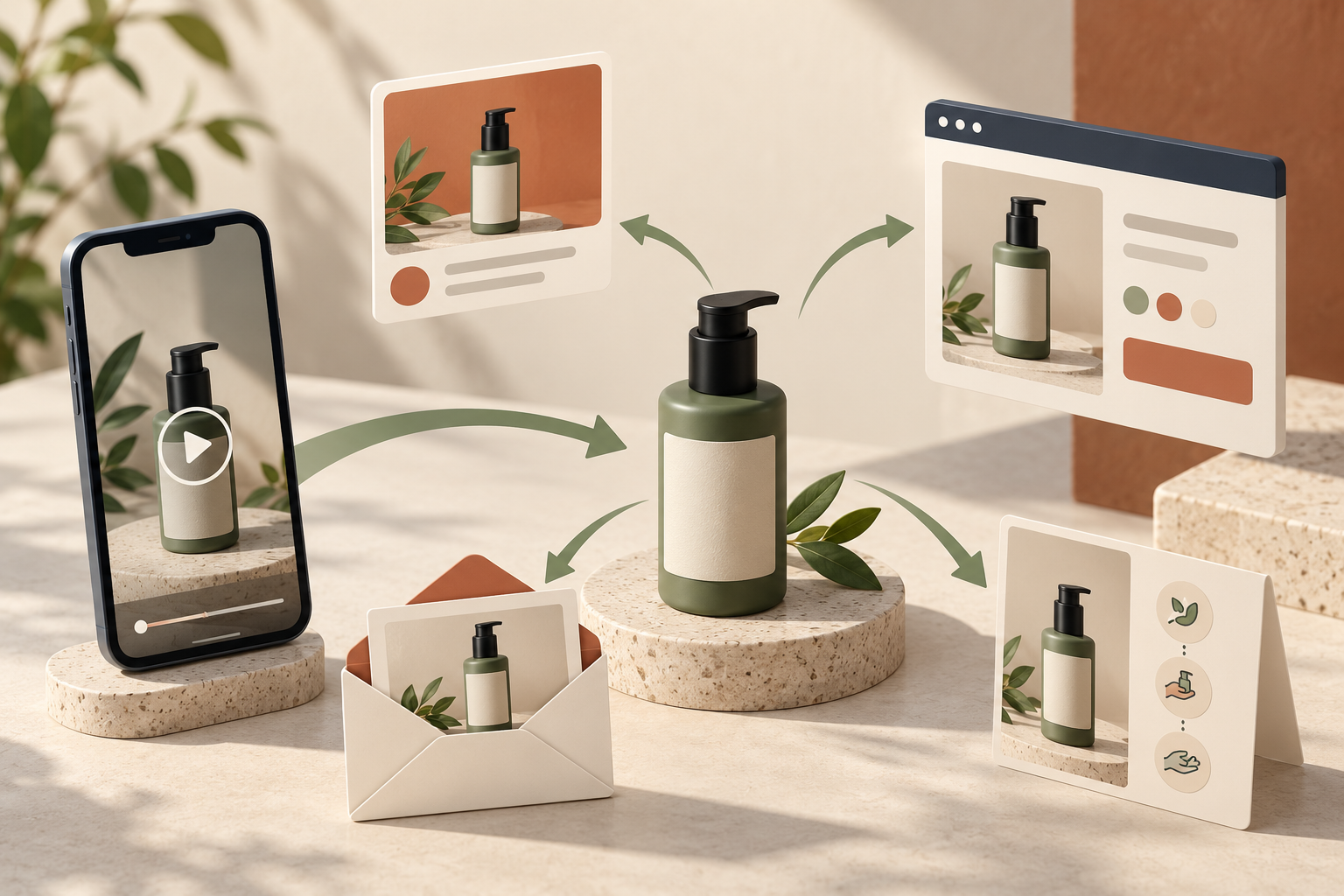
This is also where AI-generated UGC-style creative has a genuine advantage: once the core project is saved, you can update a line, swap a scene, trim a segment, or regenerate a variation without rebuilding the full production. If you are planning a launch, combine the video plan with a simple startup URL-to-launch-video brief so the message stays consistent across the campaign.
When to use real creators instead
Use real customers and creators when lived experience, community trust, a personal review, or hands-on authority is the main reason the video will persuade. Those are not details an avatar should imitate. Use scalable AI avatar product videos when you need to test scripts, clarify product use, create more placement-specific versions, or get a campaign moving while creator content is being developed.
Start with one product and four questions
Do not try to build a complete library on day one. Pick one product, write four honest hooks, keep the product detail constant, and learn from the response. You can create the first set with Supra UGC Maker on Shopify, preview the scenes, and save the strongest project as the basis for the next round. That is how Shopify UGC videos become a repeatable testing system rather than another one-off creative task.
Comments
Post a Comment